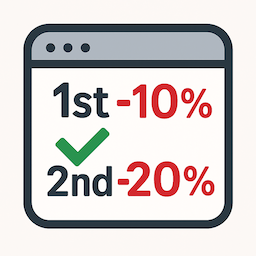
Order Boost — First Order Discounts

What Order Boost does – Detects new customers (logged-in: by user ID & paid-ish orders; guests: by billing email). – Applies a negative fee as a discount in the cart/checkout: – Percentage or Fixed amount – Minimum subtotal (ex. tax) threshold – Option to include sale items in the threshold – Option to skip when coupons are present (prevents stacking) – Option to mark discount taxable (off by default)
Where to configure – Go to Marketing → First Order Discounts.
Why a fee and not a coupon? – Predictable totals, minimal conflicts with coupon logic, and clearer reporting. Need a real coupon? You can filter the label or adapt to an auto-applied coupon if preferred.
Pro Version
Enhance your store’s incentives with Order Boost Pro – First & Second Order Discounts, which expands the free plugin’s functionality by allowing discounts to be applied to either the first or the second order.
What the Pro version adds – Apply the automatic discount to the second order, not just the first – Use the same configurable rule set (type, amount, minimum subtotal, taxability, sale-item rules, etc.) – Includes priority support and ongoing updates
Why upgrade? Rewarding returning customers is an effective way to increase repeat purchases. The Pro version makes this effortless by applying your discount logic to a customer’s second order-no coupons, no manual setup.
Get Pro Purchase a licence here: Buy an Order Boost Pro licence
💡 Note: – In the block-based checkout, WooCommerce only recalculates totals once enough billing details are entered to validate the customer. Typing an email alone will not immediately update prices — but any eligible discount is always applied automatically before the order is completed.
Uninstall
The plugin includes an uninstall.php that fully deletes its saved options (dl_order_boost_settings_v1). Multisite-safe.
Author
Created by Digital Lychee — https://digitallychee.com