EazyDocs – AI Powered Knowledge Base, Wiki, Documentation & FAQ Builder
The #1 WordPress Plugin for Building Professional Knowledge Bases, Help Centers & Documentation Sites
EazyDocs is the most comprehensive knowledge base and documentation plugin for WordPress. Create unlimited knowledge bases, help centers, wikis, and FAQs with zero limitations. Perfect for SaaS companies, software developers, agencies, e-learning platforms, and any business needing professional documentation.
Supercharge Your Docs with AI Integrate EazyDocs with Antimanual to add an intelligent AI chatbot, automated documentation generation, and advanced AI search. Reduce support tickets by 70% and provide instant answers to your users.
Why Choose EazyDocs?
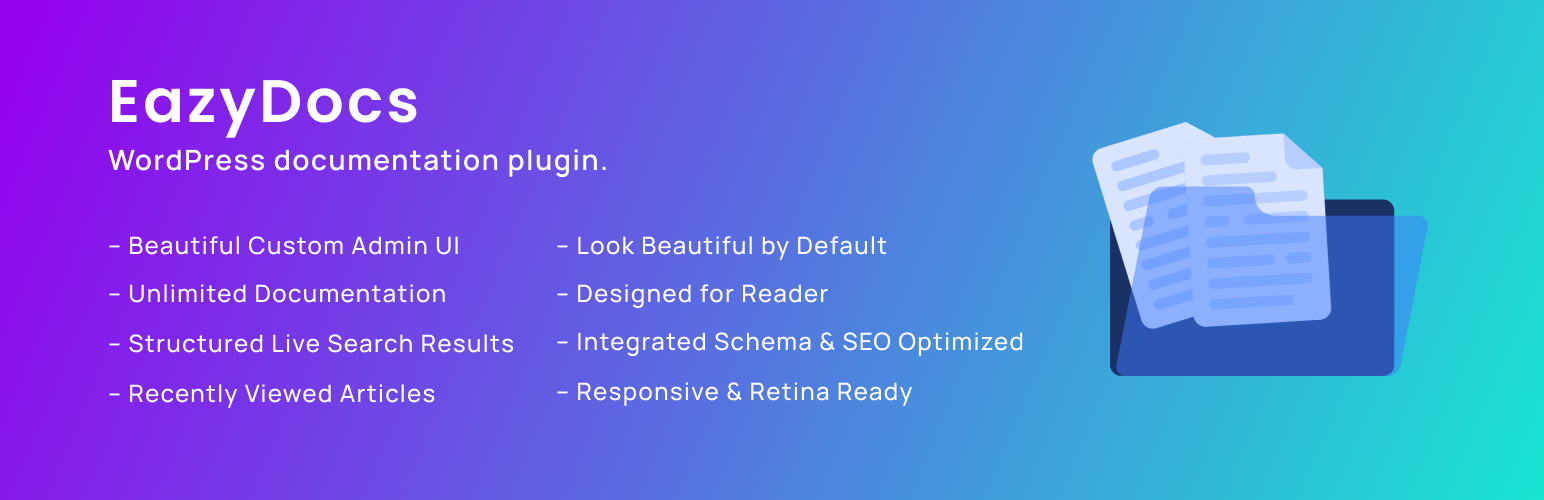
- Unlimited Everything – Create unlimited knowledge bases, docs, and categories with no restrictions.
- Drag-and-Drop Editor – Organize and nest documents intuitively. No coding required.
- AI-Powered Documentation – Seamlessly integrates with Antimanual for next-generation AI assistance.
- SEO-Optimized – Built-in Schema.org integration, SEO-friendly architecture, and structured data.
- Live Search – AJAX-powered search with instant results and smart suggestions.
- Beautiful by Default – Professional, modern design that works out-of-the-box.
- Mobile-Responsive – 100% responsive and retina-ready on all devices.
- Reader-Focused Design – Optimized for readability with sticky sidebars and automatic TOC.
Video Overview – See EazyDocs in Action
Trusted by 2000+ Businesses From small teams to enterprise organizations, EazyDocs is the go-to solution for professional documentation.
Real Success Stories
- Bit Apps – Complete SaaS documentation
- Glamsy Designs – Product knowledge base
- Quomodosoft – Product knowledge base
Getting Started
- Install EazyDocs from the WordPress plugin directory.
- Activate the plugin.
- Go to EazyDocs > Getting Started.
- Create your first knowledge base and organize with drag-and-drop.
Need Help?
Core Features👇
AI-Powered Capabilities (via Antimanual)
- Intelligent AI Chatbot – Instant, accurate answers trained on your documentation (GPT-4, GPT-5, Gemini support).
- AI Documentation Generator – Create comprehensive docs automatically with custom tone and language.
- AI-Powered Search – Semantic search that understands user intent, not just keywords.
- Auto-Posting & Content Automation – Schedule and publish AI-generated documentation.
- Forum Integration – Convert forum discussions into permanent knowledge base articles.
Documentation Management
- Unlimited Knowledge Bases – Create as many as you need without limitations.
- Hierarchical Organization – Support for 4-level doc depth (5 levels with Pro).
- Smart Doc Ordering – Intuitive drag-and-drop interface for restructuring docs.
- Bulk Operations – Duplicate, manage visibility, and organize docs in bulk.
- Revision History – Track all changes and restore previous versions anytime.
User Experience & Navigation
- Live Search with AJAX – Fast, intelligent search with instant results.
- Sticky Navigation Sidebar – Effortless navigation while scrolling.
- Automatic Table of Contents – Built-in TOC for easy content scanning.
- Collapsible Sidebar – Focus on content without distractions.
- Recently Viewed Articles – Quick access to browsing history.
Reader Experience Tools
- Reading Time Estimates – Show how long each article takes to read.
- Views Counter – Display article popularity.
- Font Size Adjustment – Customizable reading comfort.
- Print Functionality – One-click optimized printing.
- Reader Feedback & Voting – Collect valuable insights on article helpfulness.
Customization & Design
- Live Customizer – Change colors, fonts, and settings without coding.
- Advanced Settings Page – Extensive customization with real-time search.
- Dark Mode Support – Professional dark mode for better readability (Pro feature).
- Page Builder Compatible – Works seamlessly with Gutenberg and Elementor.
Technical & SEO Features
- SEO Optimized – Built with search engine ranking in mind.
- Schema.org Integration – Rich snippets for better search visibility.
- Multilingual Ready – Full WPML and RTL language support.
- On-Demand Asset Loading – Lightweight footprint for fast performance.
Page Builder Integration
- Gutenberg Blocks – Comprehensive pre-built blocks for dynamic doc page creation. No third-party page builder required!
- Elementor Widgets (Optional) – Optional drag-and-drop widgets if you prefer Elementor.
- Shortcodes – Flexible shortcode system for advanced customization.
Note: EazyDocs works perfectly with WordPress’s native Gutenberg editor. You do NOT need Elementor or any other third-party page builder to create beautiful documentation and helpdesk landing pages.
Documentation Performance Tools
- Email Reporting – Receive analytics reports directly to your inbox.
- Engagement Analytics – Track user behavior and content performance (Pro feature).
- Doc Excerpt/Summary – Add summaries to display in listings and previews.
- Content Insights – Understand which articles are most helpful to visitors.
Premium Migration & Integration
- BetterDocs Migration Tool – One-click migration to preserve all your existing documentation.
- Google Login – Allow readers to sign in with Google accounts.
- User Role Management – Control who can create and edit documentation (Pro feature).
- Private Docs – Restrict access with login requirements or passwords (Pro feature).
How to Create a Knowledge Base Website with EazyDocs
AI Integration – Supercharge Your Docs with Antimanual
Add Enterprise-Grade AI to Your Documentation – Reduce Support Tickets by 70%+
Integrate EazyDocs with Antimanual to transform your knowledge base into an intelligent support hub. Get AI-powered chatbot, auto-generated documentation, semantic search, and more.
Watch the AI Integration in Action
Key AI Features
🤖 24/7 AI Chatbot – Automatically trained on your EazyDocs. Provides instant, contextual answers powered by GPT-4, GPT-5, and Gemini. Reduce support tickets by 70%+.
📚 Auto Doc Generator – Create professional documentation in seconds with custom tone and language. SEO-optimized with automatic formatting.
🔍 Semantic AI Search – Understands user intent, not just keywords. Finds relevant content even without exact matches.
✍️ Auto-Posting – Schedule AI-generated content automatically. Keep your documentation fresh and SEO-friendly.
💬 Forum Integration – Convert solved forum discussions into permanent knowledge base articles. Automate responses and capture community insights.
Why Choose Antimanual Over Other AI Documentation Solutions?
- Advanced AI Models: GPT-4, GPT-5, and Gemini support (not just GPT-3.5)
- Multi-Source Training: Train on Docs, PDFs, URLs, and custom text
- Conversation History: Full context for smarter, personalized answers
- Content Automation: Bulk rewrite, auto-posting, and scheduling
- Forum Automation: Transform discussions into permanent documentation
- Global Support: Multi-language and RTL language support
- Easy Deployment: Simple shortcodes and cross-domain embedding
Proven Results You’ll Experience
- 70%+ Reduction in Support Tickets – Instant AI answers eliminate most routine questions
- Scale Your Support – Handle unlimited queries without hiring more staff
- Better SEO Rankings – Fresh AI-generated content improves search visibility
- Happier Visitors – Instant answers reduce bounce rates and improve satisfaction
- Save Time & Money – Automate documentation creation, updates, and responses
Quick Start with Antimanual + EazyDocs
- Install Antimanual from the WordPress plugin directory
- Add your OpenAI or Gemini API key in Antimanual settings
- Antimanual automatically indexes your entire EazyDocs knowledge base
- Customize chatbot appearance and response style
- Add to your docs with a simple shortcode – Done!
Learn More About Antimanual • View Full Integration Guide
Premium Plans & Features
EazyDocs comes with flexible pricing to suit businesses of all sizes:
EazyDocs Pro – Advanced Features
Unlock professional features perfect for growing businesses:
- Doc Root URL customization.
- Book Chapter Elementor widgets.
- Voting & Comments notifications.
- Doc Helper Assistant with Contact Form.
- Conditional Content dropdowns.
- Ajax Doc Loading for faster performance.
- Dark Mode for professional documentation.
- OnePage Documentation layouts.
- User Role Management (control who can edit).
- Docs Archive Masonry layouts.
- Private Docs with login pages.
- Glossary documentation.
- Extended Doc layouts.
- Doc Badges for content organization.
- Suggested Search Keywords.
- Bulk Duplicate Documentation.
- Bulk Doc Visibility controls.
- User Restrictions & IP limitations.
- External Site Integration support.
- Editable Single Doc Sidebars.
- Full RTL Compatibility.
- Users Feedback Database.
- Attach documents to any page.
EazyDocs Promax – Complete Solution
Everything in Pro, plus advanced analytics and management:
- Subscribe to Docs feature.
- Feedback on Selected Text.
- Complete Analytics Dashboard.
- Frontend Contributor access.
- Add/Edit docs from frontend.
- Footnotes support.
- Elementor pre-made templates.
- Author/Contributor profile pages.
- Daily/Weekly/Monthly Statistics Email Reporting.
View All Premium Features & Pricing
How to Migrate from BetterDocs to EazyDocs
About the Developer
EazyDocs is developed by Spider Themes, a team of experienced WordPress developers dedicated to creating powerful, user-friendly plugins. Our mission is to help businesses and creators build professional documentation without complexity.
Why You Can Trust EazyDocs:
- Over 2,000+ active installations.
- Trusted by businesses worldwide.
- Continuously updated and improved.
- Active community support.
- Regular security updates and performance improvements.
- Built by dedicated WordPress professionals.
WHAT’S NEXT?
If you like EazyDocs, then consider checking out our other WordPress Plugins:
Antimanual – AI-powered assistant that automates content creation, documentation, and support, transforming static sites into dynamic experiences.
Advanced Accordion Block – Lightweight Gutenberg block for creating visually appealing, organized accordion sections with extensive styling options.
Changeloger – Transform plain text changelogs into visually stunning, organized representations with pagination and version links.
Forumax – Standalone, feature-rich community forum plugin with voting, private replies, and Elementor integration.
Jobus – Comprehensive job board solution transforming your site into a recruitment platform with dashboards and ATS.
Spider Elements – Versatile library of 20+ creative widgets to enhance Elementor and build professional websites.