
GotechArk Announcement Bar
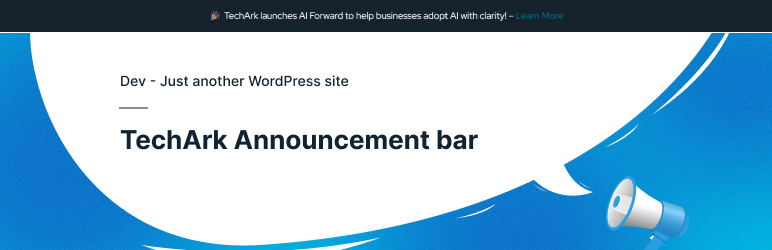
Announcement Bar is a lightweight and flexible WordPress plugin that helps you display important messages at the top of your website. Whether you want to promote special offers, share announcements, or highlight key updates, this plugin allows you to create an attention-grabbing bar without disrupting the user experience. It is easy to set up and works seamlessly with any WordPress theme.
The plugin offers full customization options, including colors, typography, positioning, and dismiss behavior. You can control how and where the announcement bar appears, making it responsive across all devices. With secure, form-based styling controls, you can tailor the announcement bar to perfectly match your site’s design and branding.
Designed with performance and usability in mind, Announcement Bar follows WordPress coding standards and best practices. It is ideal for businesses, blogs, and marketing teams looking for a simple yet powerful way to communicate important messages and calls to action directly to their visitors.
Features
- Display a customizable announcement bar at the top of your website
- Sticky or non-sticky bar option
- Dismissible announcement with close button
- Fully responsive and mobile-friendly design
- Custom background color, text color, font size, and typography options
- Support for HTML means rich content and links
- Add call-to-action buttons inside the announcement bar
- Target announcements by screen size using responsive rules
- Secure, form-based styling (Padding, Border Radius, Font Size)
- Lightweight, fast, and optimized for performance
- Follows WordPress coding standards and security best practices
- Works seamlessly with any WordPress theme
How It Works
-
Install & Activate the Plugin Install the Announcement Bar plugin from the WordPress admin and activate it. Once activated, a new Announcement Bar menu appears in your dashboard.
-
Create Your Announcement Add your message using the built-in editor. You can include text, links, buttons, emojis, or basic HTML to highlight important updates, offers, or alerts.
-
Customize the Design Adjust background color, text color, font size, font family, and spacing. Enable sticky behavior or make the bar dismissible with a close button.
-
Control Visibility Rules Choose where the announcement appears—site-wide or on specific pages. Configure responsive rules to show or hide the bar based on screen width (desktop, tablet, mobile).
-
Advanced Options Use the advanced styling fields to apply professional layouts without editing theme files.
-
Publish & Go Live Save your settings, and the announcement bar instantly appears on the frontend according to your rules.
-
Update Anytime Modify the content or settings at any time—changes are reflected immediately without needing to clear caches or redeploy code.