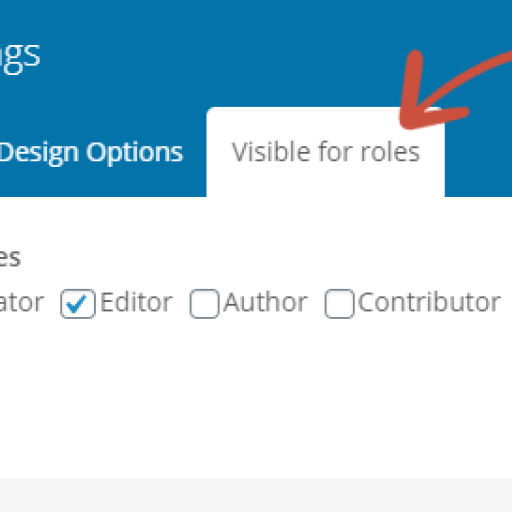

This plugin adds settings to all elements in WPBakery page builder to hide/show the content elements on your website based on user roles. This way you can easily restrict content in WPBakery pages and posts.
For example you can hide a specific column element on your page or post for all users but editors or only show it to logged-out users.
By default (with no checkboxes checked) the content will be visible for all users.
The hidden content will also be removed from the HTML.
Features
- can hide content in the frontend for specific user roles and logged out users
- works with all WPBakery elements
- removes hidden content from HTML Code
- also works with added custom roles
- no hidden costs, completely free plugin
Issues with specific Themes / Plugin versions
There are alot of themes that are using modified versions of WPBakery Page Builder. Some may not work together well with this plugin.
Uncode Theme
The Uncode WPBakery version did not show the tab Visible for roles at all. We fixed this by changing the hook when to add the our tab.
Salient Theme
The Salient Theme transforms checkboxes to switches and removes the labels. We fixed that in 1.2.1 and put the labels back there.