
LLM Markdown – Expose Content as .md
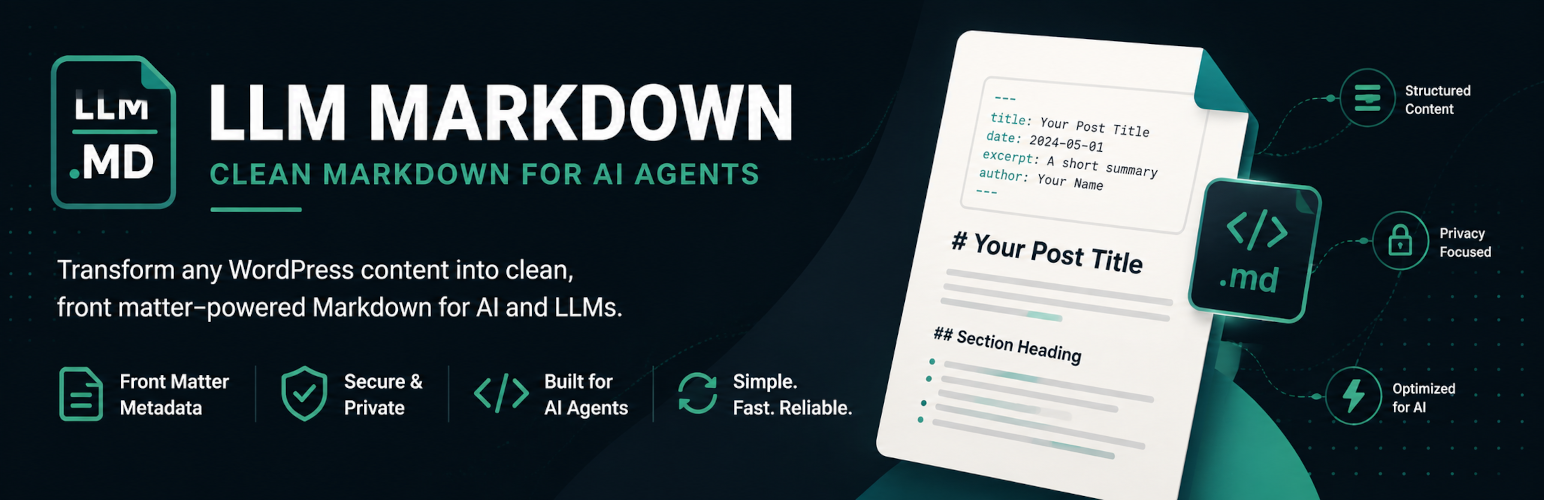
LLM Markdown gives supported public WordPress content a clean Markdown representation at a predictable .md URL. Append .md to a post, page, or enabled public post-type URL:
https://example.com/my-post.md
The plugin renders the canonical front-end page, selects the part of the document that contains the primary content, removes configured elements, and converts the result to Markdown. Blocks, shortcodes, and other server-rendered content are therefore represented after WordPress and the active theme have processed them. The original post is never changed and no duplicate Markdown post is stored.
Structured Markdown output
Each document begins with YAML front matter containing the title, post ID, content type, slug, publication and modification dates, canonical URL, Markdown URL, excerpt, and terms from public taxonomies when available.
The converter handles headings, paragraphs, emphasis, links, ordered and unordered lists, blockquotes, inline and fenced code, horizontal rules, deletion text, figures and captions, and simple tables. Images can be included as an option, with support for common lazy-loading source attributes.
Content selection and access control
Choose which public post types expose Markdown. Simple CSS selectors determine the main content container and which elements should be excluded before conversion. Password-protected and non-public content is rejected, and Yoast SEO noindex values can be honored. Developers can apply an additional access-control filter for membership, privacy, or custom publishing rules.
Discovery, delivery, and caching
Eligible HTML pages advertise their Markdown counterpart with a <link rel="alternate" type="text/markdown"> element. Documents generated for anonymous requests are cached for performance and automatically invalidated after relevant settings, theme, or navigation changes; a manual cache control is available under Tools.
An advanced, disabled-by-default content-negotiation option can also return Markdown from the normal canonical URL when a client explicitly requests Accept: text/markdown. This mode sends Vary: Accept, but it should be enabled only after confirming every cache and CDN in front of the site honors that header correctly.
LLM Markdown has no Gutenberg lock-in, does not duplicate content, and supports public custom post types without requiring one.