
Points and Rewards for WooCommerce – LoyaltyX (Referral, Gamification & Loyalty Program)
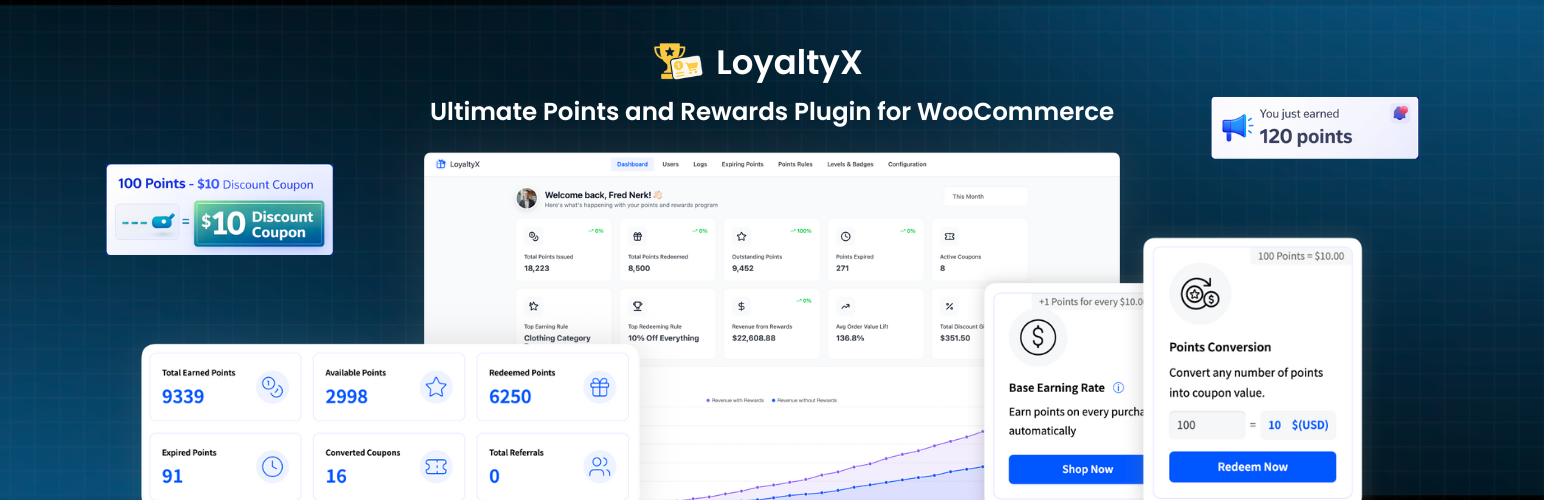
LoyaltyX is a simple, lightweight and performance-optimized WooCommerce points and rewards plugin built for store owners who want to turn one-time buyers into regulars.
Now featuring a Beautiful Floating Rewards Widget to boost engagement and a Smart Setup Wizard that helps you launch your complete loyalty program in under 1 minute without coding or monthly SaaS fees.
Customers earn points automatically on purchases and redeem those points for discounts directly on the cart or checkout page.
Quick Links
Key Features
- Earn points automatically for purchases
- Redeem points for discounts at cart or checkout
- NEW: Onboarding Setup Wizard for instant loyalty program launch
- NEW: Beautiful Floating Rewards Widget for customer engagement
- Customer rewards dashboard inside My Account
- Points notifications across product, cart, and checkout pages
- Manual admin adjustments and full transaction log
- Works with WooCommerce High-Performance Order Storage (HPOS)
How It Works
Setting up a loyalty program with LoyaltyX takes just a few minutes.
- Install and activate the plugin
- Follow the Onboarding Setup Wizard to configure your basic rules in seconds
- Customize your Floating Rewards Widget colors to match your brand
- Customers start earning points automatically
Customers see their points balance in their account and can redeem points during checkout with a single click.
Why Loyalty Programs Work
Repeat customers spend 67% more per order than new customers.
Without a loyalty program, a customer who buys once has no strong reason to return to your store instead of a competitor.
A points system creates that incentive.
When customers know they already have points saved in your store, they are far more likely to come back and complete another purchase.
LoyaltyX makes this easy for WooCommerce stores without requiring a developer or an expensive SaaS platform.
WooCommerce Points and Rewards – Free Version Features
Purchase-Based Points Earning
Customers automatically earn points when they place an order.
- Set a global conversion rate (example: earn 10 points per $1 spent)
- Choose which order statuses trigger points (processing or completed)
- Configure rounding rules for fractional points
- Exclude specific products or categories from earning points
- Optionally exclude sale products from earning
- Control whether shipping and taxes count toward points
- Choose whether coupon orders still earn points
Flexible Points Redemption at Cart and Checkout
Customers can redeem their points where they are already making purchase decisions.
- Redeem points for discount coupons directly at cart or checkout
- Set minimum and maximum redemption limits
- Define redemption conversion rates (example: 100 points = $1 discount)
- Partial redemption supported – customers choose how many points to spend
- Exclude specific products or categories from redemption
- Option to exclude sale products from redemption calculations
Customer Rewards Dashboard in My Account
Customers can see their entire rewards history and available balance.
- Dedicated Points and Rewards dashboard inside the My Account page
- Shows total points earned, available balance, and points redeemed
- Complete transaction history for all point events
- Visual summary cards for quick scanning of rewards data
- Fully customizable styling including colors, icons, and layout
- Rename “Points” to Stars, Credits, Coins, or any custom label
Shortcodes included: [ddwcpr_points_dashboard] – Display the rewards dashboard anywhere [ddwcpr_available_points_value] – Display the customer’s points balance
Floating Rewards Widget
The all-new Floating Rewards Widget provides a premium, “SaaS-like” experience for your customers, keeping your loyalty program visible on every page without being intrusive.
- One-Click Access: Customers can check their balance and see “Ways to Earn” and “Redeem Rewards” from anywhere on your site.
- Modern Design: A clean, slide-out panel that matches modern e-commerce standards.
- Fully Responsive: Works perfectly on mobile and desktop devices.
- Style Customization: Match your brand by choosing primary colors, text colors, and spacing.
- Guest Onboarding: Encourages guest users to join your loyalty program with clear call-to-action buttons.
- Powered by Ajax: Fast, smooth interaction that doesn’t slow down your site.
Points Notifications Across Your Store
Customers see reward messages during the shopping journey.
- Product pages show “Earn X Points with this purchase”
- Shop page displays points on product cards
- Cart page shows potential points earnings
- Checkout page reminds customers about available points
- Order confirmation page shows earned points
All text and styling are fully customizable.
Admin Management
Manage the loyalty program directly from WordPress.
- View all customers and points balances
- Manually adjust points with notes
- Full transaction log
- Automatic points revocation on refunds or cancellations
- Configure which order statuses trigger revocation
Developer-Friendly and Performance Focused
LoyaltyX is built with performance and extensibility in mind.
- HPOS compatible
- Translation ready (.pot file included)
- Compatible with WPML, Polylang, and Loco Translate
- Compatible with major WooCommerce themes
- Works with all WooCommerce payment gateways
- Ajax-powered redemption and dashboard updates
- Clean code with hooks and filters for developers
View the Free Version Live Demo
LoyaltyX Pro – Advanced Features
The Pro version expands LoyaltyX into a full loyalty and engagement platform.
More Ways to Earn Points
- Sign-up bonus
- Product review rewards
- Daily login rewards
- Birthday rewards
- Referral program
- Loyalty tier bonuses
- Product and category specific earning rates
- User role based earning rules
Advanced Redemption Options
- Fixed amount discounts
- Percentage discounts
- Free shipping rewards
- Free products
- Buy X Get Y rewards
- Product bundle rewards
Loyalty Tiers and Gamification
- Unlimited loyalty tiers
- Tier progress tracking
- Points multipliers for higher tiers
- Tier achievement notifications
Points Expiration
- Automatic expiration rules
- Reminder emails before expiration
- Expiration tracking based on activity
Advanced Analytics
- Import and export points balances via CSV
- Bulk point operations
- Redemption and ROI reports
- Identify top loyalty customers
- Email marketing integrations