
Smart Support – Self-Hosted customer support helpdesk & Ticket system
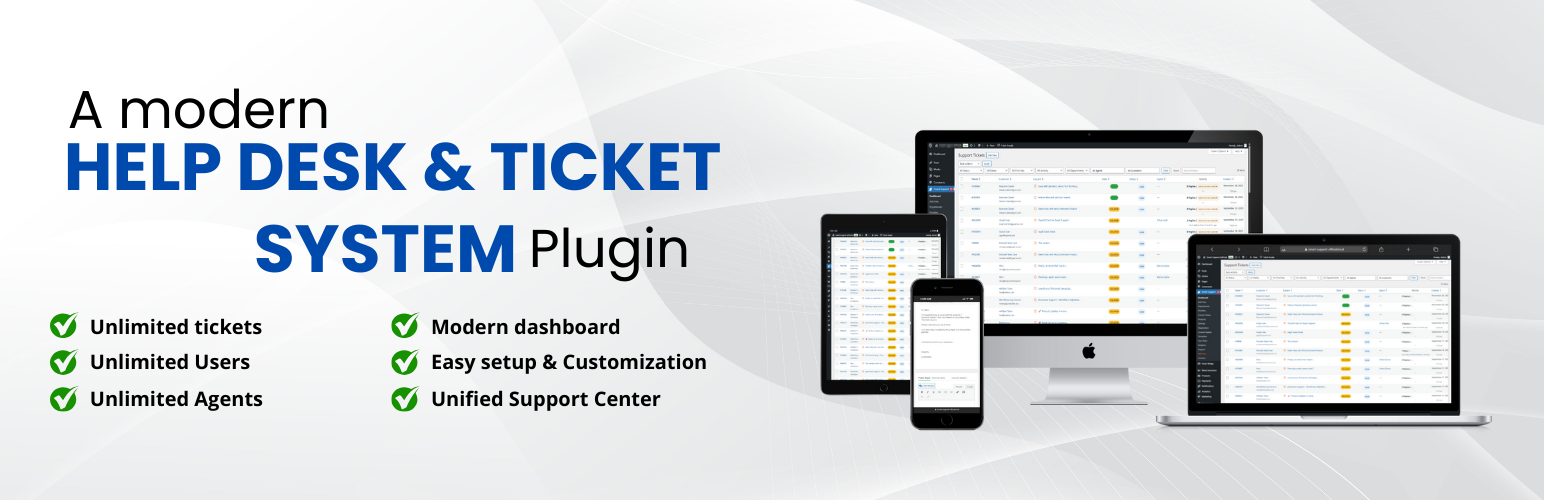
Smart Support is a modern, full‑featured helpdesk and ticketing system built specifically for WordPress. It gives your customers a clean, friendly portal to request help and track progress, while your team gets the tools they need to triage, collaborate, and resolve tickets efficiently.
Smart Support transforms your WordPress site into a full-featured AI-supported helpdesk ticket & customer support system. Built with agents, supervisors, and customers in mind, it provides everything you need to deliver efficient, reliable, and professional customer support — right from your WordPress dashboard. The enhanced admin interface features optimized column layouts, flexible ticket numbering options, and improved data visualization for better ticket management efficiency.
Agents can optionally use built‑in AI assistance on individual tickets (after you add your own API credentials under Settings → Advanced → AI): summarize threads, get suggested replies, rewrite drafts before sending, ask follow‑up questions about the conversation, or add custom instructions alongside any action.
What your customers get
- A unified Support Center page powered by the
[smart_support_page]shortcode with tabs for Login, Register, Dashboard, and Create Ticket - Simple, secure login and registration with optional first/last‑name auto‑fill and “remember me.”
- Password reset link and optional Google reCAPTCHA (v2, v2 Invisible, or v3) protection
- An easy ticket form with rich text editor support and file attachments
- A personal dashboard to view, search, and filter their tickets by status, department, and state
- Clear ticket timelines with messages and attachments
What your team gets
- Structured ticket lifecycle: open, delayed, closed (with reopen and close actions)
- Auto‑close inactive tickets after a configurable number of days
- Auto‑delay mode to mark stale tickets as “Delayed” and notify customers
- Departments, products, and priorities to organize and route requests
- Role‑based access: customer, agent, manager, administrator (fully capability‑driven)
- Agent ticket visibility controls: own tickets, department tickets, or all tickets
- Inline reply with attachments and internal notes capability (via standard replies)
- Email notifications for new tickets, replies, delays/closures, and more (templated and translatable)
- Analytics dashboard powered for volume, status, and performance insights
- Optional AI assistant on admin ticket screens: summarize, suggest replies, rewrite your draft with preview, ask questions with optional prompts—powered by your configured OpenAI‑compatible provider
Highlights
- Manage unlimited support tickets
- Assign roles: Support Users, Agents, Supervisors
- Real-time ticket reply notifications
- Customer feedback with a 5-star rating system
- Responsive, mobile-friendly interface
- Frontend‑first design: the entire portal runs on a single page via
[smart_support_page]. - Robust attachments: size/type limits, previews, and secure download handling
- Powerful filtering: status, department, state, and keyword search on the dashboard
- Accessibility‑minded UI and fully responsive layout that looks great on mobile and desktop
- Security built‑in: nonces, strict capability checks, comprehensive sanitization and escaping, and reCAPTCHA integration
- Translation‑ready and multisite‑compatible
- Clean, well‑structured code that follows WordPress coding standards
- Optional agent AI features (off until you enable them and supply API settings under Advanced → AI)
Shortcode
Add this to any page to create your full Support Center: [smart_support_page].
Free Core Features
- Modern dashboard settings
- Internal notes
- Ticket layout with sidebar details
- Role badges and avatars in replies
- Real-time open ticket count in the menu
- Responsive design across desktop, tablet, and mobile
- Agent notifications for user and agent replies
- Dashboard notification center with ticket links
- Optional AI assistant for ticket summaries, reply suggestions, etc
- Waiting icon indicator for unanswered tickets
- Configurable notification settings
- Frontend support integration with a comprehensive notification system
- Three roles: Support User, Support Agent, Support Supervisor
- Role management admin panel
- Real-time capability assignment/removal
- Supervisor-level access with analytics and notifications
- Agent department assignment system for ticket filtering
- Users can close/reopen their own tickets
- “Reply & Close” button for quick actions
- Auto-assign tickets to agents on reply
- Agent permission to create new tickets (configurable)
- 5-star rating system for ticket replies
- Dashboard rating column with average values
- Agent performance analytics with average and total ratings
- Agent performance dashboard
- Average rating and total ratings per agent
- Updated Chart.js integration for reports
- Auto-delay tickets after inactivity
- Global search by ID, subject, or content
- Highlighted results with counts
- Compact search bar for admin list
- Flexible ticket number formats (Sequential: 2501001, Hash-based: #121)
- Optional tickets sidebar with ticket list for quick navigation between tickets
Premium Add-ons
Extend Smart Support with powerful add-ons designed to streamline your workflow and enhance your support system:
Email Bridge: Convert incoming emails to support tickets and reply to tickets via email. Maintain complete conversation history with seamless email integration.
Canned Replies: Enable your team to create and use predefined responses for common issues. One-click insertion of professional replies reduces response times and ensures consistent communication.
Webhooks: Send ticket event notifications to external systems (CRMs, automations, custom apps) using secure, signed outgoing webhooks with delivery logs and retries.
Custom Status: Create unlimited custom ticket statuses with colors, icons, and workflow rules. Streamline your support process and keep agents and customers on the same page.
Registration Fields: Add unlimited custom fields to your registration forms. Collect the exact user details you need with validation, templates, and seamless profile integration.
Custom Fields: Create unlimited custom ticket fields from the backend and automatically collect additional information during ticket submission. Display fields in ticket details, make them editable, and optionally show selected fields as sortable/filterable columns in the ticket list.
Ticket Templates: Speed up ticket creation with reusable templates. Auto-fill subjects and messages, control editing permissions, and keep support requests consistent.
Front-end Support: Give your support agents a complete, professional frontend dashboard. Agents can manage all tickets without accessing the WordPress admin area, perfect for remote teams and client portals.
Gravity Forms Integration: Connect Gravity Forms with Smart Support. When visitors submit mapped forms, create tickets automatically with field-based mapping for subject, description, customer details, and optional routing (priority, department, product).
WooCommerce Tickets: Seamlessly integrate Smart Support with your WooCommerce store. Provide purchase-based support, link orders to tickets, and manage customer support with advanced e-commerce features and analytics.
Organizations / Company Profile: Manage companies and teams as organizations. Store domains and contacts, link tickets to the right organization, auto-match tickets from email domains, and optionally give organization contacts shared visibility on the customer portal.
Guest Support: Allow guests to submit support tickets without registration using email-only authentication.
Auto-Close Alert: Add warning reminder emails, batch limits, cron recurrence control, and richer auto-close email templates.
Smart Widget: Bring instant, on-page support with a customizable floating widget. Users can search the knowledge base, view tickets, and contact support without leaving the page.
Auto Responder: Automatically send responses to support tickets based on intelligent rules. Respond instantly based on departments, products, keywords, ticket status, and business hours.
Documentation: Instantly insert knowledge base articles into ticket replies. Search, preview, and insert documentation from Instant Knowledgebase without leaving the ticket screen.
Private Credentials: Securely exchange sensitive login details inside support tickets without email, chat apps, or risk. Share credentials such as usernames, passwords, URLs, and access notes directly within the ticket system with automatic cleanup when tickets are resolved.
SLA (Service Level Agreement): Enforce response and resolution commitments with advanced SLA management. Track time to first response and time to resolution, configure business hours, monitor compliance in real-time, and prevent SLA breaches with proactive alerts.
Time Tracking: Accurately track time spent on support tickets by agents, departments, and clients. Monitor productivity, improve response efficiency, and manage billable support hours with complete transparency and detailed analytics.
Productivity Suite: Enhance agent productivity with comprehensive workflow tools. Edit tickets with full history tracking; manage replies (edit, delete, split); use trash functionality with restore; print tickets; use smart ordering options; use the tasks list widget; use the personal notes widget; and CC recipients with granular notification preferences. Streamline your support workflow and improve team collaboration.
REST API Integrations
Smart Support v2.0.1 includes an optional REST API intended for server-to-server integrations (CRM, automations, imports). It is disabled by default.
- Enable it: Smart Support → Settings → Advanced → API → “Enable REST API”
- Authentication: create one or more API keys (shown once at creation).
Fore more details read → REST API Documentation
Notes on Privacy & Security
Smart Support uses Google reCAPTCHA (optional) for spam prevention (Terms of Service & Privacy Policy) and Chart.js in the admin for analytics (Terms of Service & Privacy Policy). The plugin validates permissions server‑side, escapes output, verifies nonces on all forms, and stores files securely using WordPress APIs.
Privacy and data flow (AI)
Smart Support agent AI is optional and can use a connected WordPress Core AI provider on WordPress 7.0+, or your saved credentials under Settings -> Advanced -> AI as a fallback. When you use the assistant:
- Your WordPress site (server) sends HTTPS requests through the configured WordPress Core AI provider when available. If Core AI is not configured, Smart Support sends requests from your configured API base URL to
{base URL}/chat/completionsusing your saved API key (Bearer authentication). Requests never go through Smart Support vendor servers solely for AI; traffic is between your server and your chosen provider. - Content transmitted typically includes relevant ticket thread text (subject, replies, identifiers as built for the prompt); for rewrite, the current reply draft from the editor; plus any custom instructions or questions you type in the AI panel. Exact fields follow the task (summarize, suggest reply, rewrite, ask).
- Who can trigger it: only staff who can view that ticket in wp-admin and pass permission checks—same capability rules as normal ticket access. Customers and the public cannot call the AI endpoint from the plugin UI.
- Where credentials live: your API key and AI settings are stored in the WordPress database (options). Protect database backups, exports, and admin access accordingly. The settings screen never displays the full key after save.
- Third parties: your provider may log, retain, or process inputs and outputs under their terms, privacy policy, and region. You are responsible for choosing a provider, model, and data‑processing agreement that meet your legal obligations (including those owed to ticket authors and end users).
- Disclosure: if your organisation must tell customers when AI is used on their data, handle that in your own policies, ticket footers, or contracts—the plugin does not send automatic customer notices for AI use.
If neither WordPress Core AI nor Smart Support AI is configured, no ticket content is sent to an LLM API by this feature.