
StickEasy Protected Contact Form
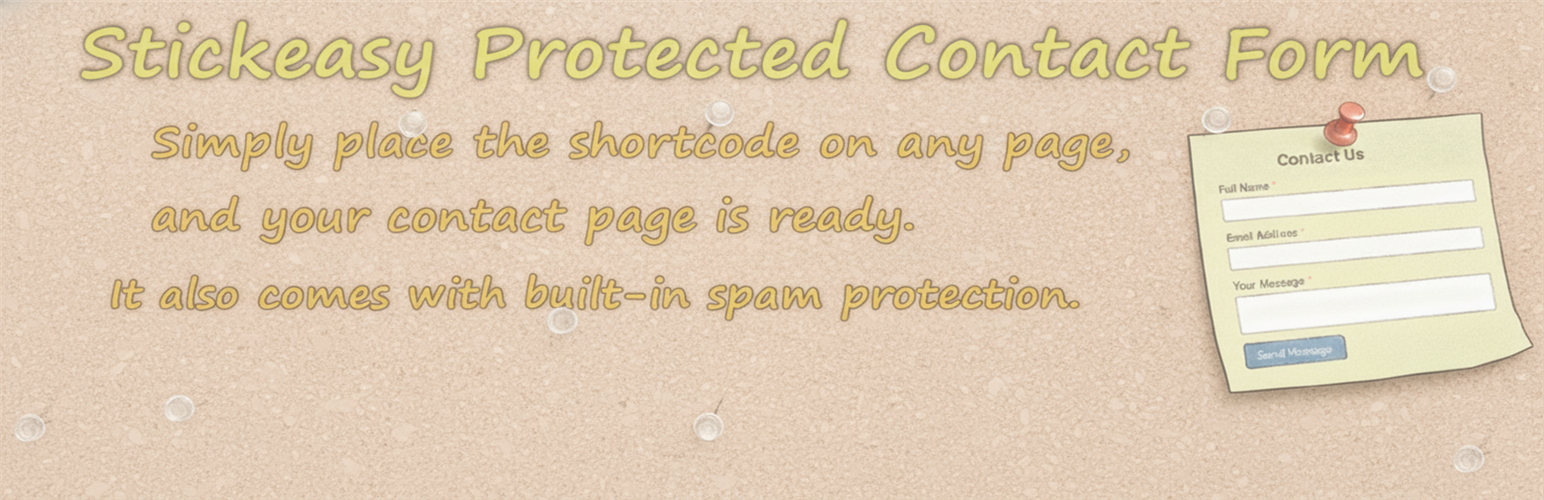
StickEasy Protected Contact Form is the fastest way to get a functional contact form on your WordPress site. This plugin is focused on simplicity and speed, allowing you to create a minimal contact form by simply placing a shortcode on any page.
There’s no complex setup or field builder. Just install, place the shortcode, and start receiving messages.
As an added benefit, the form includes built-in basic spam protection (nonce verification, a honeypot field, submission time validation, a bad words filter, and a human interaction check) to keep most automated bots away without the need for CAPTCHAs or third-party services.
Usage
1. Simple Setup (Shortcode)
To instantly add the contact form, insert the following shortcode into any post or page:
[spcf_form]
2. Basic Customization
You can adjust the basic form behavior from Settings → StickEasy Contact. The following options are available:
Contact Form Settings
-
Edit Form Labels
- Customize the visible labels for each field (Name, Email, Subject, Message) to match your website’s tone or language.
NOTE: Basic HTML such as
<strong>or<br>can be used for emphasis or formatting.
- Customize the visible labels for each field (Name, Email, Subject, Message) to match your website’s tone or language.
NOTE: Basic HTML such as
-
Toggle the Name field on or off with a single checkbox. Useful when you prefer a shorter form or want to accept anonymous messages.
-
Specify the recipient email address for messages. By default, messages are sent to the Administration Email Address set in your WordPress settings (“Settings” → “General”).
-
Custom Success Message
- Edit the message shown after the form is successfully submitted.
You can also use simple HTML formatting, such as
<br>for line breaks. Example: “Thank you!<br>We will get back to you within 2 business days.”
- Edit the message shown after the form is successfully submitted.
You can also use simple HTML formatting, such as
-
Maximum Form Width
- Set a maximum width for the form in pixels (e.g.
600). This prevents the form from stretching across the full width of the page on large screens, keeping it compact and readable. Enter0to use the full available width. On smaller screens such as smartphones, the form will automatically shrink to fit the screen regardless of this setting.
- Set a maximum width for the form in pixels (e.g.
-
Form Alignment
- Choose whether the form is aligned to the left or center of the page.
Takes effect when Maximum Form Width is set to a value greater than
0.
- Choose whether the form is aligned to the left or center of the page.
Takes effect when Maximum Form Width is set to a value greater than
Spam Protection Settings
-
Enable or disable all built-in spam protection features at once. Included protections: Honeypot, Submission Time Check, Forbidden Word Filter, and Human Interaction Check.
-
Minimum Submission Time Set the minimum number of seconds a visitor must remain on the page before submitting. A value between 3 and 10 seconds is generally recommended.
-
Forbidden Word Filter Add blocked words, domains, email patterns, or IP addresses to prevent spam submissions. Note: The Forbidden Word Filter list also applies to the visitor’s email address, subject and IP address, not just the message body. Examples:
viagrabit.lyvisitor@email.com123.45.67.89