
FluentSnippets – O plugin de snippets de código personalizados baseado em arquivos de alto desempenho
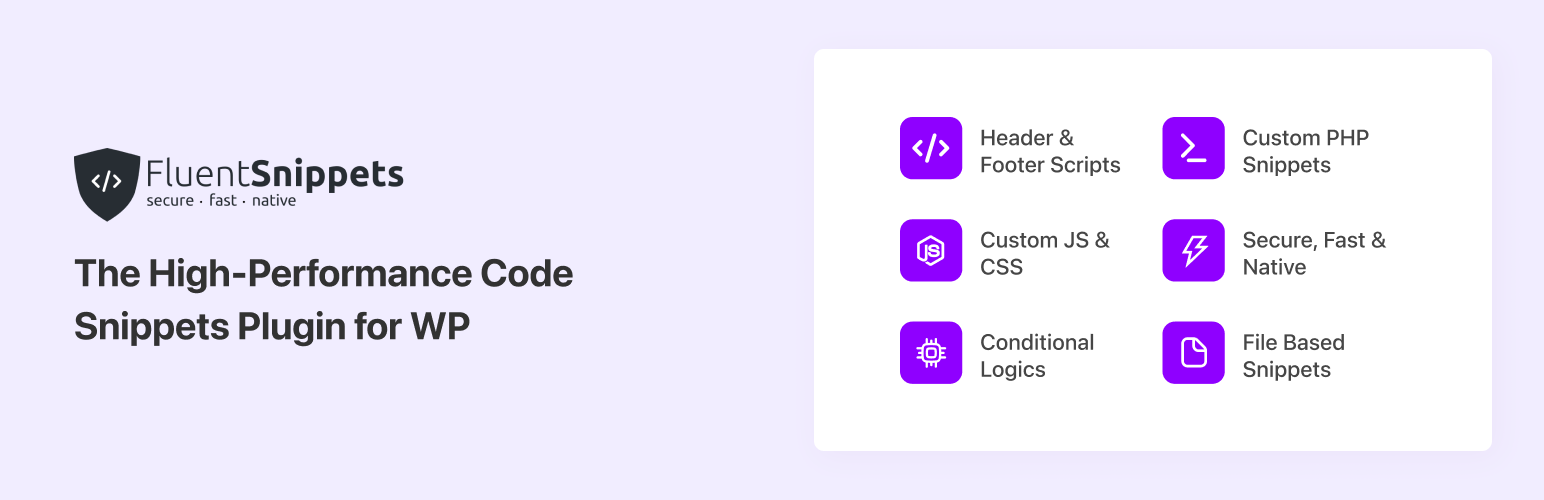
Experimente velocidade e segurança com um plugin de snippets de código baseado em arquivos, criado para ser rápido e seguro
FluentSnippets is the Most Secure and Performance-Focused Code Snippet Plugin for WordPress. FluentSnippets store your snippets in flat files, so it does not run SQL queries for your snippets. It is the Fastest Code Snippet Plugin for WordPress. Our mission is to streamline the process of integrating custom code snippets in WordPress, making it safe, secure, fast, and hassle-free.
Por que o FluentSnippets?
FluentSnippets stores the code snippets in the flat file and uses code blocks in each snippet file to add metadata like a description, title, conditional logic, snippet type, and other things. We also parse these data once and cache these into index.php so we don’t have to parse these code blocks in every request. Then on runtime, it just includes those files to your selected action hook. In the whole process, FluentSnippets runs 0 database queries. In fact, we don’t have any Database query in the whole plugin runtime. With this native design, FluentSnippets is native, secure by design, and the most performant code snippets in this category.
Recursos
- File-based Snippets: Your snippets are safely saved in your file system and load natively with zero database queries, so it’s safe, secure, and ultra-fast.
- Custom Code Snippets: Write your custom code snippets including PHP, JS, CSS, HTML, and more. Categorize your snippets with groups, tags, etc
- Advanced Conditional Logic: Execute code snippets solely under specified conditions like post type, date, URL, user type, and many more.
- Automatic Error Handling: The automatic error hander prevents common errors when adding custom snippets to ensure they never break your site.
- Custom Shortcode: With custom shortcode of your snippets, you can create custom dynamic content blocks and use them across your site and manage them.
- Stand-alone Mode: The most interesting feature is the Stand-alone Mode. With this feature, you can add your snippets, activate the standalone mode, and then you can uninstall and delete the plugin and your snippets will still run via mu-plugins architecture and when you reactivate the plugin you can manage your snippets as before.
Lógicas condicionais inteligentes e poderosas
We have added smart conditional logic to let you choose precisely where you want to execute your code. These conditional logics include
- Estado de log-in ou função do usuário
- Tipo de páginas
- Post Types
- Regra baseada em taxonomia ou termo
- Por URL da página / post
- Segmentar página / post / CPT específico
- Condições baseadas em data
- Regra baseada em tags/listas do FluentCRM para o contato atual
These conditions are grouped-based, which means you can add multiple groups with a set of conditions and if any of the group match the condions it will execute the snippet.
Snippet Types
FluentSnippets has four types of snippets. You can choose the snippet type from the snippet type selection.
Functions – PHP Snippet: This snippet is for all the PHP code that you need to execute in specific areas like you would write in your theme’s functions.php file. You can use this snippet type to create functions/classes, hook into other actions and filters, and more.
Content – PHP + HTML Snippet Type: This snippet type is used to insert content to different places like header, footer, after-post content, before-post content, etc. You can write php / html / js / css code in this snippet type.
CSS Snippet Type: You can use this snippet type to add custom CSS to your site.
JS Snippet Type: You can use this snippet type to add custom JS to your site.
Internal Design of FluentSnippets Plugin
The design is super simple and this is what it should be! FluentSnippets stores the code snippets in the flat file and uses code blocks in each snippet file to add metadata like a description, title, conditional logic, snippet type, and other things. We also parse these data once and cache these into index.php so we don’t have to parse these code blocks in every request. Then on runtime, it just includes those files to your selected action hook. In the whole process, FluentSnippets runs 0 database queries. In fact, we don’t have any Database query in the whole plugin runtime. With this native design, FluentSnippets is native, secure by design, and the most performant code snippets in this category.
Popular use cases of this Code Snippet plugin
- Adição de código PHP personalizado para estender funcionalidades
- Adição de códigos no cabeçalho e rodapé (Google Analytics / Pixel / Ads)
- CSS personalizado para tipos específicos de post/página
- Códigos JavaScript personalizados
- Conteúdo dinâmico em diferentes locais, como antes/depois do conteúdo do post ou no rodapé
- Shortcode dinâmico
Other Plugins By The Same Team
- FluentCRM – Plugin de e-mail marketing, newsletter, automação de e-mails e CRM para WordPress
- Fluent Forms – O plugin construtor de formulários WordPress mais rápido
- Ninja Tables – O melhor plugin de tabelas para WordPress
- Ninja Charts – Melhor plugin de gráficos para WordPress
- WPPayForm – Plugin de pagamentos com Stripe para WordPress
- Integração com Mautic para o Fluent Forms
- Fluent Forms PDF – Entradas em PDF para o Fluent Forms
- FluentSMTP – Plugin WP SMTP com Amazon SES, SendGrid, MailGun, Postmark, Google e qualquer outro provedor SMTP
CONTRIBUTE
If you want to contribute to this project or just report a bug, you are more than welcome. Please check repository from Github. FluentSnippets was known as Easy Code Manager before. We have rebuild & rebranded it to FluentSnippets.