
Product Import Export for WooCommerce – Import Export Product CSV Suite
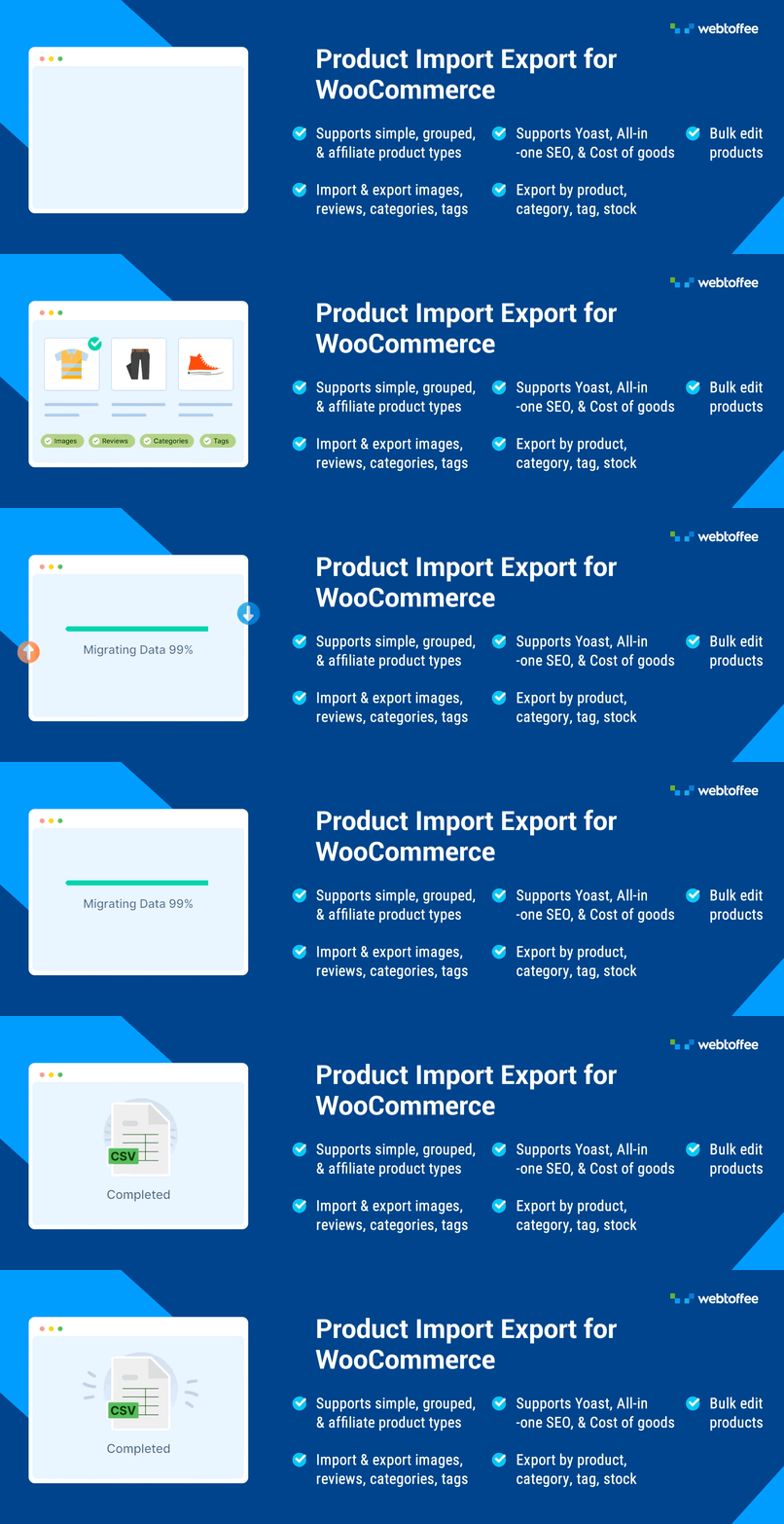
Import/export WooCommerce products via CSV with images, reviews, categories & tags. ChatGPT integration auto-generates missing product descriptions.
WooCommerce Product Import Export Plugin for CSV Imports, Exports, and Bulk Uploads
Export, import, bulk upload and update your WooCommerce products (simple, grouped, external/affiliate) in a super simple way using CSV files.
Use this WooCommerce product import plugin to import products to WooCommerce, export products to CSV, migrate products between WooCommerce stores, update stock and prices in bulk, and move product data such as images, gallery images, reviews, categories, tags, attributes, prices, and stock details.
Inventory updates, syncing products, data filtration, and automatic column mapping are some of the key features of this product importer plugin.
With the latest update, we have integrated ChatGPT API into our plugin. Now, the plugin will automatically generate product descriptions for products with missing descriptions. Thanks to Generative AI!
To import and export variable products, upgrade to the premium version of WooCommerce Product Import Export.
PRODUCT IMPORT EXPORT FOR WOOCOMMERCE – FREE IMPORT EXPORT PLUGIN
The free version of the Product Import Export for WooCommerce plugin imports and exports the following WooCommerce product types:
- Simple
- Grouped
- External/Affiliate products
With this product export import plugin, you can export WooCommerce products and import WooCommerce products to and from a CSV, and you can do basic import-export operations with this 100% free WooCommerce CSV import export plugin.
MAJOR FEATURES
- Export WooCommerce products to CSV – Export product data for migration, backups, catalog updates, or editing in spreadsheet tools.
- Import products to WooCommerce from CSV – Bulk upload simple, grouped, and external/affiliate products using a structured CSV file.
- Bulk update products – Update existing product stock, price, categories, tags, attributes, and other product data during import.
- Import and export WooCommerce product with images – Move featured images and gallery images along with product data.
- Import and export product reviews – Export and import WooCommerce product reviews with ratings.
- Filter product exports – Use advanced export filters to export WooCommerce products by category, tag, selected products, status, stock status, and product type.
- Generate missing product descriptions with ChatGPT – Automatically create product descriptions for imported products that do not have descriptions.
- Export specific products – Select and export only the products you need instead of exporting the entire product catalog.
- Export and import WooCommerce products with attributes, taxonomies, price, stock, and more – Move complete product data between stores or update existing products with ease.
- Bulk edit products, categories, price, stock, and attributes – Update key WooCommerce product fields in bulk by importing an updated CSV file.
- Import, export, or bulk add product categories and tags – Manage WooCommerce product categories and tags during product import and export.
- Export products based on stock status – Exclude out-of-stock products from export, or use the stock status filter to export In Stock, Out of Stock, and On backorder products.
ADDITIONAL FEATURES
- Import and export thousands of products without server timeouts and memory limits. Set a custom batch size to match your hosting environment.
- Let’s you set a CSV delimiter of your choice to import WooCommerce products.
- Select from multiple import/export methods.
- Easily import products from other eCommerce platforms such as Shopify, Magento, etc., with import column mapping.
- Organise and structure CSV columns in the export file with the drag-and-drop UI.
- Rename CSV column header names as you like before exporting.
- Save frequently used import/export configurations as templates and use the template for future imports and exports.
- The plugin stores all the past imports and exports and lets you re-run them when needed.
- Easy debugging: View and download import log for debugging purpose. ✅ Tested OK with WordPress 7.0 ✅ Tested OK with WooCommerce 10.8.1 ✅ Tested OK with PHP 8.3
COMPATIBLE PLUGINS
KEY USE CASES HANDLED BY PRODUCT IMPORT EXPORT PLUGIN
Following are some of the use cases supported by the Product Import Export plugin for WooCommerce.
Migrate Products (simple/external) Between Two WooCommerce Sites
Import and export your WooCommerce store products from one store to another in just a few steps. Advanced features like data filtration, automatic column mapping, and more simplify your product import and export operations.
Update Stock and Price of Existing Products
Using the advanced options of the import products WooCommerce plugin, you can easily update the stock, price, and similar details of the existing products on import.
Import/Update Product Images – Featured Image and Gallery Images
Now you can import or update the product images of multiple WooCommerce products simultaneously with ease. With the WooCommerce import products plugin, you can import/update all the gallery images of a product along with the product image, also known as the featured image.
Export Products with Images
Quickly export products and their corresponding images with just a few clicks. The product export plugin lets you export all the product images, including featured and gallery images, making it ideal for product updates, store migration, or backups.
Import WooCommerce Products Categories and Assign Products to Them
By default, during import, the products will be imported with categories (includes both multiple and hierarchical categories).
However, if you want to import only the product categories of a WooCommerce store, you can do so under the post type: Product Category.
Filter Product Exports By Category, Stock status, and Other Criteria
Export WooCommerce products based on your requirements. You can filter the product data and export the products based on multiple data filtration criteria, such as category, tag, stock, status, product type, and more.
How Does This WooCommerce CSV Importer Plugin Works?
The free version of the WooCommerce product import export plugin lets you import and export: Products, Product Reviews, Product Tags, and Product Categories.
DOWNLOAD
- Sample CSV of Products
- Sample CSV of Product Reviews
- Sample CSV of Product Tags
- Sample CSV of Product Categories
The WooCommerce CSV importer plugin takes a CSV (Comma-Separated Values) file as input. You must create a CSV (UTF-8 Encoded) file and enter the product details in a structured format.
This is to match each field of a CSV file to the field of a particular product, which otherwise the Admin needs to input manually. For example, the post_title field gets mapped to the product name, and the regular_price field gets mapped to the regular price of the product.
You can create the CSV from scratch or export products to get the format of the CSV. You can use a spreadsheet program, such as LibreOffice, Microsoft Excel, OpenOffice, or Google Sheets, to create and modify the CSV file. Save this file with the extension “.CSV.”
After entering all details about products in a spreadsheet, you can import products to your WooCommerce store. With this plugin, you can also export products to CSV and download product details as a CSV.
SETUP GUIDE – PRODUCT IMPORT EXPORT FOR WOOCOMMERCE
To learn more about setting up the Product Import Export plugin for WooCommerce, refer the setup guide.
You can also check out this video to get a quick understanding of the product export import plugin.
PRODUCT IMPORT EXPORT PLUGIN FOR WOOCOMMERCE (PRO)
The WooCommerce Product Import Export Plugin Pro for WooCommerce is the leading tool for the export and import of WooCommerce products.
WOOCOMMERCE PRODUCT IMPORT EXPORT – PREMIUM/PAID VERSION FEATURES
✅ Export/Import simple, variable, grouped, external, subscription, and custom product types. ✅ Export/Import WooCommerce bookings. ✅ Export/Import custom fields(meta), third-party plugin fields and hidden meta. ✅ Choose from XML/CSV/Excel format for import/export. ✅ Various filter options for exporting products ✅ Map and transform fields during import ✅ Bulk edit/evaluate data during import ✅ WPML support for simple products. ✅ Import/Export file via FTP/SFTP. ✅ Export product images as a separate zip file. ✅ Import WooCommerce products from URL. ✅ Automatic scheduled import and export. ✅ Compatible with various third-party plugins.
Please visit Product Import Export Plugin for WooCommerce for more details.
Connection to feedback.webtoffee.com
This plugin connects to feedback.webtoffee.com for collecting feedback when the plugin is deactivated. See our Privacy Policy and Terms & Conditions for details on data collection and usage.
RELATED PLUGINS FROM WEBTOFFEE
Other useful plugins from WebToffee for migrating WooCommerce/WordPress data:
🔸 Import Export WordPress Users/Customers: Import and export the users in WordPress and customers in your WooCommerce store using a CSV file with the help of this plugin. 🔸 Order/Coupon Import-Export for WooCommerce: Import and export orders and/or coupons from your WooCommerce store using CSV with the plugin. 🔸 WordPress Backup & Migration: Quickly migrate and backup entire WordPress site or selected files from one location to another. Backup to FTP, Google drive, Amazon S3, or local storage and easily restore them back. 🔸 WebToffee WooCommerce Product Feed & Sync Manager: Generate WooCommerce product feed for Google, Facebook and Instagram Shops and sync WooCommerce products with Facebook catalog. 🔸 GDPR Cookie Consent: This premium WebToffee plugin helps websites stay compliant with GDPR, CCPA, and other privacy laws. It lets you display a fully customizable cookie consent banner, manage cookie categories, record user consents, and set up prior consent for cookies. 🔸 Accessibility Tool Kit: Accessibility Tool Kit is designed to help make your site compliant with accessibility standards such as WCAG 2.1, ADA, and Section 508. It automatically detects and fixes common accessibility issues, ensuring your site is easier for everyone to use.
About WebToffee
WebToffee creates quality WordPress/WooCommerce plugins that are easy to use and customize. We are proud to have millions of customers actively using our plugins across the globe.