
WordSocket
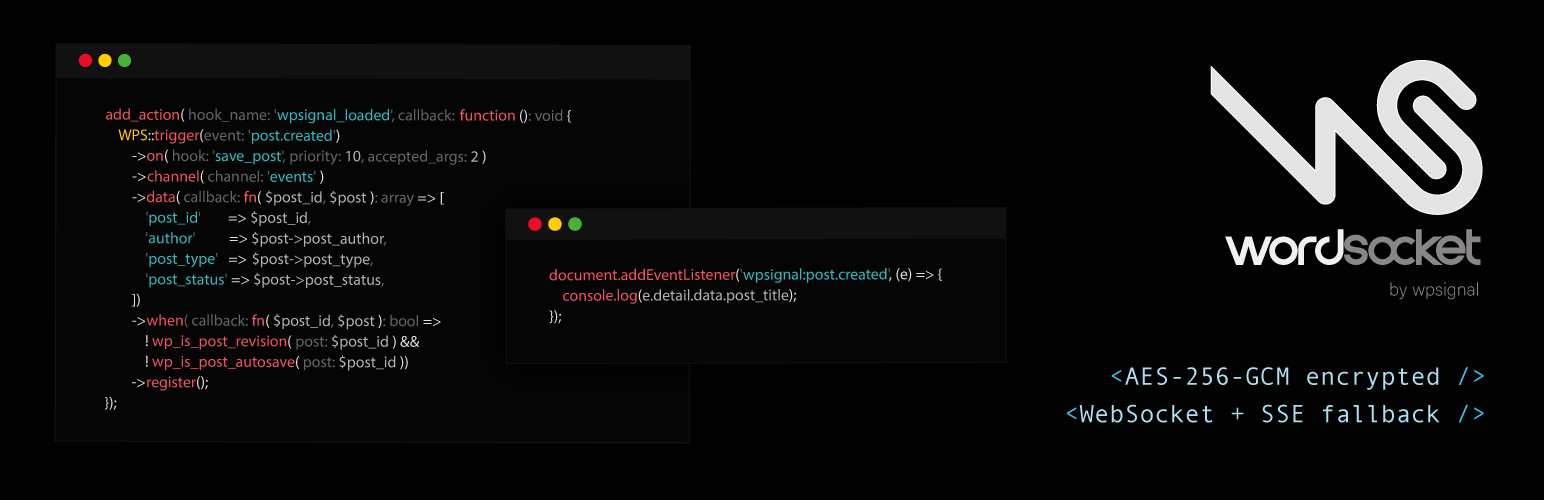
WordSocket sends realtime events from your WordPress site to connected browsers. When content changes: a post is published, a comment is approved, an option is updated: the plugin pushes the event to subscribers instantly via WebSocket (with SSE fallback).
On WordPress 7.0+, WordSocket also registers as a WebSocket-based Yjs sync provider for realtime collaborative editing in the block editor, replacing the default HTTP polling transport with a low-latency WebSocket connection.
WPSignal is an independent service and is not affiliated with or endorsed by the WordPress project.
Features:
- One-click automatic connection via the WPSignal dashboard (no API key required)
- Manual connection via API key for advanced setups
- Disconnect button with inline confirmation, removes the site from the server immediately
- WebSocket-first with automatic SSE fallback
- Per-site JWT signing secrets: each site’s connection tokens are cryptographically isolated
- AES-256-GCM encrypted event payloads: the WPSignal relay receives ciphertext only and never has access to plaintext message content
- Admin toggle to disable the collaboration provider and fall back to WordPress HTTP polling
- Built-in triggers for post updates and custom post types
- Custom trigger builder: map any WordPress action hook to a realtime event
- Public JavaScript API (
window.WPS) for themes and plugins to share the connection - Extensible connection token:
wpsignal_token_channelsandwpsignal_token_channel_prefixesfilters let other plugins add channels and namespace permissions to the JWT without modifying core - Admin explorer page with live event log, publish form, and token inspector
- Short-lived JWTs (5 min) with automatic refresh
How it works:
- Install the plugin and connect to the WPSignal service.
- When content changes in WordPress, the plugin encrypts and publishes an HMAC-signed event to the WPSignal server.
- The server pushes the ciphertext to all browsers subscribed to that channel.
- The browser decrypts the payload and dispatches
wpsignal:*DOM events. The relay never sees plaintext content. - On WordPress 7.0+, the block editor uses the same WebSocket connection for collaborative editing with no extra configuration.
Third-Party Service
This plugin connects to the WPSignal service at api.wpsignal.io for the following operations:
- Site registration: when you connect in the admin (via the automatic one-click flow or by entering an API key manually), the plugin registers your site with the server and receives credentials.
- Event publishing: when a trigger fires (e.g. a post is saved), the plugin sends an encrypted, HMAC-signed HTTP request to the server.
- Realtime connections: logged-in users’ browsers connect to the server via WebSocket or SSE to receive events.
Event payloads are AES-256-GCM encrypted before leaving WordPress. The WPSignal server relays ciphertext and never has access to plaintext message content. Data is delivered in realtime and is not persisted on the server.