
DynoMenu — Auto-Generate Dynamic Menus for WordPress and WooCommerce
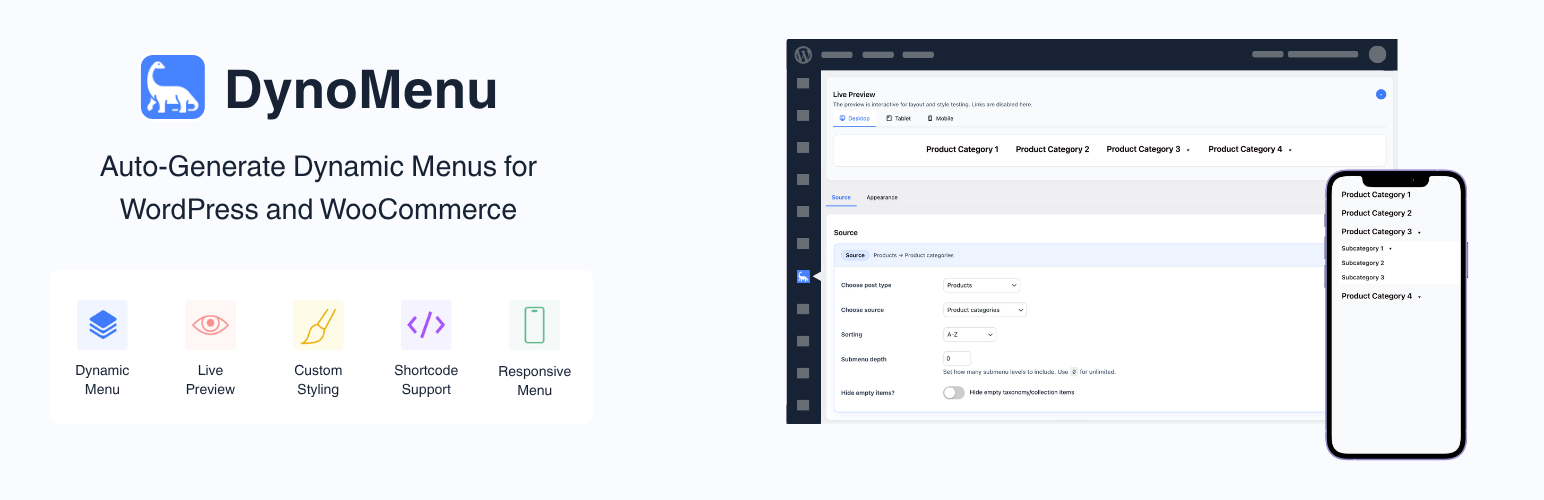
DynoMenu helps you create dynamic WordPress menus that stay in sync with your content. Build menus from posts, pages, categories, custom taxonomies, WooCommerce product categories, or existing WordPress menus, then place them anywhere with a shortcode.
Instead of rebuilding navigation by hand every time products, categories, or content changes, DynoMenu generates the menu from the source you choose. It is useful for stores, blogs, directories, resource libraries, and any site where navigation should follow content structure.
What DynoMenu Can Generate
- WooCommerce product category menus
- WordPress category and taxonomy menus
- Post, page, and custom post type menus
- Menus based on existing WordPress menus
- Nested dropdown menus with configurable submenu depth
Styling and Layout Controls
DynoMenu includes built-in appearance controls for menu layout, typography, colors, spacing, submenu styling, mobile toggles, and close buttons. You can preview changes in the admin screen and publish the menu with the [dynomenu] shortcode.
Good Fits
- WooCommerce stores that need product category navigation
- Content-heavy WordPress sites with changing categories or sections
- Sites that need shortcode-based menus inside pages, builders, widgets, or templates
- Site owners who want configurable menu styling without writing custom CSS
DynoMenu works with or without WooCommerce. WooCommerce support is optional and is used only when WooCommerce is active.
External Services
This plugin does not connect to third-party services or load remote assets.
Source Code
This plugin is licensed under GPLv2 or later. The complete source code, including all build tools and unminified assets, is available at: https://github.com/thekenanjunior/dynomenu-free
Build notes: * Plugin assets in this repository are shipped as human-readable source files. * No project-specific minified/compiled JS or CSS build step is required to run the plugin.