
WinRocket — Giveaway Lottery for WooCommerce
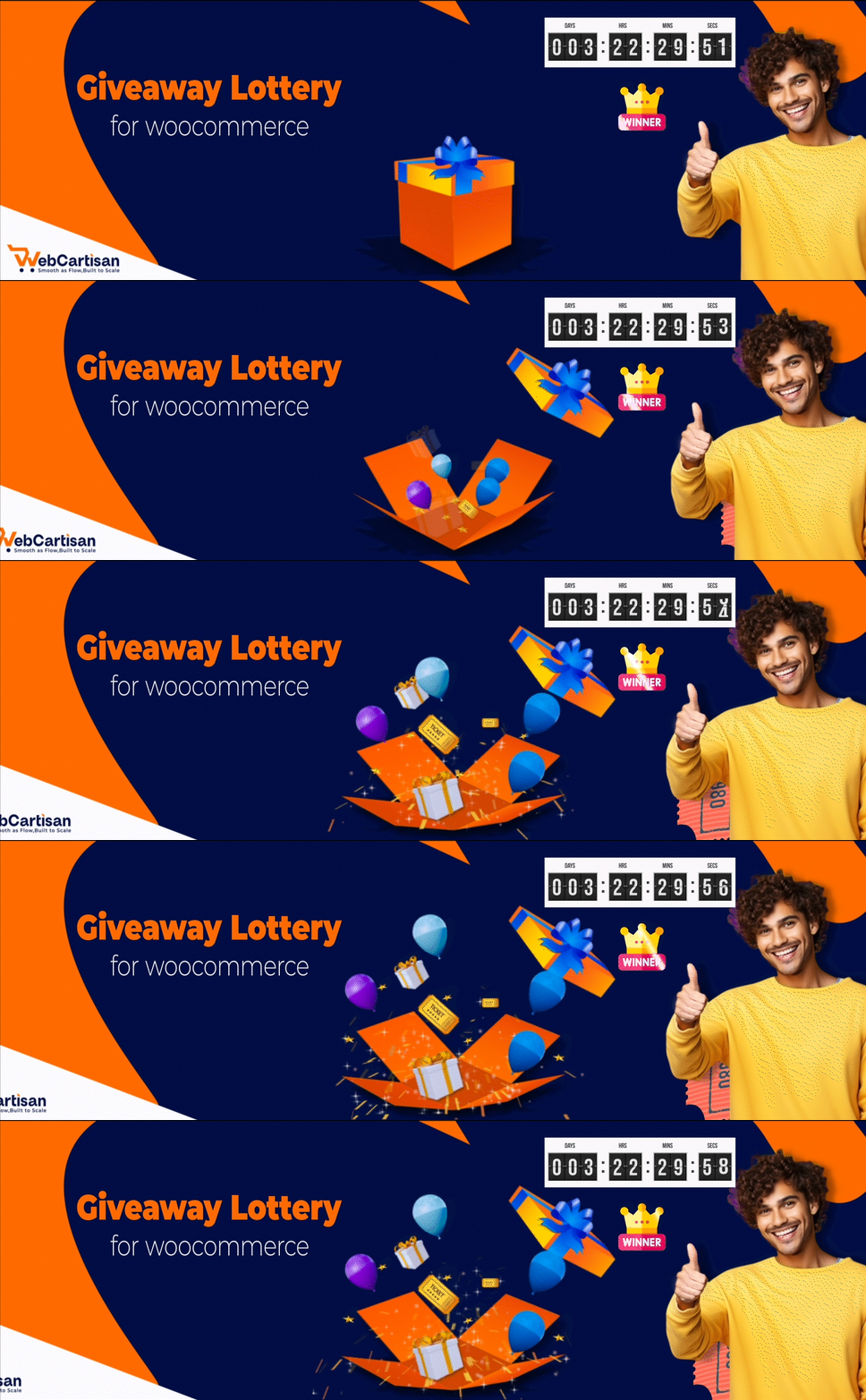
Engage Your Customers with Exciting Giveaways & Lotteries!
WinRocket — Giveaway Lottery for WooCommerce is the ultimate solution for store owners who want to boost engagement, increase sales, and build customer loyalty through exciting promotional campaigns. Transform your WooCommerce store into a dynamic platform for contests, raffles, and giveaways that keep customers coming back for more! So, it can also be considered a Sales Booster plugin
Best fit for:-
🎫 Raffle Draw 🎁 Giveaway ⚔️ Competition ⚡ Instant Win ❓ Quiz contents
🎲 Lucky Draw 💰 Lottery 🎡 Lucky wheel 📜 Reward Rules 🏅 Prize Draw
🏆 Online contest 💎 Jackpot 🍃 Sweepstakes ⭐ Reward Points 🛒 Ticket selling
WinRocket — Giveaway Lottery for WooCommerce lets you easily create and manage giveaway-based products just like regular WooCommerce items. You can sell tickets, set draw dates, define total ticket limits, and reward winners automatically. Customers can participate by purchasing tickets, using reward points, or joining instant-win campaigns—making every purchase more exciting. With built-in analytics, fair draw systems, and flexible campaign rules, this plugin helps you increase customer engagement, boost conversions, and grow repeat sales effortlessly.
WinRocket — Official Site | WinRocket — Official Demo | WinRocket — Giveaway Lottery Documentation | Contact Us | Get Pro
Learn how to create your first giveaway product in just a few steps.
Shortcodes for WinRocket — Giveaway Lottery for WooCommerce
1) Winner Reveal Page: Shortcode: [wxg_winner_reveal] Note: Before using this shortcode, you must select a Winner Reveal Page from the Winner Settings.
2) All Winner List (Pro): Shortcode: [wxgiveaway_winner_list]
3) Specific Product Winner List (Pro): Shortcode: [wxgiveaway_single_product_winner_list product_id=»0″] Note: Before using this shortcode, you must provide a valid product ID.
4) Countdown Timer Shortcode (Pro): Shortcode: [wxgiveaway_countdown_timer product_id=»0″] Note: Before using this shortcode, you must provide a valid product ID.
5) Range Slider Shortcode (Pro): Shortcode: [wxgiveaway_range_slider product_id=»0″] Note: Before using this shortcode, you must provide a valid product ID.
6) Lucky Wheel Shortcode: Shortcode: [wcs_lucky_wheel]
7) All Participant List Show Shortcode (Pro): Shortcode: [wxgiveaway_participants id=»0″]
KEY FEATURES OF WinRocket — GIVEAWAY LOTTERY FOR WOOCOMMERCE
1) Giveaway Number of Tickets Setup (Per Unit Quantity) Easily define how many tickets you want to sell for each quantity of giveaway product. Set ticket limits per unit quantity to better control scarcity and make your giveaways more attractive and easier to promote. 👉Explore the Documentation
2) Giveaway Champaign ticket selling start date Configuration Schedule exactly when your giveaway ticket sales should begin. Set a specific start date and time for each campaign so ticket sales automatically open at the right moment—no manual action required. 👉Explore the Documentation
3) Giveaway Ticket Sales End Date & Time Take full control over when ticket sales stop. By setting a precise end date and time, ticket sales will automatically close once the campaign ends, ensuring fairness and proper campaign management. 👉Explore the Documentation
4) Giveaway Draw Date & Time Configure the exact date and time for the Lucky Draw. This allows you to separate the ticket-selling period from the winner announcement, helping you manage campaigns more professionally and transparently. 👉Explore the Documentation
5) Lucky Contest Ticket Range Set a customizable range of random ticket numbers for your Lucky Draw. Easily track sold and available tickets with clear color indicators, and manage ticket allocation using flexible configuration options. 👉Explore the Documentation
6) Send a Random number of tickets through email Automatically send randomly generated ticket numbers to customers via email. Each ticket is delivered with a clean and attractive design, enhancing user experience and trust. 👉Explore the Documentation
7) Add your logo to the ticket Personalize giveaway tickets by adding your brand logo. This helps strengthen brand identity and gives your tickets a more professional and trustworthy appearance. 👉Explore the Documentation
8) Show «Winner-Button” in Single product Page & Archive page Choose whether to display the “Winner” button on single product pages and archive pages. This makes it easy for customers to access the Lucky Draw, Winner Reveal, or Campaign pages directly. 👉Explore the Documentation
9) Change “Winner reveal” Button Text in Single Product Page & Archive page Easily modify “Winner reveal” button label to anything you like—such as “Lucky draw,” “Campaign” or “Reward”—to better suit your store’s tone and boost engagement. 👉Explore the Documentation
10) Giveaway Reveal System (Random Winner Selection) WinRocket — Giveaway Lottery for WooCommerce plugin includes a fully automated random winner selection system with an integrated countdown timer.
- ⏲️ Automatic Draw: When the giveaway timer ends, the system automatically draws.
- 🎆 Winner Reveal with Fireworks: Celebrate the moment with a beautiful firework animation on the winner announcement screen.
- 🔄 Hands-Free Operation: No manual work needed — everything happens in real time!
11) customer details check by ticket number Now the system has the facility to find customer details by ticket number. You will get it under products in the admin area. You can see a button «Find Ticket» when you click it, then open a pop-up where you can put a ticket number, and then you can see all the information for this ticket number. 👉Explore the Documentation
12) Email body customization & branding WinRocket — Giveaway Lottery for WooCommerce raffle system allows the admin to customize the ticket email body. Admin can use customer name, order ID, order date, etc., placeholders in the email body, and can also set their own position where tickets will be appended in the email. Awesome freedom in setup! 👉Explore the Documentation
13)Lucky Wheel System 🔥
Engage customers with an interactive lucky wheel! Customize wheel slices with different prizes, set probabilities, configure colors, and define winning descriptions. The system includes multiple display options (product pages, cart, checkout), customizable templates, and email notifications for winners. Use the short code [wcs_lucky_wheel] to embed the wheel anywhere on your site.
👉Live Demo | Documentation
Spin the Lucky Wheel and engage customers with coupons, reward points, free tickets, or surprises!
14)Analytic Page 🔥 The Analytics Page provides the admin with a complete overview of each giveaway product’s performance. From this section, the admin can clearly see how many sales have been generated, the total revenue earned, the number of orders placed, and how many users have participated. All key insights are displayed in one place, making it easy to track performance, measure success, and manage giveaway campaigns effectively. 👉Explore the Documentation
14)Question Answer Section Enhance customer engagement by displaying an interactive Question & Answer section on the single product page before the Add to Cart button. This feature allows you to ask users simple quiz questions, collect responses, or provide important giveaway instructions before participation—making your giveaway campaigns more interactive and engaging. 👉Live Demo
WHAT PREMIUM VERSION OF WinRocket — GIVEAWAY LOTTERY FOR WOOCOMMERCE OFFERS
1) Ticket Settings: Add Prefix and Suffix to Giveaway Ticket Numbers Enhance the branding and organization of your WooCommerce giveaway tickets by customizing them with prefixes and suffixes. With the WinRocket — Giveaway Lottery for WooCommerce plugin, you can easily add a unique identifier before or after each ticket number—perfect for distinguishing between multiple campaigns, promoting brand recognition, or organizing entries by event. The Pro version allows setting up an individual giveaway product’s prefix-suffix setup. 👉Explore the Documentation
2) Email Ticket Control: Can Control Everything in Ticket Email Now you have full freedom in ticket email. You can change all labels there easily from Tickets Settings. Can hide or show ticket elements like- show name, hide phone number, show competition title, or hide etc. 👉Explore the Documentation
3) Ticket Export: Download Giveaway Tickets in CSV Format Effortlessly manage your giveaway data with the Ticket Export Settings feature in the WinRocket — Giveaway Lottery for WooCommerce plugin. This section enables you to download all generated giveaway tickets in CSV format, including essential details like ticket numbers, order IDs, customer information, and more. You can choose which fields to include in the export, making it easy to tailor the data for your specific needs—whether for record-keeping, offline access, manual draws, or campaign analysis. 👉Explore the Documentation
4) Manually Add or Deduct Giveaway Tickets for WooCommerce Orders With the WinRocket — Giveaway Lottery for WooCommerce plugin, you can manually add or deduct giveaway tickets for any customer order. This flexible feature is perfect for adjusting ticket counts due to special promotions, customer service resolutions, refunds, or manual corrections. You can even use this tool to reward loyal or VIP customers by granting them extra tickets, increasing engagement, and encouraging repeat purchases. Boost participation in your lucky draw campaigns by giving deserving customers more chances to win. 👉Explore the Documentation
5) Pre-Define Winner by Ticket Number in WooCommerce Giveaways With the Pre-Define Winner feature in the WinRocket — Giveaway Lottery for WooCommerce plugin, you can manually assign a winning ticket number before the draw takes place. This is especially useful for fixed-result giveaways, VIP customer rewards, internal contests, or employee engagement campaigns. 👉Explore the Documentation
6) Bonus Tickets Settings – Reward Customers with Extra Giveaway Entries Boost customer engagement and increase sales with the Bonus Tickets Settings in the WinRocket — Giveaway Lottery for WooCommerce plugin. This feature allows you to automatically reward customers with bonus giveaway tickets based on predefined conditions—such as order value, specific product categories, or promotional campaigns. 👉Explore the Documentation
7) Expand Email Style – Customize Giveaway Emails to Match Your Brand With the Expand Email Style feature in the WinRocket — Giveaway Lottery for WooCommerce plugin, you can enhance and fully customize the design of giveaway-related emails sent to your customers. Align your giveaway email templates with your brand’s visual identity, ensuring a professional and engaging experience for recipients. 👉Explore the Documentation
8) Countdown Timer Custom Color – Match Timer Design with Your Brand Enhance the visual appeal of your WinRocket — Giveaway Lottery for WooCommerce campaigns with the Countdown Timer – Custom Color feature. This setting allows you to customize the countdown timer’s text, background, and border colors, ensuring it perfectly aligns with your site’s theme and branding. A well-styled timer not only grabs attention but also builds urgency and encourages users to participate before the time runs out. 👉Explore the Documentation
9) Ticket picker Customer can choose their lucky number from the ticket picker. The ticket picker has 3 different styles: pagination, tab, and left-right slide. Store owners have a lot of freedom to control the ticket pickers. 👉Explore the Documentation
10) Instant checkout Instant checkout feature designed to organize free raffle contests, newsletter signup campaigns, and email or phone number list building. Dedicated to engaging customers or audiences by making it simple, funny, and easy. Much simpler than any other RafflePress or viral contest plugin. 👉Explore the Documentation
Free ticket system designed to boost customer engagement on your website.
11) Wheel spinning winner reveal system Faster, lightweight, and attractive wheel system designed for winner announcement and ready to go live draw. A contest / Game organizer can easily make a live draw on YouTube, Instagram, Facebook, or any other social media platform by sharing a screen. The wheel winner system will give an awesome vibe in your draw campaign. 👉Explore the Documentation
12) Multiple winner selection ready The raffle system is completely ready to use for multiple winner selection. It’s just click and pick a winner through the wheel, or reload the page and get a new winner. So funny! 👉Explore the Documentation
13) Reward Rules System Create comprehensive reward rules to incentivize customer engagement! Set up multiple reward tiers (Bronze, Silver, Gold, Platinum) with different point thresholds, configure point-earning activities (product reviews, sign-ups, etc.), and manage reward distribution. The system allows you to create rule groups with specific conditions, time ranges, and reward points to automate your customer loyalty program. 👉Explore the Documentation
14) Instant Winner Settings Configure instant winner functionality for immediate gratification! Enable/disable instant wins, customize display styles, set tab labels, and configure availability messages. The system allows you to control whether winner lists are shown and customize the entire user experience for instant prize notifications. 👉Explore the Documentation
Instant win rewards including reward points, free products, free giveaway tickets, exciting coupons, and much more.
15)Analytic Page 🔥 In the Pro version, the Analytics Page includes advanced visual insights such as interactive pie charts and line graphs. These charts help you easily understand sales distribution, user participation, and performance trends over time, making data analysis clearer and more effective.
Many more options that will be helpful for your giveaway business. Let’s try it out.
WinRocket Team is open for you to give customization support. You might contact us for any kind of help for your giveaway system.
Let’s Enjoy 😊