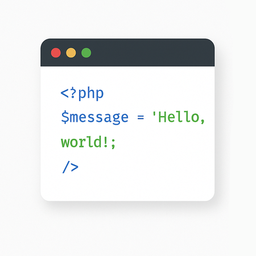
Light Code Block
·
Плагин "Light Code Block" - это самый простой и легкий плагин для вставки и отображения кода.

The «Light Code Block» plugin is a simple and lightweight solution for inserting and displaying code snippets in posts and pages. It works by adding a custom «LC» button to the TinyMCE (Classic) editor or a code block in the Gutenberg editor.
The inserted code will be shown on the front end in a clean, readable format.
Usage
- Install and activate the plugin.
- Go to the post or page edit screen.
- In the TinyMCE (Classic) editor, click the «LC» button in the toolbar.
- In the popup window that opens, paste or write your code, and click OK.
- Save or update your post.
The code will be saved inside a special block and displayed on the front end within a <pre> tag with the class mce-simple-code-block (i.e., <pre class="mce-simple-code-block">...</pre>).
To insert code using the Gutenberg editor, you first need to add a Classic (TinyMCE) block, and then use it to insert your code.