
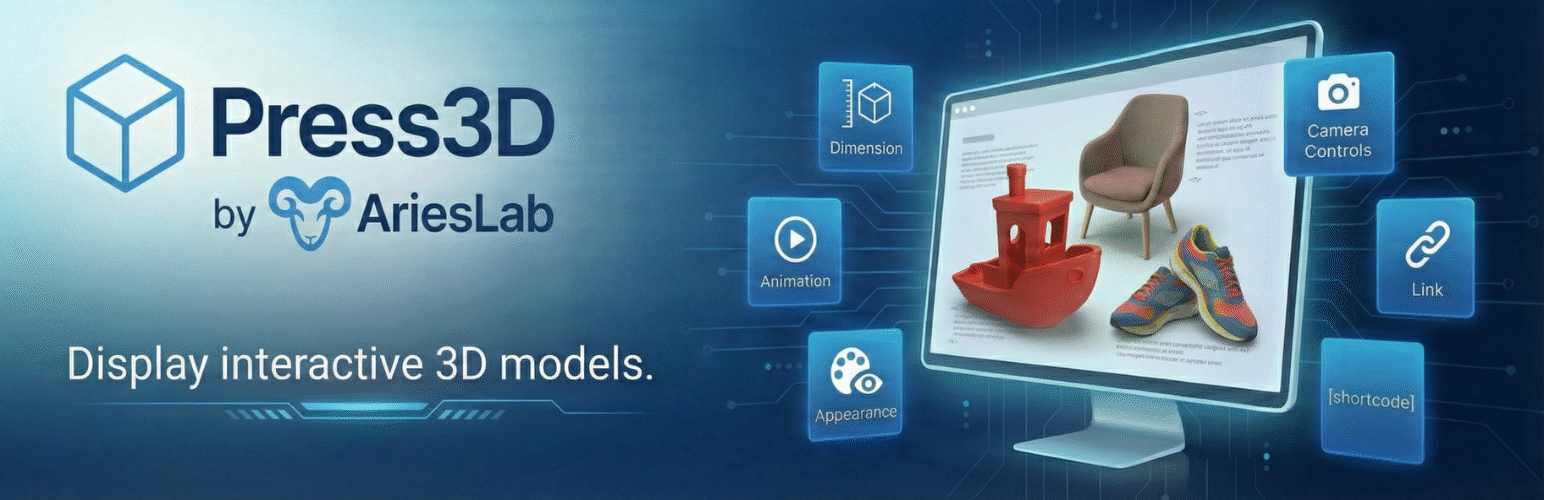
Press3D is a powerful and feature-rich WordPress plugin that enables you to display interactive 3D models directly on your website. Built with the industry-standard Three.js library, it provides a professional-grade 3D viewing experience with extensive customization options.
Supported 3D Model Formats:
- STL — Popular for 3D printing and CAD models (binary and ASCII)
- OBJ — Universal 3D format compatible with most 3D software
- GLB — Binary glTF format (recommended for best web performance)
- GLTF — Text-based glTF format with separate asset files
Key Features:
- Gutenberg Block Integration — Native WordPress block editor support with live preview
- Shortcode Support — Use
[press3d id="123" version="1"]anywhere in your content with version control - Interactive 3D Viewer — Rotate, zoom, and pan with mouse or touch controls
- Camera State Persistence — Saves and restores exact camera position and orientation
- Auto-Rotate Mode — Automatic dual-axis model rotation (X/Y) with adjustable speed (-10 to +10)
- Material Customization — Control colors, shininess/metalness (0-1 scale)
- Lighting Control — Adjustable light intensity (0-10 range) with ambient + directional lighting
- Shadow Support — Enable realistic shadows for your 3D models
- Camera Controls — Option to enable or disable user camera interaction
- Multiple Loading Animations — Choose from Spinner, Progress Bar, 3D Cube, or None
- Responsive Design — Automatic canvas resizing for all screen sizes and devices
- Mobile-Friendly — Touch controls for rotation, zoom, and pan on tablets and phones
- Accessibility Ready — ARIA labels, alt text support, and keyboard navigation
- WordPress Media Library — Upload models directly through standard media uploader
- Dimension Controls — Set custom width/height with multiple units (px, %, em, rem, vw, vh)
- Translation Ready — Full internationalization support (text domain: press3d)
Perfect for:
- Product showcases and e-commerce 3D product views
- Architectural visualization and real estate
- Educational content and scientific models
- Engineering and CAD model presentations
- 3D printing file previews
- Medical and anatomical models
- Art and sculpture portfolios
- Game assets and character models
Source Code
The source code for this plugin is available in the src and assets/src directories.