
WPZOOM User History — Lock Users & Change Usernames
·
Track changes made to user accounts, lock/unlock users, change usernames, and monitor login activity.
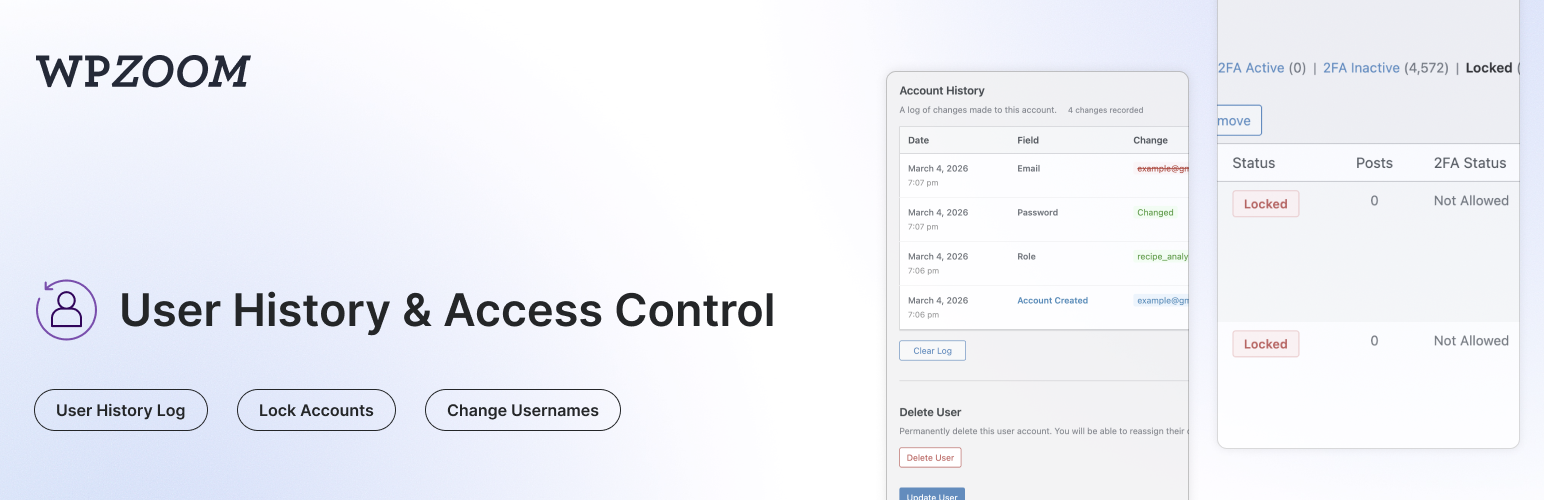
User History tracks all changes made to user profiles and displays a complete history log on the user edit page. It also lets admins lock or unlock user accounts, change usernames, monitor login/logout activity, manage active sessions, and search for users by their previous details.
Profile Change Tracking:
- Track Profile Changes — Automatically logs changes to username, email, display name, first/last name, nickname, website, bio, and role
- Password Change Logging — Records when passwords are changed (without storing any password data)
- See Who Made Changes — Each log entry shows whether the user changed their own profile or if an admin made the change
- IP Address Tracking — Records the IP address for each change (can be disabled for GDPR compliance)
- Search by Previous Values — Find users on the All Users page by their old email or username
- Clear History — Admins can clear the history log for any user
Login & Session Monitoring:
- Login/Logout Tracking — Records successful logins, logouts, and failed login attempts with date, IP address, and browser info
- Failed Login Attempts — Track failed login attempts for existing user accounts
- Active Sessions — View all active WordPress sessions for any user, including login time, IP address, browser, and expiry
- Log Out Everywhere — Destroy all active sessions for a user with one click
- Browser & OS Detection — Automatically detects and displays the browser and operating system from the user agent
Lock/Unlock User Accounts:
- Lock User Accounts — Prevent users from logging in by locking their account
- Instant Session Termination — Locked users are logged out immediately and all active sessions are destroyed
- Application Password Blocking — Locked users cannot authenticate via application passwords (REST API, XML-RPC)
- Status Column — See which users are locked at a glance with a status column on the All Users page
- Bulk Lock/Unlock — Lock or unlock multiple users at once from the All Users page
- Row Actions — Quickly lock or unlock individual users from the All Users list
- Locked Users Filter — Filter the All Users list to show only locked accounts
- Custom Lock Message — Set a custom message shown to locked users on the login screen (Settings > User History)
- WP-CLI Access — Locked users can still be managed via WP-CLI
Admin Tools:
- Change Username — Allows admins to change usernames directly from the user edit page (WordPress normally doesn’t allow this)
- Delete User Button — Quick access button to delete a user directly from their profile page
- Data Retention — Automatically delete old logs after a configurable number of days (default: 30 days)
- Clear All Logs — Bulk delete all history logs for every user from the settings page
Privacy & Compliance:
- IP Tracking Toggle — Enable or disable IP address recording for GDPR compliance (Settings > User History)
- Configurable Retention — Set how long logs are kept (1-365+ days, or keep forever)
- Automatic Cleanup — Daily cron job removes logs older than the configured retention period
Compatibility:
- Multisite Compatible — Works with WordPress multisite installations, including super admin username changes
- Members Plugin Compatible — Correctly tracks role changes when using the Members plugin for multiple role assignments
- Migration from Lock User Account plugin — Automatically migrates locked users from the Lock User Account plugin
Use Cases:
- Find customers who changed their email after making a purchase
- Track when and who changed user roles
- Audit user profile modifications for security
- Monitor login activity and detect suspicious access
- View and manage active user sessions
- Allow username changes without database access
- Lock compromised or suspended accounts instantly
- Temporarily disable user access without deleting accounts