
Abs – Additional block styles
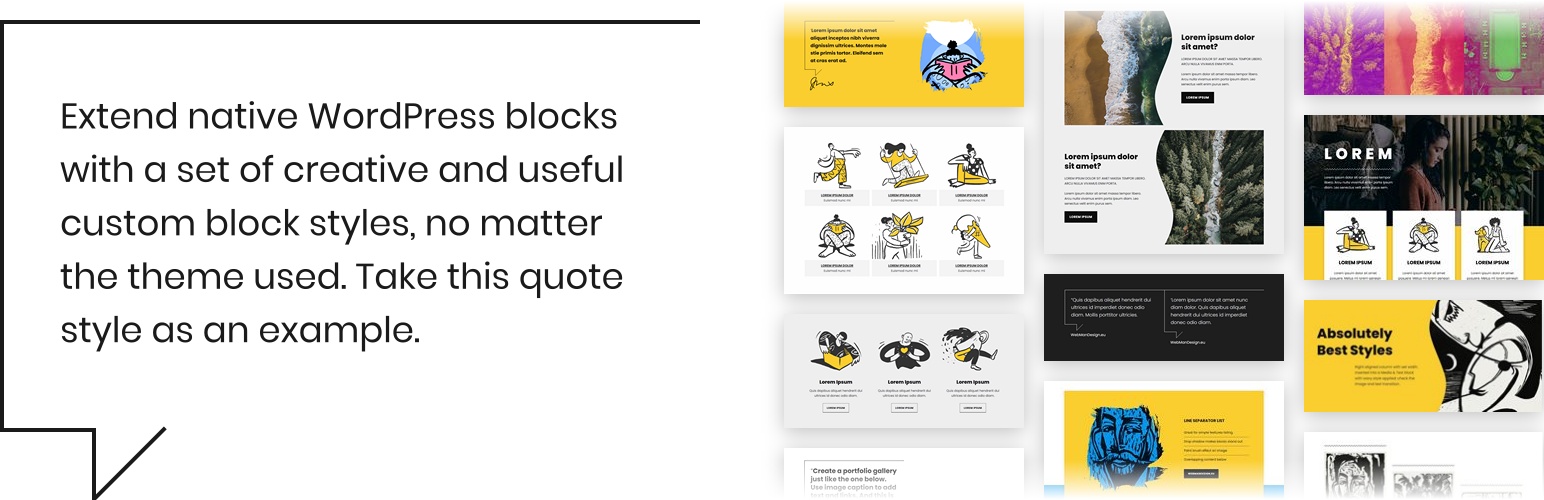
Provides new additional creative styles for your WordPress website native blocks in editor (Gutenberg). Simply activate the plugin and use newly available block styles (see ”Frequently Asked Questions” for more info).
List of included block styles:
Portfolio gallery Display caption of gallery images below the image to create a portfolio-like appearance.
Enhanced Media & Text Enable creative transition between media and text containers. Also, display the media on top for easy feature or service display.
Image effects Give your Image and Media & Text blocks interesting, unique look with brushstroke, flower, blob or oval shape.
Overlap blocks Overlap various (container) blocks over content above or below. Or pull them left and right.
Modern quotes A modern bubble style is provided for Quote block.
List items Separate list items and latest posts with a border. Or display lists inline.
Remove gaps You can remove gaps between columns or gallery images. Also, a useful style to remove vertical gap from various blocks is provided.
Column alignment Use this style with singular column which is not 100% wide. You can then align the column in columns container using these styles.
Shadows Make various blocks stand out applying a drop shadow style. Or push the Cover block background further to the back with inner shadow.
Responsive styles Hide a column, or stack columns and Media & Text on tablet screens (in portrait orientation).
Separator styles New double line and zigzag separator styles are provided.
Edge sapes Apply wavy top and bottom edge for multiple blocks (props to CoBlocks plugin for inspiration).
Accessibility related styles You can hide headings accessibly. They will still be accessible for assistive technology such as screen reader, but visually they’ll be hidden.
Got a suggestion?
If you have a suggestion for a new block style, please share it here in support section or in GitHub repository issues.