
Advanced Custom CSS for Elementor
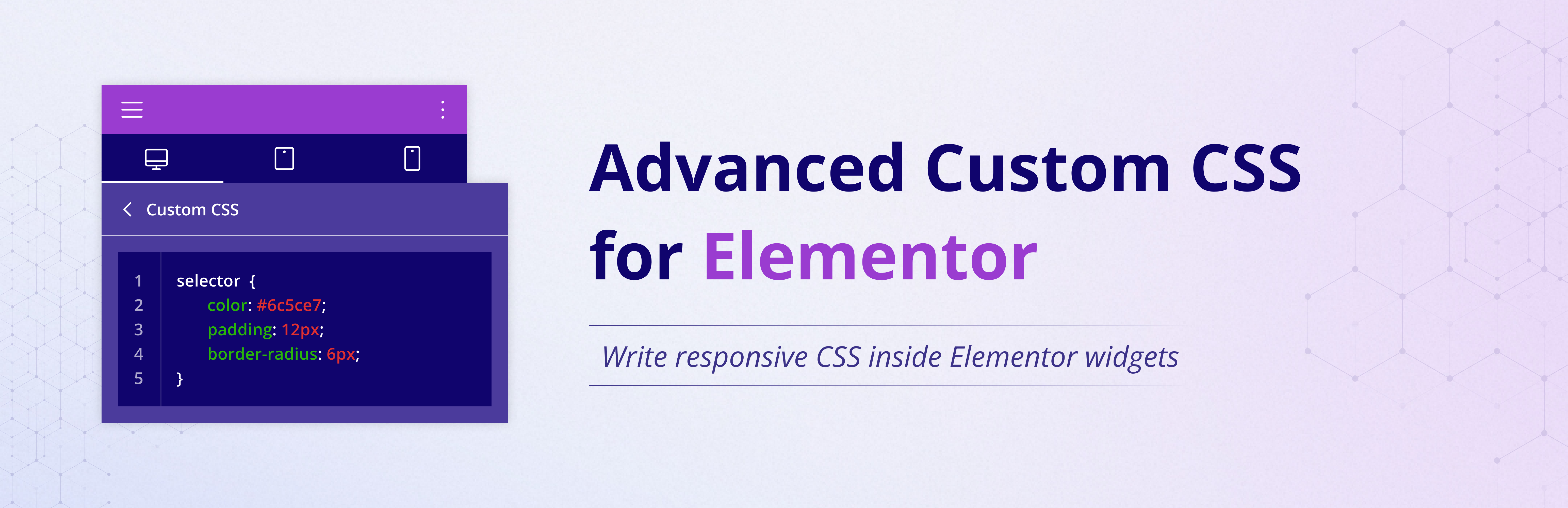
Custom CSS for Elementor lets you add custom CSS to every Elementor widget without requiring Elementor Pro. Write widget-specific CSS using the familiar selector keyword, preview changes instantly, and create responsive styles for desktop, tablet, and mobile—all directly inside the Elementor editor.
If you are searching for an Elementor CSS plugin, Elementor free custom CSS support, or a way to add CSS to Elementor widgets without upgrading to Pro, this plugin is built for exactly that workflow.
With this plugin enabled, you get a dedicated Custom CSS area in the Advanced tab for each widget. You can keep styles local to a single widget, avoid global CSS conflicts, and maintain cleaner design control while editing pages.
Why Use Custom CSS for Elementor?
- Add Custom CSS without Elementor Pro.
- Style individual Elementor widgets without affecting the whole page.
- Write widget-level CSS using Elementor
selectorsyntax. - Create responsive CSS for Desktop, Tablet, and Mobile.
- See live preview updates while editing in Elementor.
- Keep your setup lightweight with no extra configuration.
- Works with both Elementor Free and Elementor Pro.
Features
- Add Custom CSS to Elementor widgets from the Advanced tab.
- Create widget-specific CSS without impacting unrelated elements.
- Use it as a free alternative when you only need Elementor Pro Custom CSS behavior.
- Separate responsive CSS fields for Desktop, Tablet, and Mobile.
- Supports Elementor
selectorsyntax for precise targeting. - Instant live preview inside Elementor editor.
- Lightweight plugin with zero settings pages.
- Compatible with modern WordPress and Elementor versions.
Usage
- Open any page in Elementor.
- Click a widget you want to style.
- Go to Advanced > ACCE Custom CSS.
- Add CSS in Desktop, Tablet, or Mobile tabs.
- Use
selectorto target the current widget only.
Example 1:
selector { background: #000; color: #fff; }
Example 2:
selector:hover { transform: scale(1.05); }
Example 3:
selector img { border-radius: 20px; }
Use Cases
- Quickly style CTA buttons on one landing page section.
- Apply hover effects to selected cards only.
- Create mobile-specific spacing for hero widgets.
- Add custom border, shadow, and typography tweaks per widget.
- Prototype CSS ideas in Elementor before moving to theme stylesheets.
Developer Notes
Default breakpoints are Tablet: 1024px and Mobile: 767px.
You can override breakpoints using this filter:
add_filter( ’ACCE_custom_css_breakpoints’, function( $defaults ) { return [ ’tablet’ => 900, ’mobile’ => 600, ]; } );
Troubleshooting
= My CSS is not applying. What should I check? =
– Make sure you used selector for widget-scoped rules.
– Confirm your CSS syntax is valid.
– Clear Elementor and site cache after changes.
– Check whether another CSS plugin is overriding the same styles.
Responsive styles look different than expected. Why?
Check your media query logic and verify custom breakpoints if your project overrides defaults.
License
This plugin is licensed under the GPLv2 or later.