
Bit integrations – Form Integration, Webhook, Spreadsheets, CRM, LMS & Email Automation
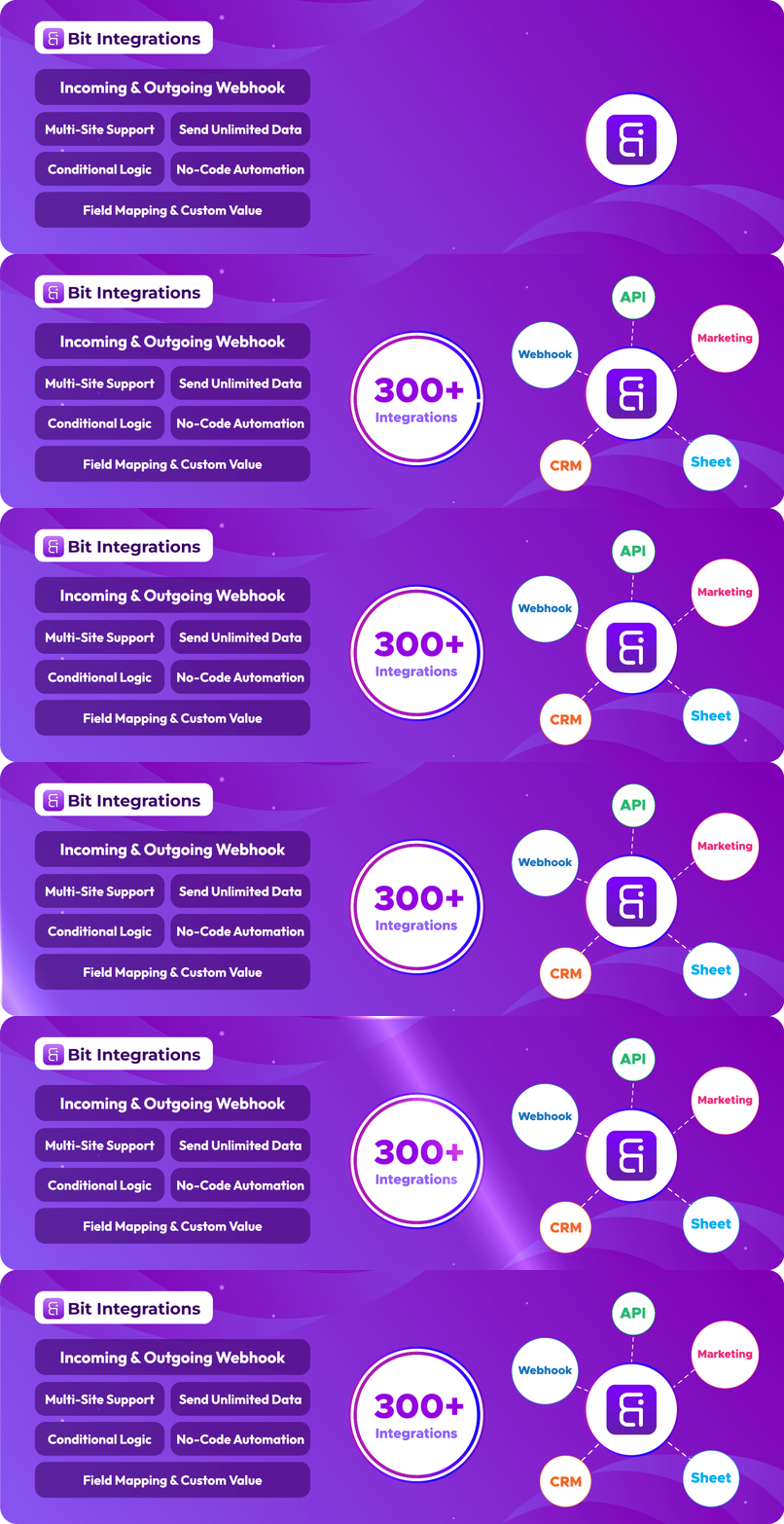
Bit Integrations is a Easy Automation & Integration Plugin for WordPress
Bit Integrations help WordPress users integrate WordPress and plugin data to 320+ platforms.
🎯 Varför Bit Integrations?
When a user submit contact form, enroll a course, create order in WooCommerce then the data send to google sheet, MailChimp, Brevo, Zoho CRM and more. It save you time, resource and effort.
Whether you’re:
- Running a small business
- Automating an eCommerce store
- Scaling your digital marketing automation
Bit Integrations helps you connect apps, collect data, and trigger actions automatically.
Easy WordPress Automation with Bit Integrations – by WPTuts
🔌 Integration Across Your WordPress Stack
No-code automation and automator plugin for WordPress help you create workflows with Webhooks, WooCommerce, CRMs, LMS, Zapier, and more.
- Connect with:
- WooCommerce
- Form builders
- Email marketing tools
- CRM
- Learning Management Systems (LMS)
- Spreadsheets and Booking tools
- Top integration plugins, including Zapier, OttoKit (SureTriggers), Uncanny Automator, FlowMattic, and more
- Webhooks
- REST API
Integrate Elementor Forms to a Notion CRM [with Bit Integrations] – by Jeffrey @ Lytbox
✅ Key Features:
-
⚡ No-code automation: No-code automation for small businesses, marketers, and eCommerce sites.
-
🔁 Automated workflows: Create automated workflows across hundreds of apps and services.
-
🌐 Webhooks Integration: Send and receive data via webhooks to hundreds of platforms.
-
🧩 Powerful data mapping: Powerful data mapping for seamless data transfer automation.
-
🎯 Custom Trigger & Conditional Logic: Use custom triggers and conditional logic to tailor actions.
-
🔄 Real-time data sync: Ensure real-time data sync across tools.
-
🧩 CRM integrations: Automate lead generation and manage customer data across CRMs like Zoho CRM, Salesforce, HubSpot.
-
💌 Email marketing automation: Email marketing automation with Mailchimp, Sendinblue, and more.
-
🛍️ WooCommerce Automation: Native e-commerce integrations and Automatically sync orders, customers, and products.
-
📥 Form Builder Integration: Automated data collection from popular form builder integrations. Connect form data from Contact Form 7, WPForms, Bit Form, Elementor Forms, etc., to CRMs, email marketing platforms, and more.
-
📱 Social Media Automation: Send data to platforms like Telegram, WhatsApp, Slack, Discord and more.
-
⚙️ Easy Setup: Get started with simple, no-code automation setups for all your integrations.
-
🧠 Detailed Logging: Error handling with view logs of all your data submissions and automated actions.
-
🔁 Access to 300+ Integrations: Easily connect with tools like Zapier, Google Sheets, Trello, Slack, and more.
Elementor, Contact Form 7 & other Contact Form Integration
After user submit Elementor form, Contact Form 7 or any contact form send those data to google sheet, mailchimp, brevo, zoho crm realtime.
Follow simple three steps, select form as action, authorized action, map field and done. It save user time, money and resource.
WooCommerce Integration
You can easily integrate WooCommerce with Google Sheet, CRM, Email Marketing & more. After Customer Create, Product Create, Order create, Order Status Change then those data send connect platform. It help you track WooCommerce store.
WordPress Integration
Automating WordPress tasks is now smarter with Bit Integrations. Connect plugins like Elementor, Fluent Forms, Tutor LMS, or Contact Form 7 to your workflows. For example, when a form is submitted, Bit Integrations can create a post, send emails, and update CRM records (e.g. FluentCRM) automatically.
MailChimp Integration
After submit Elementor, Contact form 7, Bit Form, Enroll Course in LearnDash, Create order in WooCommerce then this user added in Mailchimp subscriber list automatically.
Google Sheet automation
Google Sheet is widely used application. You can easily integrate Google Sheet with WordPress. After user submit a contact form, or any other event created in WordPress this data you can easily send google sheet using Bit Integrations.
Incoming and Outgoing Webhook
You can receive third party data using webhook then process and send other platform. If some time native integrations missing then webhook is helpful.
Some platform don’t have API but the collect receive data from webhook. That Bit Integrations outgoing webhook help you send data.
⚙️ Automate Everything from One Dashboard
Automate your WordPress workflow with Bit Integrations — the easy no-code automation plugin, send unlimited data to third party platforms:
- WooCommerce
- Contact Form
- CRM
- LMS
- Bookings
- Google Sheet
- Webhooks
- Social Media
- Email Marketing Tools
- Automation Platforms like Zapier and more
Bit Integrations is the automator plugin WordPress users rely on for smart, scalable automation.
🚀 Useful Links
🧪 Try Pro Version 🙋 Live Support 🚀 Upgrade to Pro 🐱 Bit Integrations Repository 🔗 Explore all supported Integrations. 📚 Need help? Visit our Documentation. ▶️ Need help? Visit our Video Tutorials. 📢 Join our Bit Apps Community & get updates on our plugins.
💻 Full source code is available at
🔗 GitHub Repository: https://github.com/Bit-Apps-Pro/bit-integrations
With Bit Integrations, automation is at your fingertips. Automate tasks across your WordPress site, boost efficiency, and simplify your business operations with powerful automation features.
Bit Integrations | Best WordPress Automation Software! – by SiteKrafter
Bit Integrations help you Automate everything from simple tasks to complex task.
WP Simple Hacks – WordPress tips and tricks” youtube channels thoughts about WordPress automation plugin Bit Integrations.
Bit Integrations is a go-to automation and automator plugin for WordPress, enabling you to automate tasks and enhance productivity.
Connect WordPress Automatically To All Your Favorite Marketing Platforms – Bit Integrations – by SaaS Master
✔ List of Available Free Triggers:
- Elementor Automation
- Contact Form 7 Automation
- WooCommerce Integration
- WPForms Automation
- Bit Form Automation
✔ List of Available Pro Triggers:
- Fluent Forms
- Gravity Forms
- Advanced Custom Fields (ACF)
- WooCommerce Subscriptions
- WooCommerce Bookings
- WooCommerce Memberships
- Ninja Forms
- Piotnet Addons For Elementor
- Divi
- LearnDash
- Tutor LMS
- MemberPress
- Webhook
- Paid Memberships Pro
- Easy Digital Downloads
- JetEngine
- JetFormBuilder
- Beaver Builder
- Formidable
- MetaBox Frontend Submission
- Fluent CRM
- Groundhogg
- WP User Registration
- MailPoet
- Bricks
- Forminator
- Everest Forms
- bbPress
- BuddyPress
- BuddyBoss
- Dokan
- Advanced Coupons For WooCommerce
- Amelia
- MasterStudy LMS
- Academy LMS
- ARForms
- eForm
- FormCraft
- Happyforms
- SureForms
- Tripetto
- weForms
- WSForm
- Newsletter
- Wishlist Member
- SliceWP Affiliate
- Solid Affiliate
- SureCart
- SureFeedback
- SureMembers
- Voxel
- WPFunnels
- FunnelKits CRM
- Jetpack CRM
- … See More
✔List of Available Free Actions:
- Zapier
- Make (Integromat)
- Uncanny Automator
- SureTriggers (OttoKit)
- AutomatorWP
- FlowMattic
- WooCommerce
- ActiveCampaign
- Mailchimp
- HubSpot
- Google Sheet
- Google Calendar
- Google Drive
- Google Contacts
- LearnDash
- Tutor LMS
- MemberPress
- FluentCRM
- Drip
- Klaviyo
- Salesforce
- MailPoet
- BuddyBoss
- Dokan
- Groundhogg
- GiveWP
- GamiPress
- Bit Form
- Advanced Form Integration
- Freshdesk
- Freshsales
- Pipedrive
- Zoho CRM
- Zoho Campaigns
- Zoho Sheet
- Zoho Desk
- Zoho Flow
- Zoho Marketing Hub
- Zoho Recruit
- Zoom Meeting
- Zoom Webinar
- Slack
- Telegram
- Discord
- Trello
- Asana
- ClickUp
- Notion
- Airtable
- Dropbox
- OneDrive
- SendinBlue (Brevo)
- MailerLite
- Moosend
- Omnisend
- Sarbacane(Mailify)
- Pabbly
- N8N
- SystemeIO
- Thrive Automator
- WP Webhooks
- WPFusion
- Academy LMS
- MasterStudy LMS
- Fluent Support
- Pods
- JetEngine
- wpForo
- License Manager for WooCommerce
- SliceWP Affiliate
- GoHighLevel
- Perfex CRM
- Propovoice CRM
- Zoho Bigin
- Flowlu
- Voxel
- Webhooks
- … See More
Most popular integrations use cases below for more understanding about this automation plugin
-
Automate order management, customer data syncing, product updates, and more. Common integrations include WooCommerce + Zoho CRM, WooCommerce + GoHighLevel, and WooCommerce + Google Sheets.
-
WooCommerce + Mailchimp for automated email marketing and WPForms + Mailchimp for form-based sign-ups or newsletters.
-
Bit Form + HubSpot to automatically sync leads or form submissions with your CRM, and WooCommerce + HubSpot to enhance eCommerce customer tracking.
-
Bit Integrations + Zapier to extend the platform’s capabilities by connecting to more platforms that aren’t natively supported.
-
LearnDash + WooCommerce for automating course registration and payments, or LearnDash + Perfex CRM to sync user enrollment data.
-
WooCommerce + Google Sheets for automating order records, or WPForms + Google Sheets for automatically populating form submissions.
-
Bit Form + ActiveCampaign to automate the process of adding form submissions to the email list, or WooCommerce + ActiveCampaign to trigger marketing campaigns based on purchase behavior.
-
WooCommerce + Salesforce to sync customer and order data, or Bit Form + Salesforce to capture leads from forms directly into Salesforce.
-
WPForms + Trello to create cards or tasks automatically when a form is submitted, or WooCommerce + Trello to create tasks or track orders as cards in Trello.
♻ How does this plugin work?
This plugin acts as a bridge between platforms, using Triggers and Actions. Triggers capture data, like form submissions (Contact Form 7, WP Forms, etc.), while Actions send it to CRM, Email Marketing Software, Project Management Tools, Data Collection Tools, and other WordPress plugins.
For example, a contact form (Bit Form, WP Forms, etc.) is submitted, and you want to send data in your CRM, Email Marketing Software, Project Management Tools, Data Collection Tools, and other WordPress plugins.
❣ What our customer say about Bit Integrations :
💠 Best of class
-by @saschinger
💠 Bit Integrations is an affordable alternative to Pabbly Connect and Zapier
-by @barrynthdegreegroupnet
💠 A Game Changer for My WordPress automation
-by @angelitos
💠 Zapier-like Integrations, No Fees Required!
-by @peterode
💠 Zapier for WordPress Made Easy!
-by @onedogsolutions
💠 Pure Automation at Play!
-by @vaishakdamu
✨ Overview of other products we are offering :
📝Bit Form: One of our bestselling product. Drag & drop form builder for WordPress. Create custom contact forms, surveys, and more – no coding required!
📝Bit Flows: A powerful automation(like Zapier) plugin that sends your WordPress & outside of WordPress data to all types of platforms like WordPress plugins, saas, Shopify & all.
📧 Bit Assist: Connect with users via Messenger, WhatsApp, Telegram, Slack, Viber, and more, with custom forms and links.
📧 Bit Social: Auto-post, schedule, and share WordPress posts on Facebook, LinkedIn, and Twitter with ease.
📧 Bit File Manager: The ultimate WordPress file manager for uploading, deleting, moving, renaming, and managing files—100% free!
📧 Bit SMTP: Secure and improve your WordPress email deliverability.
📧 Webhooks.is: Test incoming and outgoing webhooks for free.
📢 We are open for freelance work/custom development. Connect with us for further information.
External Services
This plugin connects to various third-party external services to enable automation workflows between WordPress and 300+ platforms. Data is only sent to external services when you actively configure and enable an integration. No data is transmitted unless you explicitly create a workflow that connects to a specific service.
For a comprehensive list of all external services, including detailed information about what data is sent, when it’s sent, and links to each service’s terms and privacy policies, please see our complete external services documentation:
Complete External Services Documentation
This documentation covers 300+ services including Google (Sheets, Calendar, Drive), Zoho (CRM, Campaigns, Desk), Meta/Facebook (WhatsApp), Email Marketing platforms, CRM systems, Communication tools (Slack, Telegram), Automation platforms (Zapier, Make), Project Management tools, and many more.