
Dev Favicon Switcher
·
Automatically switches your favicon (site icon) between production and development environments to prevent confusion.
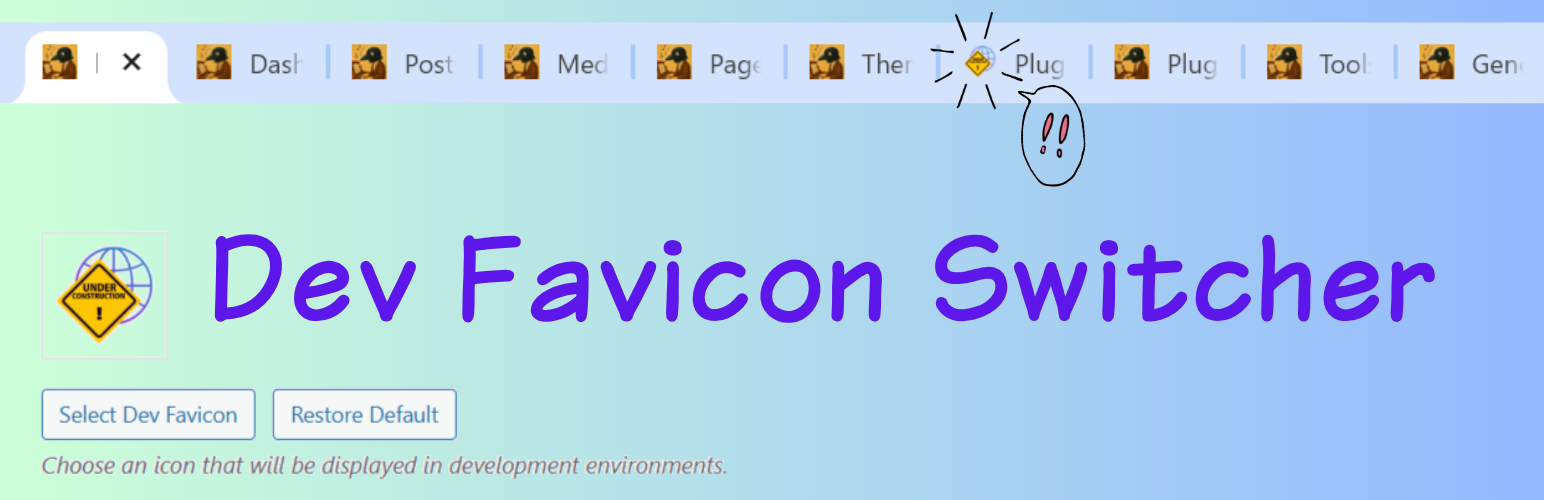
Dev Favicon Switcher helps you easily distinguish between your production and development environments. It automatically displays a different favicon based on the current URL, avoiding mistakes where you might accidentally edit the live site thinking it’s the development environment.
Key Features:
- Automatic Environment Detection: Automatically applies the development favicon on common local domains (
.local,.test,.dev). - Custom Development URLs: Specify exact URLs where the development favicon should appear (supports multiple URLs).
- Easy Icon Management: Upload your own dev favicon using the WordPress media uploader, complete with built-in image cropping.
- Restore Default Icon: Don’t have an icon handy? Easily apply our unified default development favicon with a single click.
- Automatic Size Generation: Automatically generates all standard WordPress site icon sizes (32×32, 180×180, 192×192, 270×270) to ensure compatibility across all devices and browsers.
- Admin Bar Styling: Customize the admin bar’s background and text colors to clearly identify your development environment at a glance, with a live preview and easy reset options.
- No Frontend Bloat: Everything works efficiently via standard WordPress filters without adding unnecessary frontend scripts.
Perfect for developers working with local environments, staging servers, and migration tools like All-in-One WP Migration.
For a detailed setup and usage guide, please check out our detailed guide.
Development Source: This plugin is developed using npm and webpack. You can find the human-readable source code and build tools in our public repository.