
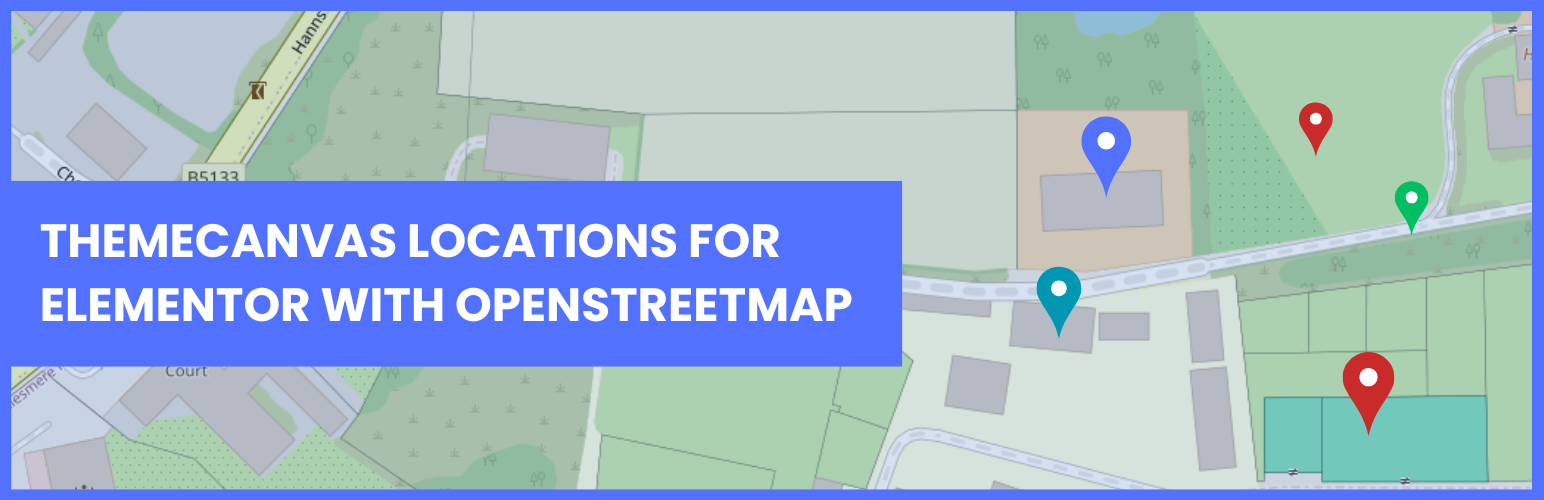
ThemeCanvas Locations for Elementor with OpenStreetMap lets you add beautiful, interactive maps to your Elementor pages using OpenStreetMap and Leaflet.js.
Add interactive OpenStreetMap maps in Elementor with the ThemeCanvas Locations widget.
This Elementor map plugin uses Leaflet.js to create fully customizable, responsive maps with unlimited location markers — no Google Maps API or tracking required.
Ideal for building store locator maps, contact maps, or multi-location layouts directly within Elementor, using fast, GDPR-compliant OpenStreetMap data.
Features
- Manual Location Entry – Add unlimited locations directly in the Elementor editor
- Custom Pin Colors – Set unique colors for each location marker or set a global default
- Map Style Themes – Choose from 4 map styles: Standard, Dark, Humanitarian, or Terrain
- Interactive Popups – Rich popup content with WYSIWYG editor and customizable max width
- Customizable Maps – Control zoom level, map height, and scroll behavior
- Style Controls – Customize popup title, link, and background colors
- Coordinate Validation – Automatic validation ensures accurate map positioning
- OpenStreetMap Integration – Step-by-step instructions to find coordinates
- Fully Responsive – Works perfectly on all devices
- No API Key Required – Unlike Google Maps, completely free to use
- GDPR Compliant – No user tracking or data collection
- Lightweight – Only loads assets when widget is used
Pro Version
Upgrade to Pro to unlock dynamic locations and advanced querying while keeping full compatibility with your existing manual maps.
- Dynamic Locations from posts and custom post types (CPTs)
- Advanced Querying with include/exclude and taxonomy filters
- Auto-Fit Bounds for clean multi-location map displays
- Per-Location Pin Colors saved in post meta
- Built-In Coordinate Metabox for faster editor workflows
Learn more: ThemeCanvas Pro
How to Use
- Install and activate the plugin
- Edit any page with Elementor
- Search for ”ThemeCanvas Locations” widget
- Drag it to your page
- Click ”Add Item” to create a location
- Follow the OpenStreetMap coordinate instructions
- Customize your map settings and styles
- Publish!
Finding Coordinates
The widget includes step-by-step instructions:
- Open OpenStreetMap
- Search for your location
- Right-click on the exact spot
- Select ”Show address”
- Copy coordinates from the sidebar
- Paste into the widget
Requirements
- WordPress 6.0 or higher
- Elementor 3.0.0 or higher
- PHP 7.4 or higher
Credits
- Built by Jonny Quinn
- Powered by Leaflet.js 1.9.4
- Map data © OpenStreetMap contributors
Additional Information
Browser Compatibility
- Chrome (latest)
- Firefox (latest)
- Safari (latest)
- Edge (latest)
- Opera (latest)
Performance
- Lightweight – Only loads Leaflet library when widget is used
- No duplicate asset loading – Smart asset management
- Optimized for speed – Minimal overhead
Privacy
This plugin does not: * Collect any user data * Use cookies * Connect to external services (except OpenStreetMap tiles) * Track users
Developer Friendly
- Clean, well-documented code
- WordPress Coding Standards compliant
- Namespaced (LMFE)
- Extensible architecture
- Translation ready
Translations
- English (default)
- Translation ready – .pot file included
- Contribute translations via WordPress.org
Links
License
This plugin is licensed under GPL v2 or later.
ThemeCanvas Locations for Elementor with OpenStreetMap Copyright (C) 2024 Jonny Quinn
This program is free software; you can redistribute it and/or modify it under the terms of the GNU General Public License as published by the Free Software Foundation; either version 2 of the License, or (at your option) any later version.
This program is distributed in the hope that it will be useful, but WITHOUT ANY WARRANTY; without even the implied warranty of MERCHANTABILITY or FITNESS FOR A PARTICULAR PURPOSE. See the GNU General Public License for more details.
You should have received a copy of the GNU General Public License along with this program; if not, write to the Free Software Foundation, Inc., 51 Franklin Street, Fifth Floor, Boston, MA 02110-1301 USA.