
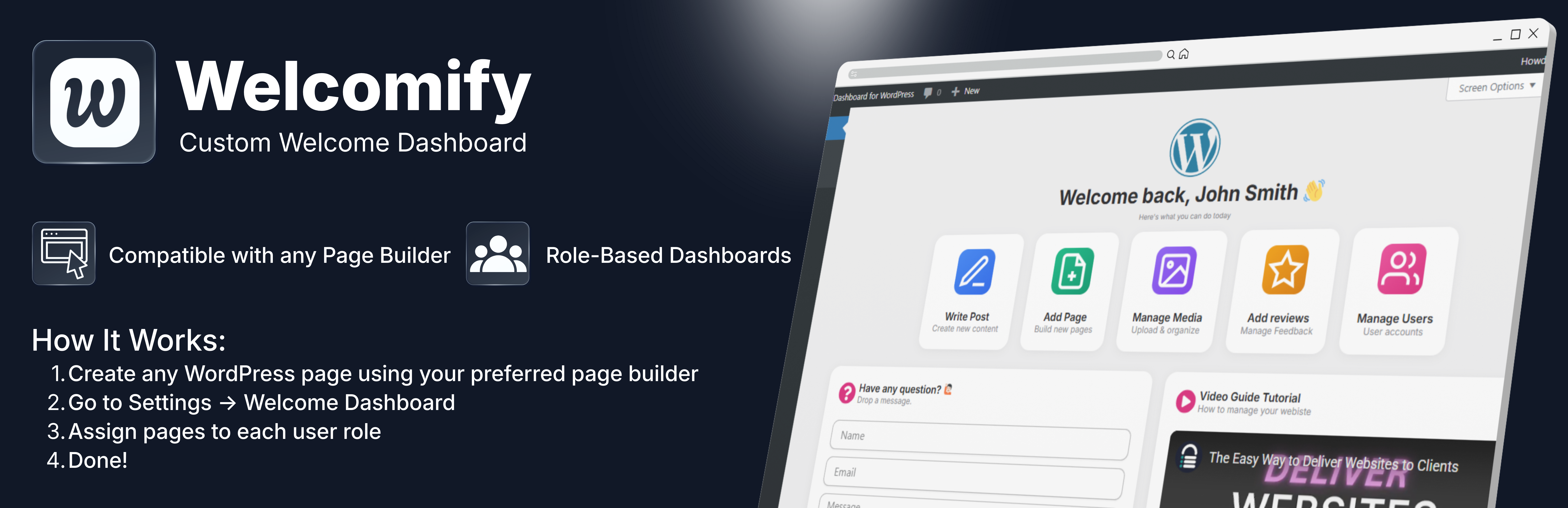
Welcomify allows you to replace the default WordPress welcome panel with any page you create using your favorite page builder – Elementor, Gutenberg, Bricks, Divi, and more.
Key Features
- Role-Based Dashboards – Assign different welcome pages for each user role (Administrator, Editor, Author, Contributor, Subscriber)
- Page Builder Compatible – Works with Elementor, Gutenberg, Bricks, Divi, Beaver Builder, Breakdance, and more
- Dismissible Option – Allow users to dismiss the welcome panel if desired
- Clean Embed – Pages are displayed cleanly without headers, footers, or sidebars
- Multisite Support – Full support for WordPress multisite networks
- Lightweight – No bloat, just the features you need
- Translation Ready – Fully internationalized and ready for translation
Use Cases
- Create a branded onboarding experience for new users
- Display important announcements to specific user roles
- Show quick-start guides for content creators
- Present analytics dashboards to administrators
- Welcome clients with custom messages
How It Works
Welcomify supports two ways to display content on the dashboard, depending on your page builder:
For Elementor & Bricks (Templates)
- Go to Elementor > Templates or Bricks > Templates and create a new template
- Design your welcome dashboard content and save the template
- Go to Welcomify in the admin menu
- Select your template from the Elementor Templates or Bricks Templates section in the dropdown
- Assign it to a user role and save
For Gutenberg, Divi, Beaver Builder, Breakdance & Others (Pages)
- Create a new WordPress page using your preferred page builder
- Design your welcome dashboard content — the page can be published, private, or even password protected
- Go to Welcomify in the admin menu
- Select your page from the Pages section in the dropdown — it will show a label indicating which builder was used
- Assign it to a user role and save
That’s it! When users visit the WordPress dashboard, they will see your custom content instead of the default welcome panel.