
Förbättra din webbplats med gratis kunskap direkt från Wikipedia!
Install Wikipedia Preview, the free add-on designed to better engage your visitors and improve the user experience on your website.
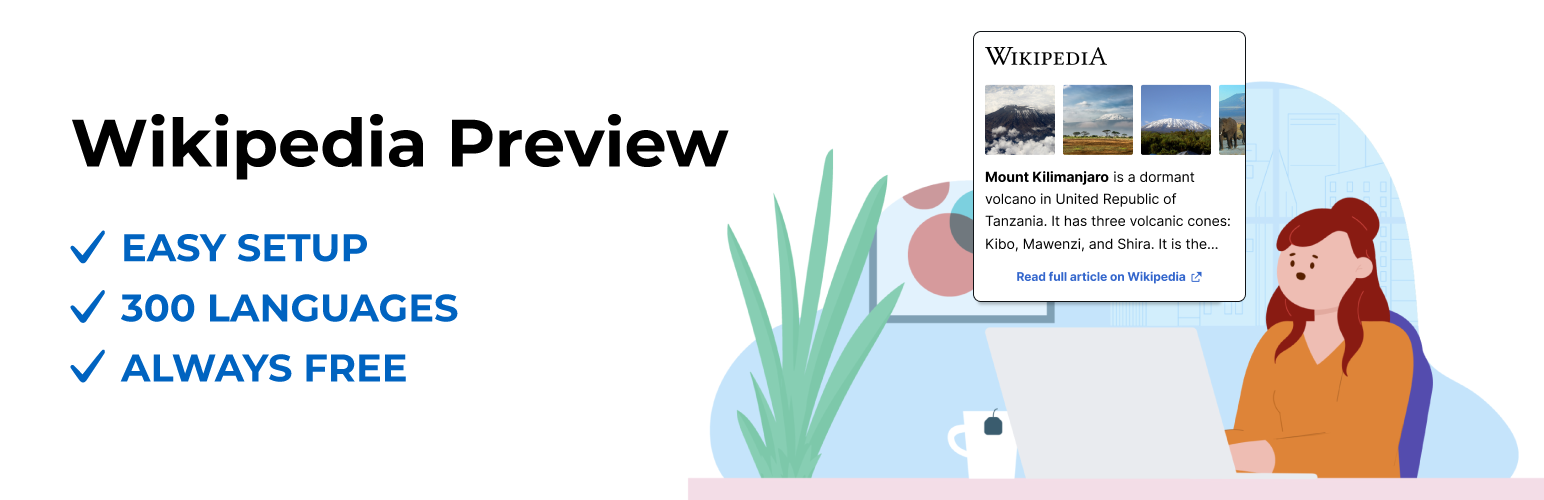
The Wikipedia Preview plugin provides context to your site’s visitors with content directly from Wikipedia. It allows you to add links to your content so that when your visitors click or hover on them, they see a pop-up box with information and images straight from Wikipedia. With Wikipedia Preview your visitors gain context on a topic, without ever leaving your website.
Wikipedia Preview is an official plug-in designed and developed by the Wikimedia Foundation, the non-profit behind Wikipedia and other free knowledge projects.
The plug-in is entirely free to download and use, in line with the Wikimedia Foundation’s mission to provide free knowledge for everyone.
Fördelar
- Rich-media content straight from Wikipedia, to give your site’s visitors the context they need, without ever having to leave your website.
- Alltid gratis.
- Tillgängligt på 300 språk.
- Easy to set up. Adding Wikipedia Preview links is even easier than adding other hyperlinks.
- Leveraging the content and brand name of one of the most popular websites in the world.
Funktioner
- Can be set up using the same process you use to add hyperlinks to your articles or using the Gutenberg editor custom tool.
- Hanterar alla länkar till artiklar på Wikipedia, oberoende av språk, om artikeln inleds med en bild eller hur lång artikeln är.
- Site owners can choose a specific section of an article as a preview, not limited to just the lead section.
- Supports dark mode option for improved readability.
- Fungerar för språk som skrivs från höger till vänster (RTL) och från vänster till höger (LTR).
- Offers access to a built-in gallery to dive into article images.
- Can be disabled for any page using the post metadata sidebar.
- Uses Gutenberg editor custom tool to search for Wikipedia articles and visualize Wikipedia Preview for readers.
How to add preview links to your site
Option 1 – How to add Wikipedia Preview links using the Classic Editor:
- Add a Wikipedia article link to your site’s content using the same process you use to add hyperlinks to your articles.
Option 2 – How to add Wikipedia Preview links using the Gutenberg/ Block Editor:
- Highlight the text you want to link to a Wikipedia article.
- Select ‘W’ – Wikipedia Preview icon from the menu.
- You will see a list of suggested articles. Select the one you want to link to.
- Wikipedia Preview will automatically turn the link into a preview of the relevant Wikipedia article. You can easily customize the preview content by selecting a specific section of the article.