
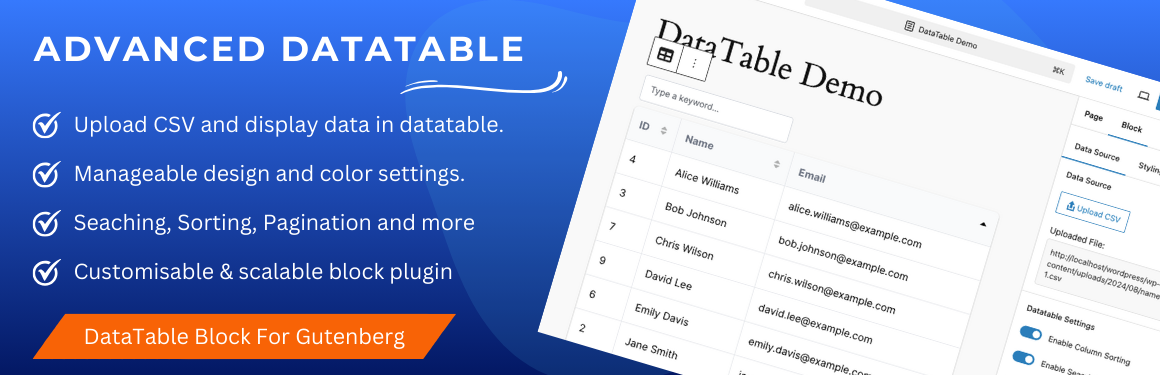
Advanced Datatable is a Gutenberg block plugin that enables site administrators to upload a csv file in the backend & display its csv data into a beautiful datatable powered by searching, sorting, pagination and more. The data table can be customized according to needs from the provided block properties.
Features
👉 Display CSV data: Easily import CSV file and display data with DataTables. 👉 Configurable Settings: Sorting, searching and paginations are configurable settings from backend. Site admin can enable and disable it from block settings. 👉 Responsive Design: Datatable looks great on both desktop and mobile devices. 👉 Sorting: Allow users to sort columns in ascending or descending order. 👉 Searching: Enable search functionality to filter data based on user input. 👉 Pagination: Display numeric pagination for easier navigation. 👉 Manageable Width & Height: Admin can set width and height in percent or fixed px values. 👉 Stickly Table Header: Keep the header row of the table fixed while scrolling through data. 👉 Column Size: Adjust the width of columns to suit your data presentation. 👉 Customisable Table UI: Table background color, text color, hover effects and other design settings can be applied from block settings. Single and multiple colors can be applied to the table. 👉 Seperate settings for table header and table rows. 👉 Customisable and scalable block plugin.
How To Use
- Create a page where you want to display CSV data. Navigate to the Gutenberg editor.
- CLick on the + icon to see all available block elements. Find “Advanced Datatable” block element under “Widgets” category.
- Click on the “Advanced Datatable” block element icon will display a message to upload a csv file first as an input to block.
- From the block properties, upload your csv file via the provided button. Once the file has been uploaded successfully, all the records will be populated in a beautiful datatable.
- Now from the block settings, you can enable / disable feature like searching, sorting and pagination for the created datatable.
- Publish or update your page and you are done. Just visit the page on frontend. You will see the exact same datatable you created in backend.
Live Demos
Try It Now
Explore the plugin instantly using the WordPress Playground: