W2S Sync – WooCommerce to Shopify Sync
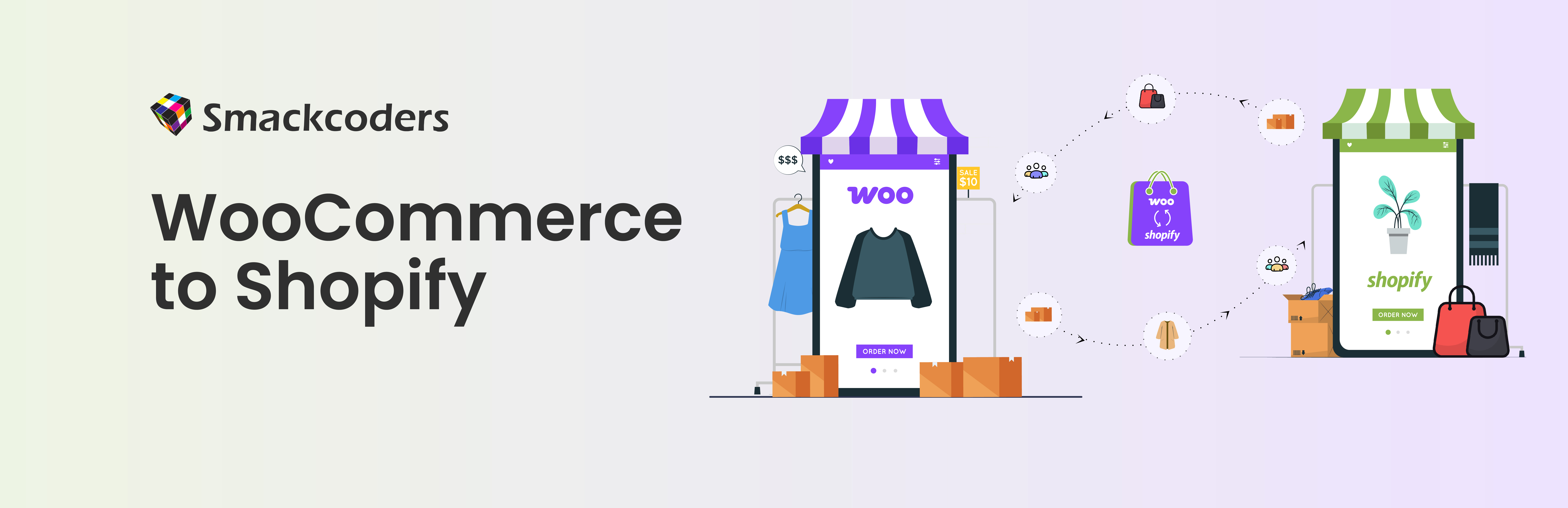
W2S – WooCommerce to Shopify Sync is a complete, bi-directional synchronization tool designed for store owners and developers who want to sync their catalog, maintain two platforms in parallel, or switch from WooCommerce to Shopify (and vice-versa) with minimal effort. The plugin automates product sync, customer sync, and order sync without relying on external services. It is perfect for merchants planning to
- convert WooCommerce to Shopify,
- switch from Shopify to WooCommerce,
- migrate orders from WooCommerce to Shopify,
- or simply keep both stores updated at all times.
W2S is built for speed, accuracy, and complete control. Use it for a full store sync or keep it running continuously as a two-way integration layer between WooCommerce and Shopify.
Key Features
-
Bi-Directional Sync Sync in any direction — WooCommerce → Shopify, Shopify → WooCommerce, or both at the same time. You can sync data, update existing records, or maintain a continuous real-time connection.
-
Real-Time & Scheduled Sync Trigger sync ‘on-save sync’ to send all the available products in WooCommerce or Shopify or run scheduled jobs (hourly, daily, weekly, or within a custom date range). W2S can also sync only the products created within the last 24 hours.
-
Sync Products, Customers & Orders Move all essential eCommerce data such as product details, variations, images, galleries, customers, addresses, orders, fees, taxes, shipping, and more. It supports creating new records, updating existing data, and deleting removed items.
-
Product Sync (WooCommerce → Shopify) Send WooCommerce products to Shopify, including titles, descriptions, SKUs, images, categories, tags, attributes, and variations.
-
Product Sync (Shopify → WooCommerce) Import Shopify products into WooCommerce with all key details preserved, including product metadata and other key details.
-
Order Sync (WooCommerce → Shopify) Sync WooCommerce orders to Shopify, including line items, customer details, order totals, taxes, and shipping info.
-
Order Sync (Shopify → WooCommerce) Bring Shopify orders into WooCommerce while keeping the original timestamps and order identifiers intact.
-
Customer Sync (WooCommerce → Shopify) Move customers from WooCommerce to Shopify with names, emails, phone numbers, addresses, and metadata.
-
Customer Sync (Shopify → WooCommerce) Import Shopify customers into WooCommerce to unify your audience across platforms.
-
Inventory Sync Automatically update stock levels across both platforms so you never oversell.
-
Variation & Attribute Support Handle complex products with multiple variants, sizes, colors, and custom attributes during sync.
-
Media Gallery Sync Move all product images, thumbnails, and galleries without duplicates or missing files.
-
Mandatory SKU Validation Prevent duplicate and unmatched records with built-in SKU validation during sync. Full SKU-based matching between existing WooCommerce and Shopify records is available in W2S – WooCommerce to Shopify Sync Pro.
-
Auto Field Mapping W2S automatically maps WooCommerce fields to Shopify fields, reducing manual configuration and eliminating sync mismatches.
-
Advanced Filtering System Filter data on both platforms by category, tag, stock status, or time range. Sync only what matters. Ideal for partial migrations, publishing updates, or staging setups.
-
Audit Log with CSV Export Track every sync action with detailed timestamps, success/failure status, error messages, and entity types. You can also export the complete audit trail as a chunked CSV for reporting or debugging.
-
Optimized for Large Stores W2S fully supports pagination for products, orders, and customers, enabling smooth sync for thousands of records without timeouts or memory issues.
-
Real-Time Sync or Continuous Use Choose between sync your entire store instantly or keeping both platforms synced continuously for multichannel selling.
-
Secure Local Authentication API credentials are stored safely inside your WordPress installation. No external servers or middle layers are used. Your data stays between your two stores only.
-
Easy Connect / Disconnect Connect any WooCommerce store with any Shopify store and reset connections whenever needed.
-
Unlimited Migration Volume Move unlimited products, orders, and customers, ideal for stores with large catalogs or high sales volume.
Why Choose W2S Sync?
W2S is designed for store owners who want more than a simple import/export plugin. It’s built for real-world ecommerce workflows where accuracy, reliability, and automation matter. Instead of manually exporting CSV files, cleaning product data, or juggling multiple tools, W2S keeps WooCommerce and Shopify aligned with a single, automated sync engine. You get full control over what moves between platforms, how often it syncs, and what happens when data changes. W2S ensures your data stays in sync, updated, and error-free.
Who Is This Plugin For?
W2S is ideal for:
1. Store Owners Planning to Migrate If you’re preparing to convert WooCommerce to Shopify or switch from Shopify to WooCommerce, W2S simplifies the entire process. You can move products, customers, and orders with full accuracy.
2. Brands Running Both WooCommerce and Shopify Some businesses maintain a content-heavy WooCommerce website and a Shopify storefront. W2S keeps both platforms synchronized, perfect for omnichannel setups.
3. Agencies & Developers For teams managing multiple client stores, W2S streamlines migrations and eliminates repetitive manual syncing.
4. High-Volume Stores If you handle thousands of SKUs, frequent price changes, or large order volumes, W2S ensures data consistency using pagination, filtering, and real-time updates.
When Should You Use WooCommerce ↔ Shopify Sync?
Use W2S when you:
- Want to export products from WooCommerce to Shopify without touching CSV files
- Need a complete Shopify to WooCommerce migration
- Are testing a Shopify store before switching from WooCommerce
- Want to run Shopify as your main storefront but keep WooCommerce for content or custom functionality
- Build a staging/production workflow between the two platforms
- Need to sync only newly added products (such as “last 24 hours” updates)
- Want to maintain stock accuracy across two active stores
- Need a secure, automated way to keep orders, customers, and products
- Want a plugin that supports ongoing sync, not just one-time imports
If you’re wondering things like “Should I move from WooCommerce to Shopify?” or “How do I transfer my Shopify store to WooCommerce?”, W2S makes testing, sync, and switching simple.
How W2S Helps With Store Migration
Beyond one-time data transfer, W2S supports the full migration lifecycle:
✔ Run Stores Side-by-Side Keep WooCommerce and Shopify aligned while you finalize your move, so inventory, pricing, and customer records stay consistent on both platforms during the transition.
✔ Avoid Data Loss The audit log tracks every sync action, and automatic backup-before-sync plus failure alerts (new in 2.0) help you catch and correct issues before they cause overwrites or missing records.
✔ Migrate at Your Own Pace Use one-time sync for a clean cutover, or leave scheduled/real-time sync running indefinitely if you plan to operate both stores long-term.
Authentication – How to Connect Your Stores
To begin syncing, you need to securely connect your WooCommerce and Shopify stores by generating API credentials for both platforms:
- WooCommerce: Generate Consumer Key and Secret from your WordPress admin.
- Shopify: Create a private app to get your Admin API access token.
Follow the step-by-step guide here: Authentication Setup Guide.
Once connected, visual indicators (Green, Yellow, Red) show the status of your authentication.
Note: The credentials are stored locally in your WordPress database and are only used to authenticate API requests to your own stores. The plugin does not send any data to third-party services other than the connected WooCommerce and Shopify stores.
How It Works:
- Authentication – Connect your stores using the WooCommerce Consumer Key/Secret and Shopify Access Token. Visual indicators (green/yellow/red) guide you through connection status.
- Configure Sync Settings – Define direction (Woo → SH, SH → Woo, or both), choose sync frequency, and select data types (Products, Orders, Customers) with permission controls (Create, Update, Delete).
- Run & Monitor – Use the Mapping Section to verify field alignments and the Audit Log to review sync history and troubleshoot.
Whether you’re migrating your store or maintaining live synchronization, this plugin ensures reliability, transparency, and minimal manual effort. For more details refer Woo to Shopify Documentation here.
Pro Features (W2S Sync Pro)
W2S Sync – WooCommerce to Shopify Sync Pro extends the free plugin with real-time sync, advanced commerce logic, multi-store and multi-vendor support, and a full SEO migration suite. Pro requires the free W2S Sync plugin to be installed and active.
Real-Time & Multi-Store Sync
-
Real-Time Webhook Sync Product, order, customer, and inventory changes sync instantly between WooCommerce and Shopify via HMAC-verified webhooks, with queued retry processing so events aren’t lost during high traffic or brief outages.
-
Dedicated Inventory Sync Engine Bidirectional, queue-based stock sync with hourly reconciliation that automatically corrects drift between platforms, plus manual “run reconciliation now” controls.
-
Multi-Store Sync Connect and manage multiple WooCommerce and Shopify store pairings from one dashboard, each with its own sync direction, webhook configuration, and filters.
-
Multi-Vendor Marketplace Support Native support for Dokan, WCFM, and WC Vendors marketplaces, with per-vendor routing rules, vendor-scoped sync configuration, and vendor assignment monitoring.
-
Migration Wizard & Conflict Resolution Auto-detects credentials to create default store pairings, with a conflict resolution UI for SKU and product name collisions.
Commerce & Catalog Depth
-
SKU-Based Matching Matches existing products between WooCommerce and Shopify by SKU (with fallback matching and unmatched-SKU reporting) to prevent duplicate records during sync or migration.
-
Bidirectional Category & Collection Sync Categories and collections sync in both directions with preserved parent/child hierarchy, images, and duplicate-collection prevention.
-
Advanced Price Rules Apply fixed or percentage pricing adjustments per store pairing as products move between platforms, instead of syncing raw prices as-is.
-
Coupon & Discount Sync Sync WooCommerce coupons to Shopify discount codes automatically.
-
Advanced Tax Management Per-item tax rates, tax classes, and shipping tax handling for accurate order totals on both platforms.
-
Subscription & Recurring Order Sync Sync subscription products and recurring orders alongside standard catalog and order data.
-
Advanced Product Type Support Full sync support for variable, grouped, external, and bundled products, including child-item sync.
-
Advanced Filtering Filter sync by category, tag, product status, order status, payment status, stock status, customer role, or date range — ideal for partial migrations and staged rollouts.
SEO Migration Suite
-
Automatic SEO Data Transfer Pulls titles, descriptions, focus keywords, Open Graph, and Twitter metadata from Yoast SEO or Rank Math and migrates them to Shopify after product sync.
-
301 Redirect Generation & Management Automatically creates redirects from old WooCommerce URLs to new Shopify product paths, with a searchable, paginated redirect manager and CSV export.
-
SEO Audit Report Scans your catalog for missing meta titles, missing meta descriptions, duplicate slugs, and other issues before and after migration.
-
Broken URL Checker Audits URLs to catch broken links that could hurt search rankings after migration.
Support
- Priority Support Faster, higher-priority support response for Pro users.
Check out WooCommerce to Shopify Sync Pro plugin here.
External Services
This plugin connects to the following external services to perform store synchronization between WooCommerce and Shopify:
-
WooCommerce REST API
- What: Transfers product data, orders, customer records, and store metadata.
- When: During manual syncs or scheduled syncs as configured by the user.
- Why: To import or export store data from WooCommerce based on sync settings.
- Where: WooCommerce site domain (local site where the plugin is installed).
-
Shopify Admin API (myshopify.com)
- What: Sends and receives data such as product details, orders, customers, and store configuration.
- When: When the user initiates a sync manually or via a scheduled job (hourly, daily, etc.).
- Why: To push WooCommerce data to Shopify or fetch Shopify data into WooCommerce.
- Where: The user-provided Shopify store domain (e.g.,
yourstore.myshopify.com). - Terms of Service: https://www.shopify.com/legal/terms
- Privacy Policy: https://www.shopify.com/legal/privacy