
Advanced Media Offloader – Offload Media to Amazon S3, Cloudflare R2, DigitalOcean Spaces & More
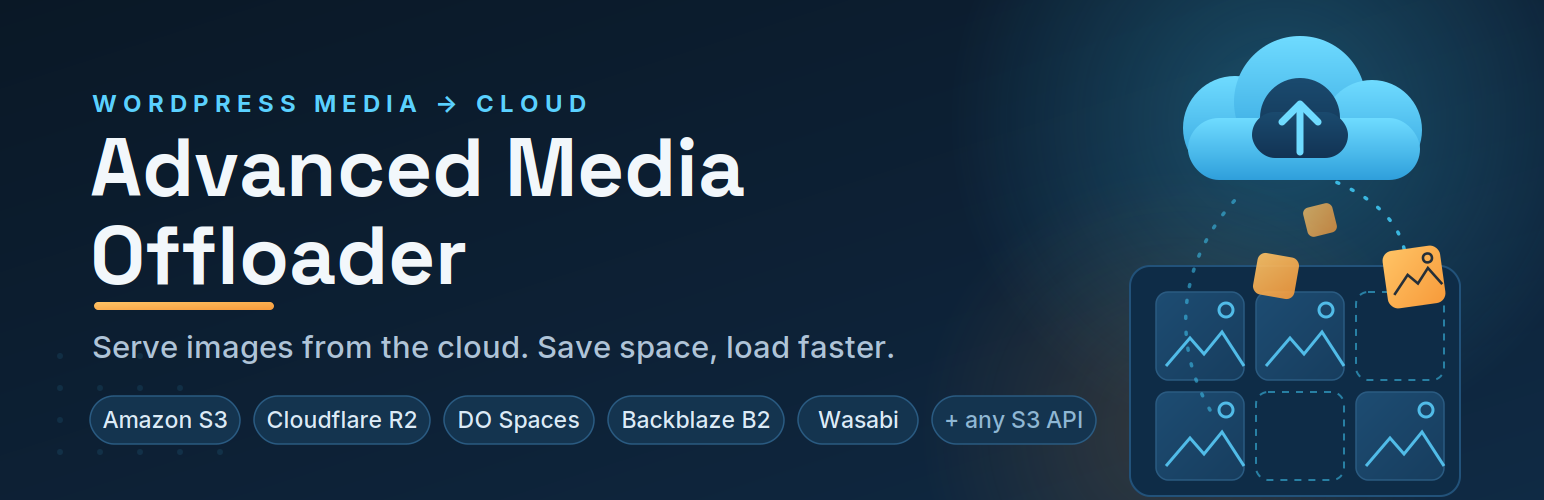
Advanced Media Offloader automatically moves your WordPress Media Library to cloud storage — Amazon S3, Cloudflare R2, DigitalOcean Spaces, Backblaze B2, Wasabi, MinIO, or any S3-compatible service — and serves your files from there.
Your server stays light, your pages load faster, and you never touch your existing content: every media URL is rewritten automatically. Setup takes about five minutes, with no code required.
Why offload your WordPress media?
- Cut hosting costs — stop upgrading your hosting plan just to store images and videos. Cloud storage is far cheaper per GB.
- Speed up your site — serve media from cloud storage or a CDN close to your visitors, instead of your web server.
- Lighter, faster backups — with media in the cloud, your site backups shrink dramatically.
- Zero content changes — URLs are rewritten on the fly; posts, pages, and products keep working exactly as before.
- Stay in control — keep local copies, clean them up smartly, or go fully cloud. You choose the retention policy.
Supported cloud storage providers
- Amazon S3 — The industry standard object storage service
- Cloudflare R2 — S3-compatible storage with zero egress fees
- DigitalOcean Spaces — Simple object storage from DigitalOcean
- Backblaze B2 — Affordable S3-compatible storage with predictable pricing
- Wasabi — Hot cloud storage with predictable pricing
- MinIO — Any S3-compatible storage (MinIO, OVHcloud Object Storage, Scaleway, Linode, Vultr, IBM COS, and more)
Not sure which provider to choose? Check our cloud storage pricing comparison for real-world cost breakdowns.
How it works
- Install and activate the plugin, then open Media Offloader in your WordPress admin.
- Connect your cloud storage — pick a provider, enter its credentials, save your settings, then click Test Connection.
- Offload — new uploads go to the cloud automatically. Move existing files with one click from the Media Overview page.
That’s it. Most sites are fully set up in about five minutes.
Features
- Automatic offloading — every new upload goes straight to your cloud storage.
- Bulk offload existing media — migrate your current Media Library from the Media Overview page, or use WP-CLI (
wp advmo offload) for unlimited, scriptable migrations. (Learn more) - Flexible retention policies — keep local copies (Retain Local Files), free up space while keeping originals as backup (Smart Local Cleanup), or remove all local files (Full Cloud Migration). (Learn more)
- Smart URL rewriting — all media URLs, including every thumbnail size and srcset, are served from the cloud automatically.
- Offload status at a glance — cloud badges in the Media Library, an offload-status filter, and per-file “Offload Now” and “Retry Offload” buttons.
- Mirror Delete — optionally remove files from cloud storage when you delete them in WordPress.
- Custom path prefix — control exactly where your files live inside your bucket.
- File versioning — add unique timestamps to media paths to prevent stale CDN caches.
- Thumbnail regeneration support — compatible with WP-CLI
wp media regenerateand the Regenerate Thumbnails plugin; regenerated thumbnails offload automatically. (Not available with the Full Cloud Migration policy.)
Works with your favorite plugins
- WooCommerce — product images and WooCommerce-specific image sizes offload and display correctly.
- Page builders — Elementor, Beaver Builder, Visual Composer, and any builder that uses standard WordPress media functions.
- Image optimizers — Modern Image Formats (recommended), Imagify, and EWWW Image Optimizer. Optimized WebP and AVIF files are offloaded alongside the originals. (Learn more)
- WP-CLI — automate offloading in deployment scripts and cron jobs.
For developers
Advanced Media Offloader is built to be extended: 20+ action and filter hooks let you control what gets offloaded, where it goes, and what happens before and after each step.
Quick example — skip offloading files larger than 5MB:
add_filter('advmo_should_offload_attachment', function($should_offload, $attachment_id) {
    $file = get_attached_file($attachment_id);
    if ($file && filesize($file) > 5 * 1024 * 1024) {
        return false;
    }
    return $should_offload;
}, 10, 2);
View Developer Hooks Documentation →
Under the hood, the plugin uses the official AWS SDK for PHP, namespace-isolated with PHP-Scoper so it never conflicts with other plugins that bundle the same SDK.
Pro version coming soon
We’re working on Advanced Media Offloader Pro with premium features such as private media files with secure, authenticated access. Follow wpfitter.com to be the first to know when it launches.