
Popup Box – Create Countdown, Coupon, Video, Contact Form Popups
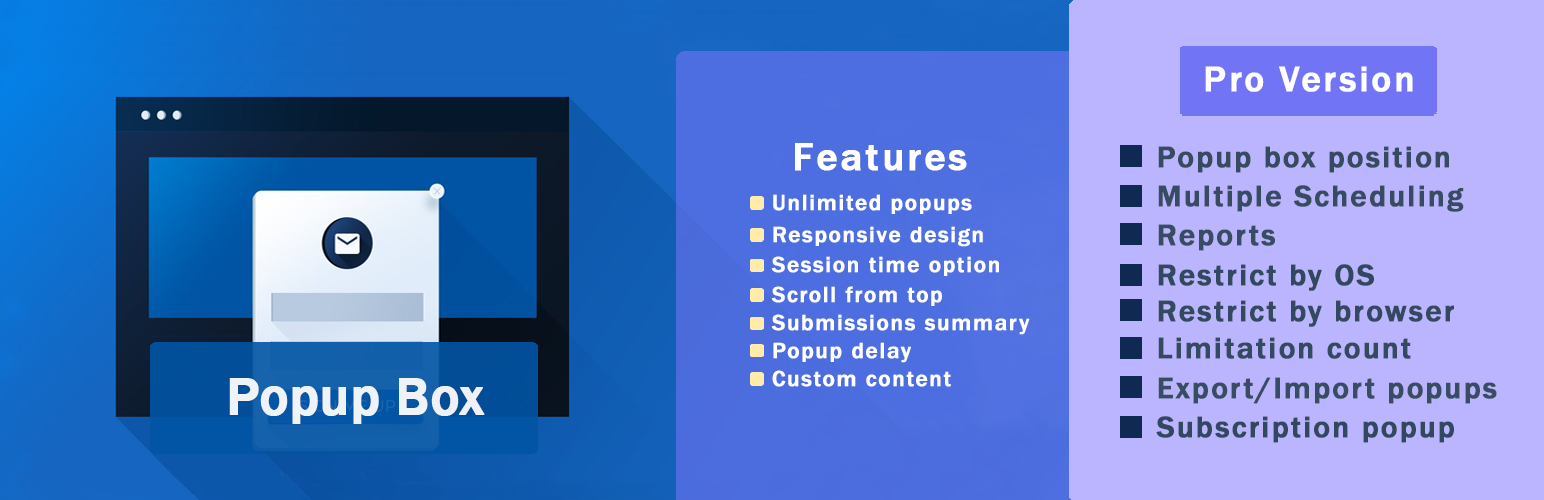
WordPress Popup Plugin – Popup Box
Popup Box is a flexible WordPress Popup plugin that helps you create different types of popups and modal windows with rich customization options and advanced display control. It’s built for website owners who need a reliable popup builder, not just a marketing-only tool.
With Popup Box, you can design popups for content display, user interaction, announcements, forms, or promotions – and control exactly when, where, and how they appear on your website.
In this short video, you can find a quick overview of how to create a popup in WordPress.
What You Can Build with Popup Box
Popup Box allows you to create a wide variety of modal popups and overlays without limitations:
- Custom HTML popup – build fully custom content from scratch
- Shortcode popup – display content from other WordPress plugins
- Lightbox popup for images, videos, or embedded content
- Subscription popups for collecting emails
- Contact form popups for receiving user messages
- Yes or No popups with custom actions and redirections
- Countdown popups to highlight time-based messages or offers
- Cookie popups to inform users and support privacy requirements
- Notification popups for announcements and important messages
- Login popups without page redirects
- Subscribe and get a file popups to deliver files after email signup
- Iframe popups for embedding external content
- Google Maps popups to display locations directly in a popup
- Facebook popups for social content and page embeds
- WooCommerce popups for products, coupons, or store messages
You can also use Popup Box to create popups for seasonal campaigns and special events, such as Christmas popups, Black Friday popups, Cyber Monday popups, or other time-based announcements and otions.
This flexibility makes Popup Box suitable for blogs, business websites, landing pages, and online stores.
Popup Triggers & Display Rules
Popup Box allows you to control exactly when your popups appear by using different trigger types:
- On page load – show a popup automatically when the page finishes loading
- On click – open a popup when a visitor clicks a selected button or element
- Exit intent – trigger a popup when visitors are about to leave the page
- On hover (Pro version)_ – display a popup when a user hovers over a specific element
- Inactivity (Pro version) – show a popup after a visitor stays inactive for a defined time
- After visiting X pages (Pro version) – display a popup based on the number of pages viewed
- Scrolling to elements (Pro version) – trigger a popup when users scroll to a selected section
Free vs Pro – What’s Included
Free Version
The free version of Popup Box includes everything you need to create and display basic popups:
- Shortcode popup
- Custom content popup
- 视频弹窗
- Image popup
- Facebook popup
- Notification popup
- 响应式设计
- 主题(5种以上)
- 从顶部滚动
- Disable scrolling
- 会话时间选项
- 样式设置(10种以上)
- 在特定文章类型显示
- 在特定页面显示
- 点击触发打开
- 允许已登录用户使用
- 允许访客使用
- 在移动设备上隐藏弹窗
- 仅显示一次弹窗
- 实时预览
- Popup position
Popup Box PRO Features
Popup Box Pro extends the free version with advanced popup types and display controls:
- 包括所有免费版本功能以及
- 订阅弹窗
- 是或否弹窗
- 视频弹窗
- Iframe 弹窗
- 联系表单弹窗
- 订阅后发送文件
- 弹窗框位置
- 多重调度
- 关闭触发器
- 启用重定向
- 报告
- 按操作系统限制
- 按浏览器限制
- 限制数量
- 导出/导入弹窗
- 用户角色权限
- 按国家限制
- MailChimp集成
- Campaign Monitor集成
- ActiveCampaign集成
- GetResponse集成
- ConvertKit集成
- Sendinblue集成
- MailerLite集成
- 优惠券弹窗
- 倒计时弹窗
- Cookie弹窗
- 退出意图弹窗
- Woocommerce产品弹窗
- 访问X个页面后触发
- 不活动触发器
- 滚动到元素触发器
WooCommerce & Website Use Cases
Popup Box can be used as a flexible WooCommerce popup and general WordPress popup plugin for different website scenarios. It allows you to create product popups, announcement popups, and promotional popups that support user interaction without disrupting the browsing experience. Whether you’re running an online store, a business website, or a content-driven site, Popup Box helps you display relevant popup content based on user actions and page context.
Popup Box works smoothly with WooCommerce and general WordPress setups:
- Show product popups and special offers
- Display coupon and countdown popups
- Create announcement and notification popups
- Embed forms, videos, or external content
You decide how popups support your website – without forcing a specific workflow.
Customization & Styling Options
Popup Box comes with 5+ pre-built themes to help you get started quickly, while still allowing deep customization for each popup. Every popup type includes its own specific styling and behavior options, so you can fine-tune the design and appearance based on the popup’s purpose.
Customize every part of your popup:
- Popup size, position, and animations
- Colors, borders, and typography
- Custom CSS for advanced styling
- Responsive behavior for desktop and mobile
- Preview changes before publishing
Why Choose Popup Box
Popup Box lets you create unlimited popups without restrictions and gives you the freedom to build popups using custom HTML or shortcodes from other WordPress plugins. You can control popup behavior using flexible triggers, allowing popups to be used for content display, user interaction, or promotional purposes without forcing a specific workflow. Popup Box works smoothly with most WordPress themes and plugins, making it easy to integrate into existing websites.
Integrations & Compatibility
- MailChimp
- Campaign Monitor
- ActiveCampaign
- GetResponse
- ConvertKit
- Brevo
- MailerLite
- reCAPTCHA
您可以在保存之前预览更改。
PREMIUM | DEMO | DOCUMENTATION
3RD PARTY OR EXTERNAL SERVICE DISCLAIMER
The plugin uses the Facebook SDK (https://developers.facebook.com/docs/javascript) to display Facebook-type popups.
IT DOES NOT SEND ANY DATA AND WE DO NOT COLLECT INFORMATION FROM THE REQUEST
The privacy policy for Facebook can be found at this URL: https://www.facebook.com/policy.php
不要忘记,如果出现任何问题或有任何问题,请随时通过以下免费支持论坛与我们联系。
Other plugins from Ays Pro Team
- Quiz Maker for creating advanced quizzes and exams easily and quickly.
- Survey Maker for collecting data and analyze it.
- Poll Maker for creating powerful and interactive polls.
- Fox LMS to empower educators and trainers to build structured, interactive online learning systems easily for their WordPress website.
- Chartify to build both static and dynamic charts, graphs and diagrams.