
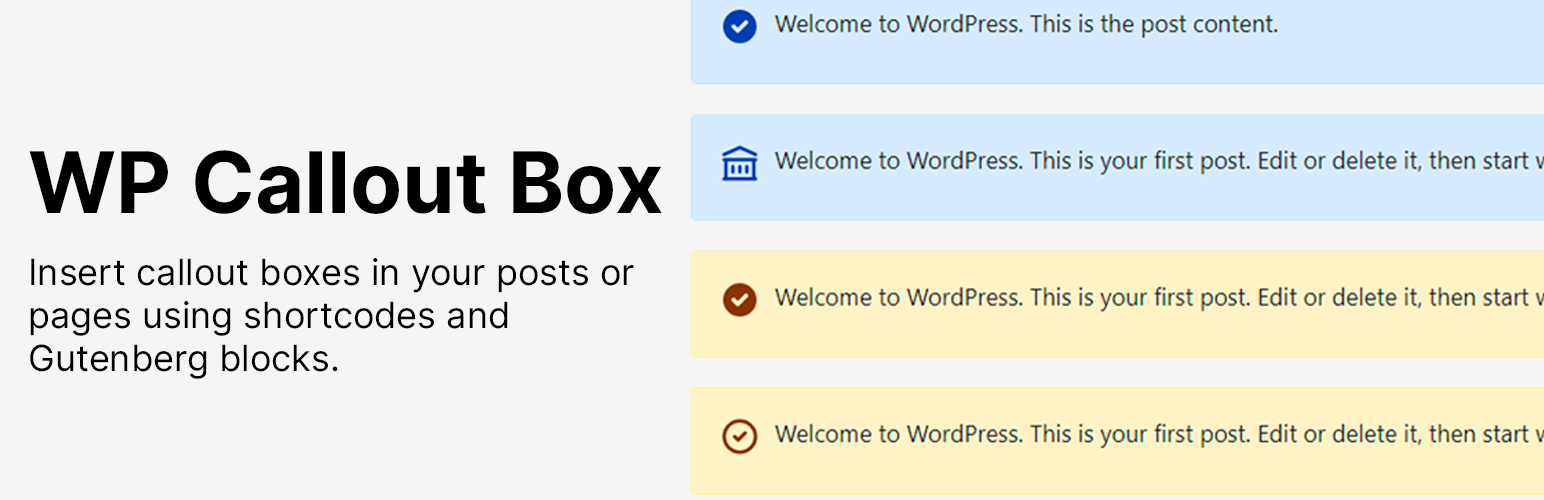
The callout box includes an icon, and the post content. This plugin uses Heroicons and php-heroicons PHP package.
Icons
A callout box includes an icon that describes what’s the purpose of the callout box.
The plugin is using Heroicons so you can go to its website and see what icons are available to use within this plugin.
You can use solid and outline icons.
Types
A callout box can have multiple types:
primarysuccessdangerwarning
By default, the callout box is primary.
Icon Methods
The icon method can be 2 types:
solidoutline
By default, for shortcodes and Gutenberg the icon method is solid.
Shortcode
For WordPress Classic Editor or even Gutenberg, you can use the shortcode:
[wp-callout icon="check-circle" type="primary" method="solid"]
Welcome to WordPress. This is the post content.
[/wp-callout]
The shortcode supports 3 attributes:
icon. The icon to show in the callout box. (Default:check-circle)typeCallout box type. (Default:primary)method(Default:solid)
Gutenberg Block
For Gutenberg users, you can use Callout Box block.
Every Gutenberg Callout Box, you can change the icon, type and method using the block properties.
Those properties are the same for the shortcode.
Then, you just type your callout box content inside the Gutenberg block.
Block Presets
When you insert a new Gutenberg Block Callout you can select 1 of the 4 presets installed in the plugin:
- Information
- Success
- Danger
- Warning
After you select one preset, your callout box will change its background color and icon.