
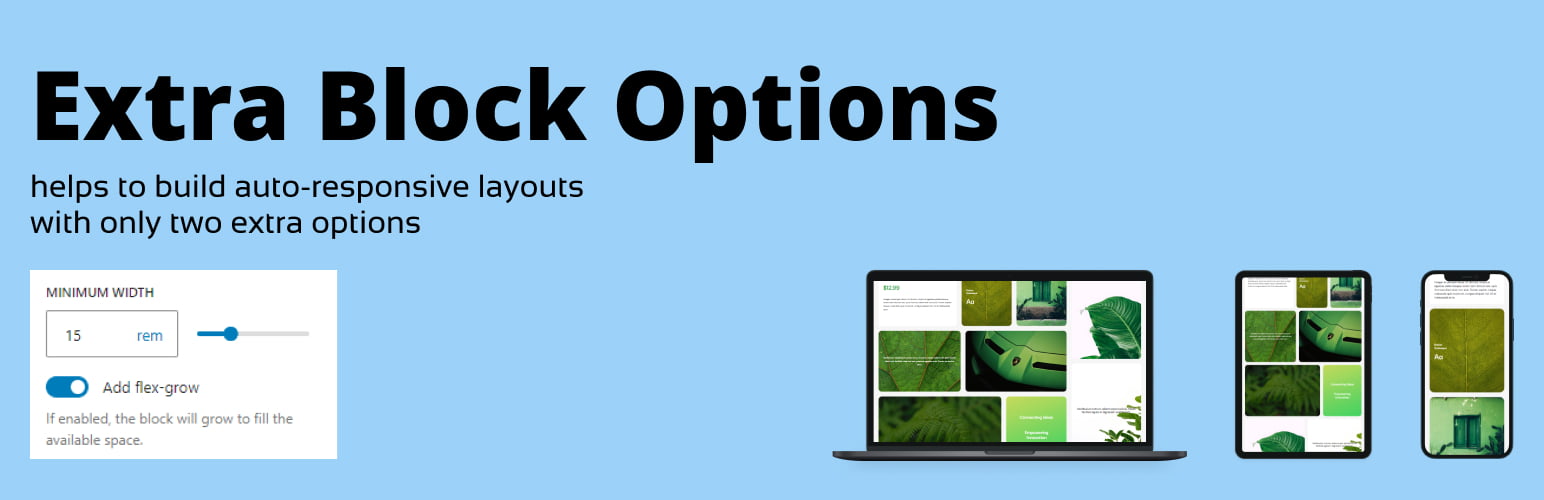
The Extra Block Layout plugin introduces a min-width setting and a flex-grow toggle for child blocks within Rows, giving you precise control over your layout’s responsiveness and flexibility. With this plugin, you can define minimum widths for individual blocks and adjust the space they occupy, making it easier to create dynamic, responsive, and well-balanced designs directly within the Gutenberg editor. Perfect for users looking to achieve professional and customizable layouts without additional coding.
Use cases
When you create a layout using the Gutenberg’s Row block there are three options available for the Row’s child blocks: Fit, Fill and Fixed. Those are not enough to create a responsive layout with specific blocks sizes. For example, when you have one of the child blocks too narrow and would like to have an option to set a minimal width for it (see Screenshot-1). When the child blocks don’t have enough space to fit and moves on the line below it does not stretch to fit the whole available space on the new line (see Screenshot-2).