
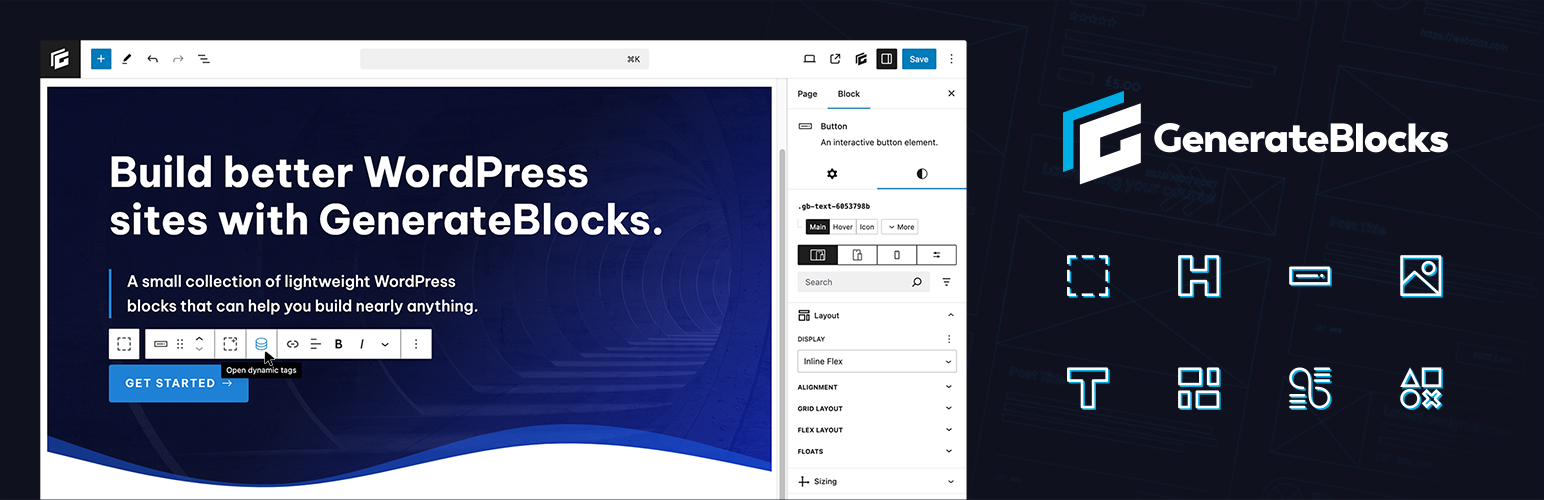
Add incredible versatility to your editor without bloating it with tons of one-dimensional blocks. With GenerateBlocks, you can learn a handful of blocks deeply and use them to build anything.
GenerateBlocks works hand-in-hand with GeneratePress, but is built to work with any theme.
Looking for more features? Check out GenerateBlocks Pro.
Container
将您的内容组织成行和小节。容器区块是您内容的基础,让您能够为自己的内容设计独特的部分。
Grid
用灵活的网格创建高级布局——网格区块让您能够创建您能想到的任何一种布局。
Text
用先进的排版技术制作丰富的文字内容——从标题到段落 – 完全控制您的文字。
Button
用漂亮的按钮进行转换。
Query
Build a list of posts from any post type using advanced query parameters. Query post meta and option fields in GenerateBlocks Pro.
Image
Add images to your content to make a visual statement.
Shape
Add custom SVG shapes to your pages with ease.
Dynamic Tags
Use our powerful dynamic tags to display dynamic content inside your blocks.
- Post title
- Post excerpt
- Post permalink
- Post date
- Featured image
- Post meta
- Author meta
- Comment count
- Comments URL
- Author archives URL
- Author avatar URL
- Term list
- Previous posts URL
- Next posts URL
- Media
In GenerateBlocks Pro, you get additional dynamic tags:
- Archive title
- Archive description
- Site option
- Term meta
- User meta
- Current year
- Site title
- Site tagline
- Loop index number
- Loop item
Performance
我们认真对待性能。只会为所需的区块生成最少的 CSS ,我们的 HTML 结构也会尽可能简洁,同时保持最佳的灵活性。
Coding standards
采用最高编码标准构建,以确保安全性、稳定性和未来兼容性。
Fully responsive
Style your blocks for different screen sizes.
- Desktop: @media (min-width:1025px)
- Desktop & Tablet: @media (min-width:768px)
- Tablet: @media (max-width:1024px) and (min-width:768px)
- Tablet & Mobile: @media (max-width:1024px)
- Mobile: @media (max-width:767px)
In GenerateBlocks Pro, you can create as many custom media queries as you need.
Documentation
Check out our documentation for more information on the individual blocks and how to use them.