LMDM-Picker for Blocksy Advanced Posts Block
By default the Advanced Posts Block from Blocksy theme returns couple of posts in a given order provided by the query loop logic (i.e. “date”). This plugin allows you to select and arrange specific posts manually.
Attention
You need to install the Blocksy Theme first. Without it, you can not use this plugin.
Plugin Features
✔ adds a new block panel “Block Settings” in Advanced Posts Block of Blocksy Theme
✔ the panel contains a range field for custom column count of the block (maximum are 6 columns)
✔ the column field inherits the default column count setting from customizer of the given post type
✔ the panel can filter out posts without a featured image
✔ the panel can hide individual Blocksy card layers like title, excerpt, featured image, post meta or read more
✔ the panel can override the visible text of the Blocksy “read more” layer per block
✔ the panel opens automatically when custom block settings are active
✔ the panel contains a reset button for custom column count, image filtering, hidden card layers and read more text
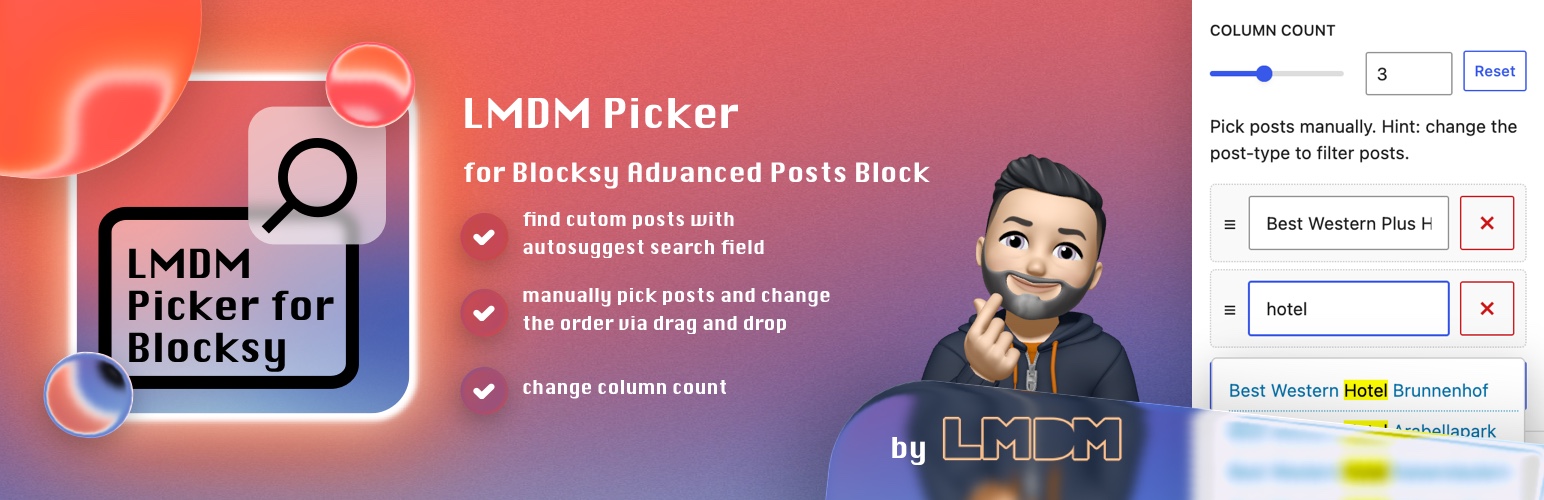
✔ the panel contains a repeater field where each text field has the ability to search for desired posts
✔ the search field offers a results lists with highlighted search terms
✔ the search result items have a tooltip info containing the post-id and excerpt
✔ the repeater field supports manual order of the posts by drag and drop mechanism
✔ sets a limit of the repeater field by using the LIMIT value of the block. Want to search for more posts? Increase the LIMIT value