
PriceWise – Measurement Price Calculator & Price by Formula for WooCommerce
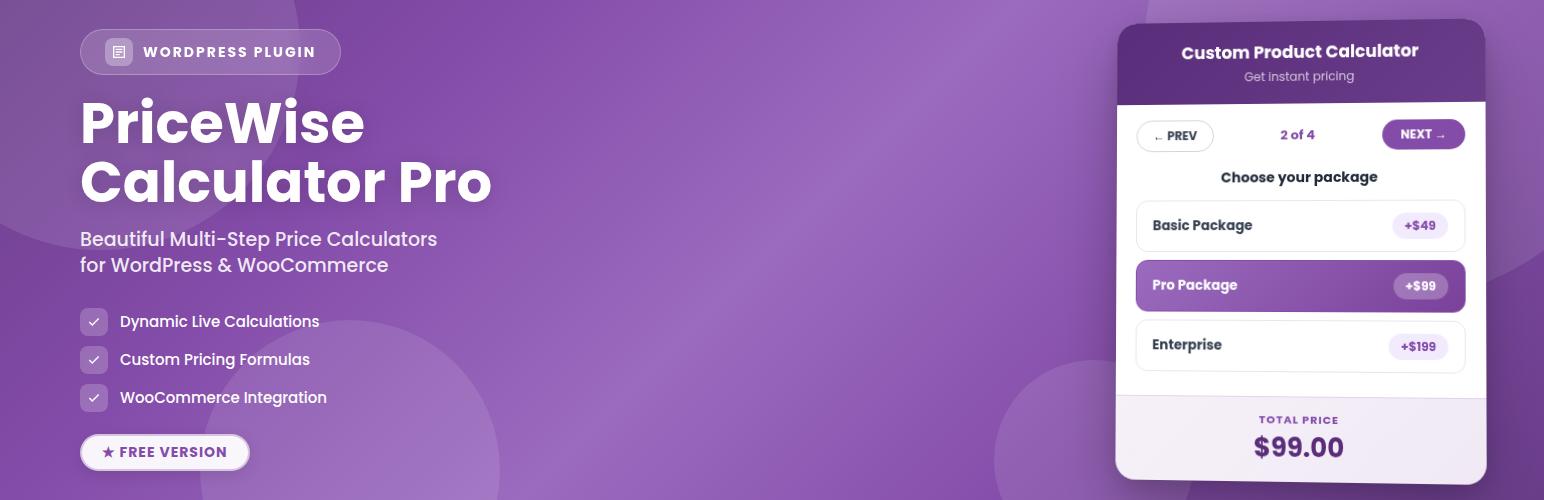
PriceWise is a measurement price calculator for WooCommerce. Some products don’t have one fixed price. Flooring is sold by the square metre, fabric by the metre, glass by its size, topsoil by weight. Normally the customer has to email you for a quote.
PriceWise puts a price calculator on your WooCommerce product page instead. The customer types in their measurements, length and width for example, and the price works out live from a formula you write once, like length * width * 12. The price is then recalculated on your server at add-to-cart, so it can’t be changed in the browser, and it carries into the cart, checkout, and the order with the customer’s numbers saved.
You write the formula one time. The plugin does the maths every time someone fills in the fields.
The free version is the full price-by-formula calculator: number fields, your formula, a live price, and the WooCommerce cart integration. So you can price by area (length times width), by length, by weight, by quantity, or by any rule you can write as a formula. PriceWise Pro adds dedicated measurement fields with real units, plus extra product options like dropdowns, checkboxes, and file upload.
What the free version does
- Price by measurement with a formula: ask for length and width and charge by area (
length * width * 12), ask for metres and charge per metre, ask for kilos and charge per kilo. If you can write the rule, the calculator can price it. - Number fields: ask the customer for length, width, quantity, guests, or any number.
- Write a formula once: use your field names with
+ - * / ( )and the functionsround,ceil,floor,min,max,abs, andif. Example:max(length * width * 12, 30)charges by area but never less than 30. Another:ceil(length / 10) * 10rounds up to whole units. - Live price: the total updates as the customer types. No page reload, no button to press.
- Checked on your server: the final price is worked out again on the server at add-to-cart, so a customer can’t edit it in the browser dev tools.
- Into the cart and order: the price and the numbers the customer entered are saved on the cart line, the checkout, and the order.
- Any currency: the live price follows your WooCommerce currency settings (symbol on the left or right, comma or dot separators), so it reads correctly anywhere: Rs 1,234.50, 1.234,50 €, or $1,234.50.
- Your own words: set the Add to Cart text, the Price label, and the on-screen messages in your language from Settings > Text & Labels. A .pot file is included for full translation.
- Two layouts: show every field together (all-in-one), or inline with no card so it blends into your theme.
- Colour controls: match the calculator to your store’s colours.
- Import / export: move your calculators between sites as a file.
- Shows on all products: one calculator, applied across your WooCommerce store.
Who uses it
PriceWise fits any product or service where the price depends on a measurement or a number the customer gives you. Here are real examples, grouped by how you charge.
Priced by area (length times width): Flooring, laminate, vinyl, and carpet. Wall and floor tiles. Glass, mirrors, acrylic, and perspex cut to size. Kitchen worktops. Artificial grass and turf. Decking and cladding. Wallpaper and wall murals. Roller blinds and curtains (width by drop). Banners and large-format printing. Window film and tinting. Insulation. Resin and epoxy flooring.
Priced by length (per metre, foot, or yard): Fabric, upholstery, and dressmaking textiles. Rope, cord, cable, wire, and chain. Ribbon, trim, and braid. Pipe, tube, and hose. Timber, mouldings, and skirting board. Fencing, railings, and gates. Guttering and garden edging. LED strip and tape lighting. Vinyl and signage rolls.
Priced by weight or volume: Topsoil, compost, bark, and mulch. Sand, gravel, ballast, and aggregate. Ready-mix concrete. Firewood and logs. Coffee beans, loose tea, and spices. Bulk nuts, grains, and dry goods. Animal feed. Paint and liquids by the litre.
Priced by quantity or batch: Business cards, flyers, and leaflets. Stickers and labels. Invitations and stationery. Bricks, blocks, and pavers. Custom apparel and promotional items by run size. Any product with a per-unit rate or a minimum order.
Priced per person or per day: Catering and buffets (per head). Marquee, event, and equipment hire (per day). Party packages (per guest). Coach and minibus hire. Workshops and classes (per seat).
Trade and services priced by a measure: Steel, aluminium, foam, and sheet materials cut to size. Cleaning (per room or per square metre). Painting and decorating (by wall area). Landscaping and lawn care (per square metre). Window cleaning (per window). House removals (by item or van load).
In the free version the customer types the numbers (for example length, width, quantity, or guests) and your formula turns them into the price. If your products currently say “contact us for a quote,” PriceWise can show the price up front instead.
Free vs Premium
The free version is the formula-based price calculator, applied to all your products. The premium version adds:
- Dedicated measurement fields: pick a unit (square metres, square feet, metres, kilos, litres) instead of writing the formula yourself, with a waste percentage and round-up to whole boxes or rolls.
- More field types: dropdown, radio, checkbox, slider, file upload, date / booking, and optional add-ons.
- Price tables: price by a size band, or a size by quantity grid (the classic print-shop pricing table).
- PDF quotes: a clean, branded PDF on every order, optionally attached to the order email.
- More control: show/hide field rules, colour and image swatches, the step-by-step layout, per-product and per-category targeting, editing a configured item from the cart, and order-email alerts.
See the premium version: https://devtonicstudios.com/pricewise-pro/
How it works
- Install and activate PriceWise.
- Go to PriceWise > Add Calculator.
- Add your number fields (for example
lengthandwidth) and write the formula (for examplelength * width * 12). - Save. The calculator shows on your WooCommerce products, and the price updates as customers type.
Privacy
PriceWise does not send any data to outside services. Every calculation runs on your own server, and the free plugin makes no external connections.