Product Catalog Mode For WooCommerce
Sometimes store owners want to display products as a catalog without allowing immediate purchases. This may be necessary during holidays, maintenance periods, sales preparation, wholesale-only operations, or limited-time sales restrictions.
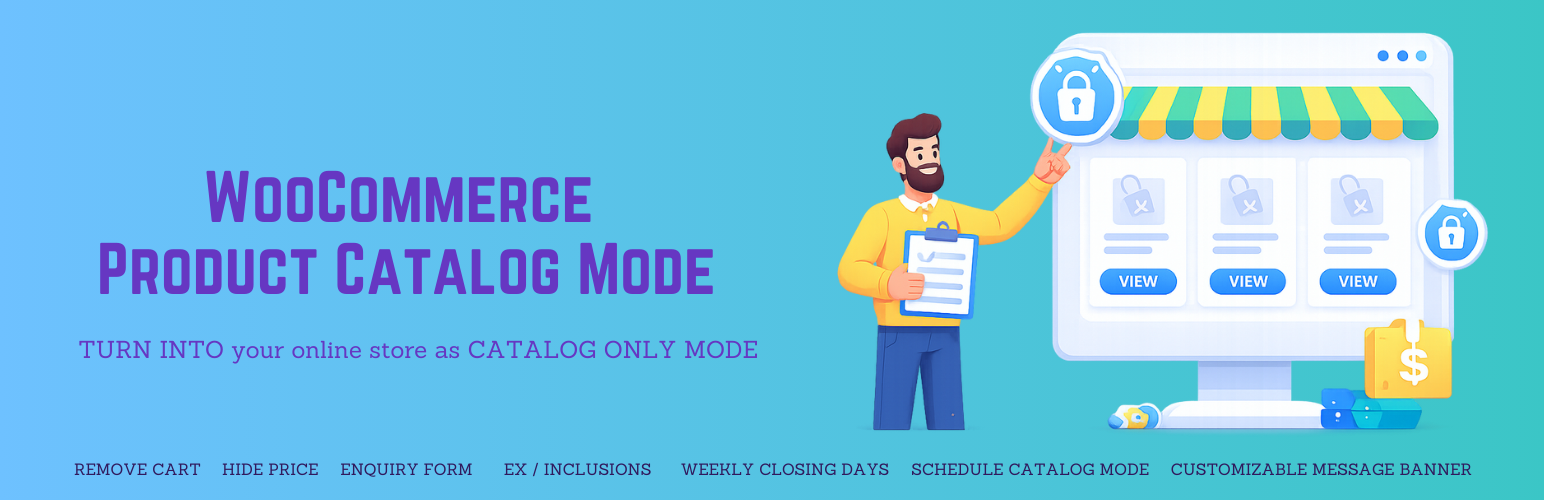
Product Catalog Mode for WooCommerce allows you to instantly turn your WooCommerce store into a catalog by removing Add to Cart buttons and hiding prices with a single click.
You can enable catalog mode globally or apply it conditionally based on visitors, user roles, countries, or scheduled time periods.
The plugin now includes advanced scheduling controls, allowing store owners to activate catalog mode:
* On selected weekdays
* Within specific start and end times
* Between defined start and end dates
This provides precise control over when your store accepts orders.
Replace hidden prices with meaningful text
Instead of leaving empty space when product prices are hidden, you can display custom text such as:
* "Price on request"
* "Login to view price"
* "Contact us for pricing"
This ensures your store looks professional while clearly guiding customers on the next step, improving user experience and engagement.
You can also display fully customizable messages on:
* Shop and archive pages
* Product details page
Message placement can be configured for shop/archive pages.
Turn your store into an enquiry-based selling system
Instead of losing potential customers when purchases are disabled, you can capture leads directly from product pages.
The plugin includes a powerful enquiry system that allows customers to submit product-specific enquiries.
Store owners can:
* Enable enquiry button on product pages
* Show enquiry popup with a form
* Use built-in enquiry form or integrate:
    - Contact Form 7
    - WPForms
* Choose the preferred form system
* Customize enquiry button text and position
This is perfect for:
* B2B stores
* Wholesale businesses
* Custom or made-to-order products
* Price-on-request products
* Service-based WooCommerce stores
Manage and reply to enquiries directly from your dashboard
Unlike basic catalog plugins, this plugin not only hides purchasing options but also helps you capture and manage customer enquiries effectively.
The built-in enquiry management system allows you to:
* Store all enquiries in the database
* View enquiries from the admin panel
* Mark enquiries as read/unread
* Search and filter enquiries
* Export enquiries as CSV
* Automatically delete old enquiries (GDPR-friendly)
You can also reply to customer enquiries directly from the WordPress admin panel, eliminating the need to switch between email clients.
Advanced exclusion options allow you to:
* Disable catalog mode for specific categories.
* Disable catalog mode for specific tags.
* Exclude individual products.
* Override global messages per product.
This gives you full flexibility over how and when products can be purchased.
The plugin can also be used to create a Request a Quote system for your store. By hiding the product price and Add to Cart button, you can display an enquiry button that allows customers to request pricing information directly from the product page. This is especially useful for B2B stores, wholesale businesses, or custom products where prices may vary depending on quantity, negotiation, or customer requirements. Customers can easily submit their inquiries using the built-in enquiry form or popular form plugins like WPForms or Contact Form 7, making it simple for store owners to manage quote requests efficiently.
Current Features (Free)
- Enable catalog mode for all users.
- Enable catalog mode only for visitors (unregistered users).
- Show the login button when catalog mode is enabled for visitors.
- Hide Add to Cart buttons.
- Hide product price
- Replace hidden product price with custom text to guide customers (e.g. “Price on request”, “Login to view price”) (NEW)
- Prevent access to the Cart and Checkout pages.
- Set the redirect URL for the Cart and Checkout pages.
- Show custom message on:
- Shop archive pages
- Product details page
- Select message position ( Shop & Archive pages )
- Customize message text color, background color, alignment, padding, and font size.
- Shortcode to display a custom message anywhere
- Easy to use
- Translation ready
Premium Features
- All Free Features
- Enable catalog mode only on selected weekdays.
- Activate catalog mode during specific start and end times.
- Activate catalog mode between defined start and end dates (NEW).
- Enable catalog mode based on user roles.
- Enable catalog mode based on countries.
- Advanced inquiry system:
- Built-in inquiry form
- Contact Form 7 integration (NEW)
- WPForms integration (NEW)
- Form selection option (NEW)
- Custom enquiry form heading
- Custom inquiry button label
- Enquiry button position control (NEW)
- Enquiry management system (NEW):
- Store all enquiries in database
- View enquiries in admin panel
- Mark enquiries as read/unread
- Search and filter enquiries
- Delete enquiries individually or in bulk
- Export enquiries as CSV
- Auto delete old enquiries (GDPR-friendly)
- Enquiry reply system (NEW):
- Reply to customers directly from admin panel
- Send email replies to customers
- Simple and fast reply interface
- Exclude by categories (disable catalog mode for specific categories).
- Exclude by tags (disable catalog mode for specific tags).
- Exclude individual products ( disable catalog mode, hide price or enquiry form per product ).
- Custom message per product ( override global message )
- Redirect products to third-party or affiliate URLs.
- Priority Email Support