
Ultimate Data Table Addon For Elementor
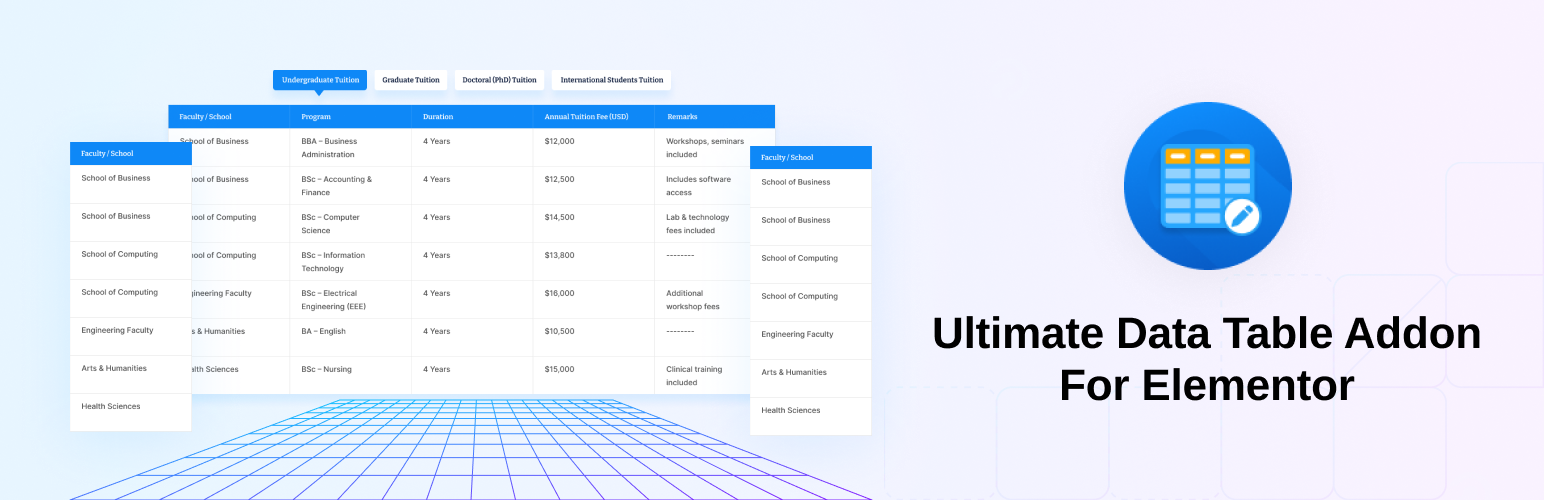
Ultimate Data Table Addon For Elementor is the easiest way to build beautiful, functional, and fully responsive data tables directly inside Elementor. Powered by DataTables.js, it gives you complete control over your table’s content, behavior, and design — all from the familiar Elementor panel, without writing a single line of code.
Whether you’re displaying pricing plans, product specs, schedules, comparison tables, or any structured data, this plugin has you covered. Add live search, pagination, column sorting, merged cells, custom labels, and pixel-perfect styling in minutes. To get started even faster, insert a pre-made template from the built-in library and customize it to match your brand.
👉 View Live Demos | Get Ultimate Data Table Pro
Why you’ll love it
- 100% built for Elementor — everything is a native Elementor control.
- No coding needed — configure and style visually.
- Fully responsive on every screen size.
- Lightweight and fast, using the proven DataTables.js engine.
- Ready-made 06 templates to kickstart your design.
Key Features
🔍 Live Search Instantly filter table rows with a built-in search box so visitors find what they need right away.
⏭ Pagination Full pagination with 7 selectable styles — Simple, Simple Numbers, Numbers Only, Full, Full Numbers, and more.
🔢 Entries Per Page Let visitors choose how many rows to display with a customizable “Show Entries” dropdown.
↕ Column Ordering Sortable columns with ascending and descending order.
📊 Table Information
Show or hide summaries like “Showing 1 to 10 of 120 entries,” with token support (_START_, _END_, _TOTAL_, _MAX_).
🏷 Custom Labels Edit the search label, no-data message, pagination label, and info text to match your site’s language.
↕ Rowspan Support Merge cells vertically to build grouped data structures.
↔ Colspan Support Merge cells horizontally for flexible layouts.
🎨 Deep Styling Controls Style the table globally and per-section — header, body, rows/columns, search box, entries dropdown, pagination, and table info. Control typography, colors, borders, padding, alignment, striped rows, and more.
📱 Fully Responsive Control how tables behave and display across all screen sizes, directly from Elementor.
🧩 Pre-Made Templates Insert ready-made data-table designs from the template library inside the Elementor editor and customize them instantly.
🧰 Full Elementor Control Panel Every option lives inside Elementor — no coding required.
Data Source: Tables are powered by Elementor repeater fields, making dynamic data easy to manage.
Ultimate Data Table Pro
Upgrade to Ultimate Data Table Pro to turn plain text cells into rich content blocks and unlock the full template library:
- 🖼 Image Cells — Add images inside any cell, with control over width, height, object-fit, object-position, and wrapper sizing.
- ⭐ Icon Cells — Insert Font Awesome or SVG icons in any cell, with custom size and color.
- 🔘 Button + Link Cells — Add a linked “Read More” button (new tab & nofollow supported) with full styling, including normal and hover states.
- 🔀 Per-Cell Arrangement — Order and combine image, text, icon, and button within a single cell.
- 🎨 Dedicated Style Sections — Separate Image, Icon, and Button styling panels for fine-grained control.
- 🧩 27 Premium Templates — Unlock the full premium template pack (in addition to the 6 free templates) for one-click professional tables.
Requirements
- WordPress 6.3 or newer
- PHP 7.4 or newer
- Elementor installed and activated