
Anka Quote Basket for WooCommerce
·
Quote basket for WooCommerce: catalog mode, hide prices, multi-product RFQ requests, and priced replies by email.
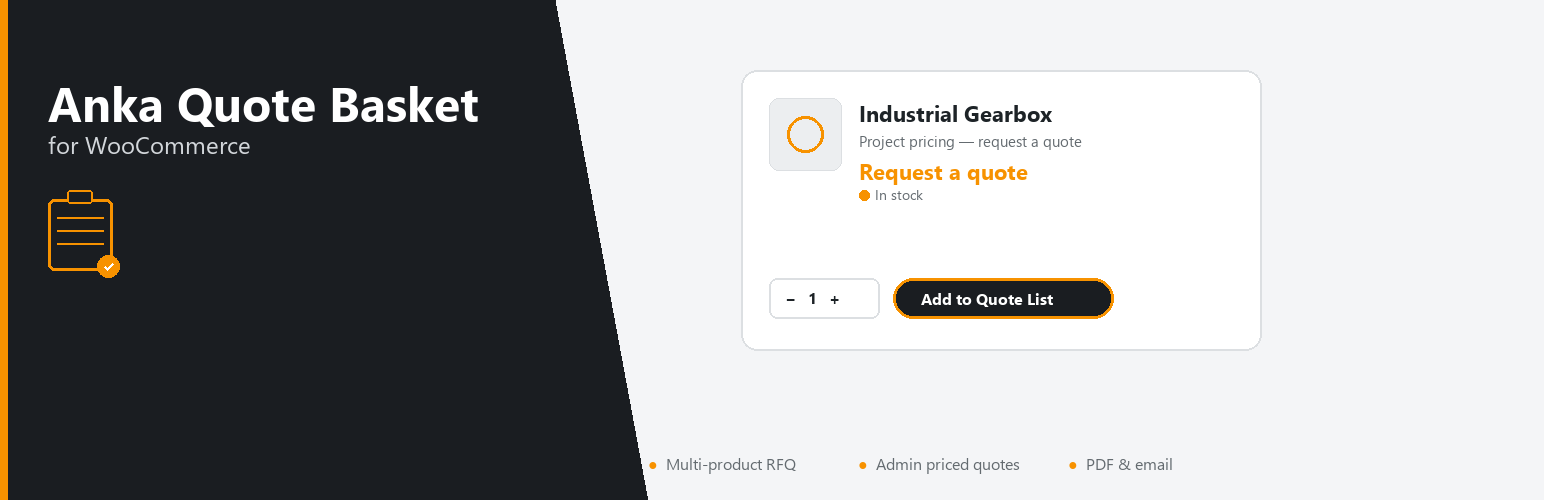
Turn WooCommerce into a request-for-quote workflow. Shoppers add products to a quote basket, send one enquiry, and you reply from the admin — with optional priced PDF offers. Use it alone as catalog mode, or keep normal checkout for some products and quotes for others.
Ideal when you sell by project price, wholesale enquiry, or custom / industrial equipment — not only when every product has a fixed checkout price.
Suitable for:
- B2B and wholesale catalogs (enquiry instead of instant checkout)
- Catalog-mode stores that hide Add to cart and collect quote requests
- Industrial, engineering, and project-priced products
- Shops that keep checkout for some products and quotes for others
What customers do
- Add products to a quote basket from the product page or catalog (variable products included)
- Adjust quantities on the quote page
- Submit a short contact form as one quote request
What you get
- Incoming quote requests in WordPress admin (filter, search, CSV export)
- Email to your sales address, with editable templates and live preview
- Optional confirmation email to the customer
- Optional PDF attached to the admin email
- Reply with unit prices and email a priced PDF offer (Quoted status)
- Floating quote-basket button (can be turned off)
- Hide prices and/or Hide Add to cart, with role exemptions and optional category limits
- No tracking, no licence checks, and no data sent to third-party servers — quotes stay in your site and go out through WordPress mail
Shortcodes
[ankaquba_form]— quote basket + form[ankaquba_menu]— quote basket link with item count
Put the form shortcode on a page, then choose that page under Quote Requests → Settings.
If you upgraded from an older version and a page still shows a raw shortcode, change it to one of the tags above. Common older tags are rewritten automatically when possible.