
Clever Linked Terms
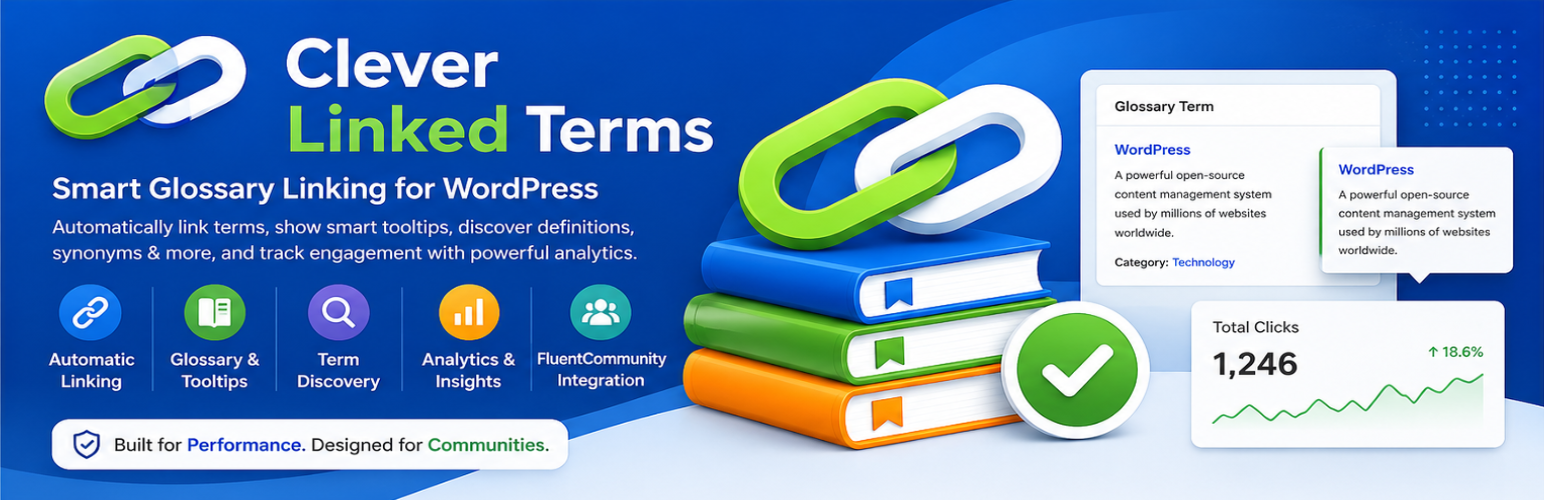
Clever Linked Terms helps you turn ordinary WordPress content into a connected glossary and knowledge system.
Create terms once, then let the plugin automatically link them across posts, pages, selected custom post types, and optionally FluentCommunity content. Visitors can hover linked terms for quick tooltip definitions, open full glossary pages, browse an A-Z index, and explore related concepts when Terms Engine features are enabled.
Version 1.2.1 keeps the new Gutenberg / WordPress Block Editor support inside Term Studio and improves block rendering/scroll behavior for that editor workflow. Version 1.2.0 added optional Gutenberg / WordPress Block Editor support inside Term Studio for glossary term definitions. When enabled, the Block Editor owns the definition body while Term Studio continues to manage the structured glossary fields, relationships, sources, SEO fields, tags, and linking controls. Classic/WYSIWYG definition editing remains available when Block Editor access is disabled.
What you can build with Clever Linked Terms
- A public glossary or knowledge base for your WordPress site.
- Automatically linked definitions inside articles, documentation, lessons, tutorials, reviews, and community posts.
- A semantic term network using synonyms, aliases, abbreviations, and variations.
- Better content discovery through related terms, tags, categories, sources, and glossary maps.
- FluentCommunity glossary support for communities that need definitions, shared vocabulary, and learning resources inside the portal.
Core features
- Create and manage glossary terms in WordPress.
- Automatically link terms inside selected WordPress content areas.
- Show hover tooltips with concise definitions.
- Link terms to full public glossary pages.
- Control link limits so long articles do not become overloaded.
- Exclude individual terms, posts, pages, or content areas from automatic linking.
- Create a public A-Z glossary index page.
- Customize the glossary index slug and title.
- Sort index entries while optionally ignoring leading words such as “a”, “an”, and “the”.
- Choose from multiple glossary index layouts.
- Customize tooltip, index, and single-term styling.
New in 1.1.0: redesigned admin workflow
The v1.1.0 release introduces a cleaner management experience built around modern admin screens:
- Dashboard overview for plugin status and quick access.
- Term Manager with cards, search, status filters, pagination, and per-page display controls.
- Term Studio for creating and editing terms without relying on the default post editor workflow.
- Status support for Published, Draft, Scheduled, Pending Review, Private, and Trash.
- Cleaner persistent navigation across modern Clever Linked Terms screens.
- Better Community and User Manual links in admin headers.
New in 1.1.0: Terms Engine
Terms Engine is a modular add-on layer for advanced semantic workflows. It can be enabled only when needed, and its individual tools can be turned on or off from Terms Engine -> Overview.
Terms Engine modules include:
- Semantic Relationships
- Relationship Phrase Linking
- Term Health & Conflicts
- Admin Term Map
- Public Term Connections
- Glossary Knowledge Map
- Tag IQ
- Bulk Tools
When Terms Engine is disabled, its menus, maps, conflict tools, relationship panels, and public widgets stay hidden so the base glossary experience remains lightweight.
Semantic relationships
Clever Linked Terms 1.1.0 adds structured relationship fields so alternate phrases can point back to the canonical term:
- Synonyms
- Aliases
- Abbreviations
- Variations
Relationship phrase linking can be controlled globally, per relationship type, and per term. This lets you decide whether alternate phrases should automatically link to a canonical glossary page or simply display as related metadata.
Term Health and conflict review
Term Health helps you review possible relationship conflicts and glossary quality issues.
Use it to find duplicate relationship phrases, review possible conflicts, mark conflicts clear, reopen reviewed items, and keep relationship data clean as your glossary grows.
Term maps and public connections
Terms Engine can show visual relationship maps for administrators and visitors:
- Admin Term Map helps you inspect term relationships and refocus the map around selected terms.
- Public Term Connections can appear on single term pages.
- Glossary Knowledge Map can be opened from the glossary index without taking up page space by default.
Map features are lazy-loaded and cached to help larger glossaries stay responsive.
Glossary index layouts
The glossary index includes several layout options:
- Modern Cards
- Compact Directory
- Split Index
- Minimal List
- Feature Grid
- Glossy Panels
- Knowledge Base
You can also control whether terms inside glossary index card content are auto-linked. Term titles continue to link to the full term page even when index auto-linking is disabled.
Single term page layouts
Choose a public layout for individual term pages:
- Theme Default
- Clean Card
- Hero Card
- Split Panel
- Resource Hub
- Editorial
- Minimal Modern
Single term pages can show the definition, relationships, categories, tags, sources, glossary return links, and optional public term connections.
FluentCommunity support
Clever Linked Terms includes optional FluentCommunity integration for community portals using SPA-style navigation.
When enabled, the plugin can process feed and space content, reprocess content after client-side navigation, open glossary links in a new tab for community users, and track analytics context separately when Analytics is enabled.
Optional add-ons and tools
Clever Linked Terms uses modular add-ons so you can enable only what your site needs:
- FluentCommunity integration
- Analytics
- Import / Export
- Term Discovery
- Terms Engine
Analytics
The Analytics add-on can track glossary impressions and clicks, matched phrases, relationship type, context, and FluentCommunity metadata when available. It helps you see which terms users are seeing, hovering, and opening.
Import / Export
Import and export glossary data for migration, backup, or spreadsheet cleanup. Version 1.1.0 supports glossary fields such as title, definition, tooltip, slug, status, scheduled date, categories, tags, sources, relationships, exclusions, and relationship linking controls.
Term Discovery
Term Discovery can help populate definitions, summaries, sources, and synonyms from optional external lookup providers. Administrators remain responsible for reviewing imported content before publishing.
Performance-minded for larger glossaries
Version 1.1.0 adds pagination, lazy-loaded maps, cache-friendly public map rendering, module-level feature controls, and safer index detection. Large glossary features are designed to load only when needed instead of rendering every heavy tool upfront.
Documentation and support
Plugin page: https://wordpress.org/plugins/clever-linked-terms/
Community and documentation links are available from the plugin admin screens.
External Services
This plugin optionally connects to third-party/external services only when the Term Discovery add-on is enabled and an administrator uses the discovery or API-test tools. The plugin works without these services, but automatic definition, synonym, and encyclopedia lookup features will not be available unless the relevant service is enabled.
When a lookup is performed, the searched glossary term is sent to the selected provider. When an API-key-protected service is used or tested, the configured API key is sent to that provider as required for authentication. API responses may be cached temporarily in WordPress transients to avoid repeated requests for the same term.
Wikimedia / Wikipedia REST API * Purpose: Retrieve encyclopedia summaries from Wikipedia as an optional fallback source. * Endpoint/domain used: https://en.wikipedia.org/api/rest_v1/page/summary/ * Data sent: The glossary term being searched is included in the request URL when an administrator asks Term Discovery to fetch encyclopedia content. * Privacy Policy: https://foundation.wikimedia.org/wiki/Privacy_policy * Terms of Use: https://foundation.wikimedia.org/wiki/Policy:Terms_of_Use * API documentation: https://www.mediawiki.org/wiki/API:REST_API
Merriam-Webster Dictionary API * Purpose: Retrieve dictionary definitions. * Endpoint/domain used: https://www.dictionaryapi.com/api/v3/references/collegiate/json/ * Data sent: The searched glossary term and the configured Merriam-Webster Dictionary API key are sent when an administrator requests a definition lookup or tests the API key. * Privacy Policy: https://www.merriam-webster.com/privacy-policy * Terms of Use: https://www.dictionaryapi.com/info/terms-of-service.htm * Requires API key.
Merriam-Webster Thesaurus API * Purpose: Retrieve synonyms, antonyms, and related terms. * Endpoint/domain used: https://www.dictionaryapi.com/api/v3/references/thesaurus/json/ * Data sent: The searched glossary term and the configured Merriam-Webster Thesaurus API key are sent when an administrator requests a synonym lookup or tests the API key. * Privacy Policy: https://www.merriam-webster.com/privacy-policy * Terms of Use: https://www.dictionaryapi.com/info/terms-of-service.htm * Requires API key.
Encyclopaedia Britannica API * Purpose: Retrieve encyclopedic articles and summaries. * Endpoint/domain used: https://syndication.api.eb.com/production/articles and https://syndication.api.eb.com/production/article/ * Data sent: The selected article type/category, the searched glossary term used to match returned article titles, article IDs from Britannica search results, and the configured Britannica API key are sent when an administrator requests encyclopedia content or tests the API key. * Privacy Policy: https://corporate.britannica.com/privacy.html * Terms of Use: https://corporate.britannica.com/termsofuse.html * Requires API key.
Free Dictionary API * Purpose: Retrieve dictionary definitions and pronunciation data as an optional fallback source. * Endpoint/domain used: https://api.dictionaryapi.dev/api/v2/entries/en/ * Data sent: The searched glossary term is included in the request URL when an administrator requests a definition lookup. * Privacy Policy: https://dictionaryapi.dev/ * Terms of Use: https://dictionaryapi.dev/ * No registration required.
API Ninjas Thesaurus API * Purpose: Retrieve synonyms and antonyms. * Endpoint/domain used: https://api.api-ninjas.com/v1/thesaurus * Data sent: The searched glossary term and the configured API Ninjas API key are sent when an administrator requests a synonym lookup or tests the API key. * Privacy Policy: https://api-ninjas.com/privacy * Terms of Use: https://api-ninjas.com/terms * Requires API key.
WordsAPI through RapidAPI * Purpose: Retrieve word data such as definitions, synonyms, and pronunciation. * Endpoint/domain used: https://wordsapiv1.p.rapidapi.com/words/ * Data sent: The searched glossary term and the configured RapidAPI key are sent when an administrator requests WordsAPI data or tests the API key. * RapidAPI Privacy Policy: https://rapidapi.com/privacy * RapidAPI Terms of Use: https://rapidapi.com/terms * Requires RapidAPI key.
Plugin support and documentation site * Purpose: The readme and admin help screens link to the plugin documentation/support community. The plugin does not automatically send site or user data to this site. * Site: https://wordpress.org/plugins/clever-linked-terms/ and https://jeffbrigman.com/community * Privacy Policy: https://jeffbrigman.com/privacy-policy/ * Terms of Use: https://jeffbrigman.com/terms/