
GSheetConnector For WPForms – WPForms Google Sheets Integration (Real-Time Sync)
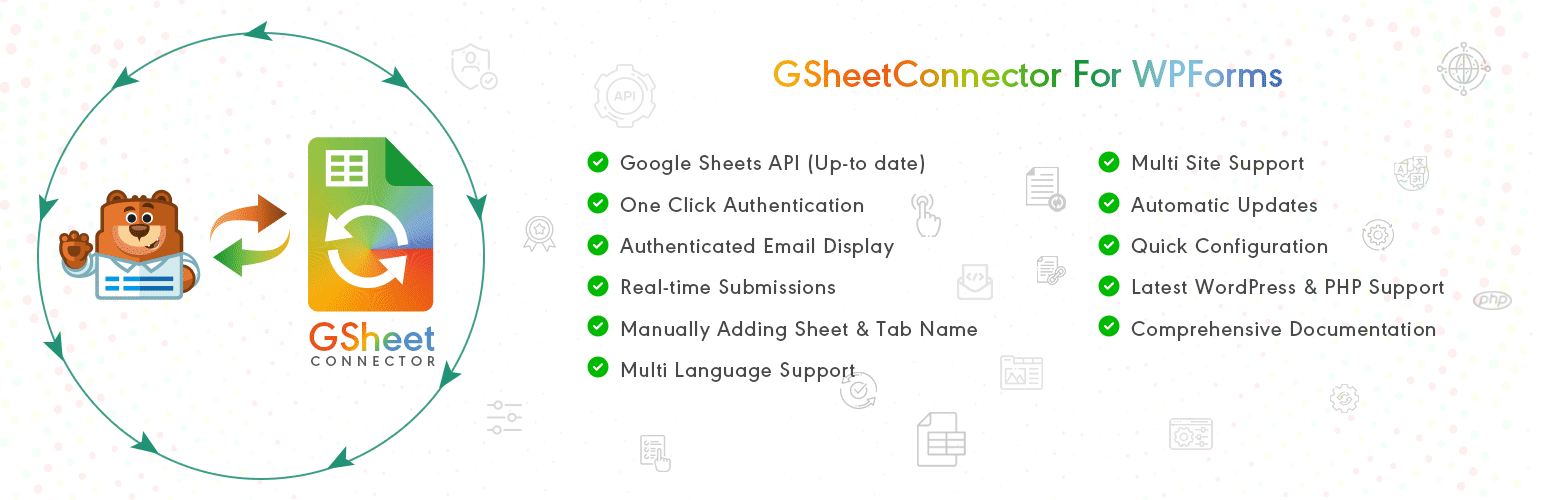
Automatically send WPForms entries to Google Sheets in real-time.
GSheetConnector for WPForms is a powerful and user-friendly add-on that connects your WordPress website running WPForms with Google Sheets and automatically saves every form submission into a connected spreadsheet.
When a visitor submits a form on your website, the data is instantly synced to Google Sheets — no manual export, no copy-paste, and no coding required. This makes it easy to manage, share, and analyze WPForms entries directly inside Google Sheets.
This plugin works with both WPForms Lite and WPForms Pro and allows you to build a complete WPForms to Google Sheets automation system without writing any code.
🚀 Key Features
🔄 Real-time sync of WPForms entries to Google Sheets 📄 Works with WPForms Lite and WPForms Pro (tested with the latest versions) 🧩 Feed-based form-to-sheet connections 📊 Supports multiple forms and multiple Google Sheets per form 🔑 Secure Google authentication (one-click OAuth) 🏷 Supports WPForms Smart Tags 📅 Sync submission date and time 🛠 Debug log and system status for troubleshooting
💡 Why Use GSheetConnector for WPForms?
Most businesses waste time exporting WPForms entries, downloading CSV files, and manually copying data into spreadsheets. GSheetConnector eliminates this by creating a real-time connection between WPForms and Google Sheets.
Every form submission is automatically synced, allowing you to: • Follow up on leads instantly • Share data with your team • Build reports and dashboards • Avoid data loss and human errors • Manage everything inside Google Sheets • Enable real-time collaboration
Documentation | Support | Demo | WPForms Google Sheet Connector Pro | Our Plugins
🤝 Powerful PRO Automation Features
Upgrade to WPForms Google Sheet Connector Pro to unlock full automation and advanced control:
➜ Custom Google API integration (OAuth & Service Account) ➜ Create new Google Sheets directly from WordPress ➜ Field-to-column mapping ➜ Re-order or rename Google Sheet headers ➜ Use any WPForms Smart Tags as column headers ➜ Sync existing WPForms entries to Google Sheets ➜ Freeze header row ➜ Row colors (odd/even + header styling) ➜ Multiple feeds per form ➜ Date-based and filtered syncing
👉 Upgrade to Pro: https://www.gsheetconnector.com/wpforms-google-sheet-connector-pro/
Trusted by 20,000+ active installations across FREE and PRO versions. Try WPForms Google Sheet Connector now and simplify your WPForms to Google Sheets workflow.
⚡️ Check Live Demo
🔗 WPForms Live Demo – Click Here
Google Sheet URL to Check submitted Data
Related Google Sheets Connector Plugins
GSheetConnector also offers Google Sheets integrations for other popular WordPress plugins, helping you automate data syncing across your website without writing code.
• GSheetConnector for Contact Form 7 – Automatically send Contact Form 7 submissions to Google Sheets for easy lead management. (Free & Pro available)
• GSheetConnector for WPForms – Sync WPForms entries to Google Sheets in real-time with flexible feed-based settings. (Free & Pro available)
• GSheetConnector for Gravity Forms – Connect Gravity Forms submissions to Google Sheets and manage form data efficiently. (Free & Pro available)
• GSheetConnector for Ninja Forms – Automatically export Ninja Forms entries to Google Sheets with reliable syncing. (Free & Pro available)
• GSheetConnector for Formidable Forms – Connect Formidable Forms data to Google Sheets for structured data management. (Free & Pro available)
• GSheetConnector for Fluent Forms – Export Fluent Forms entries to Google Sheets automatically upon form submission. (Free & Pro available)
• GSheetConnector for Elementor Forms – Send Elementor form submissions directly to Google Sheets for reporting and collaboration. (Free & Pro available)
• GSheetConnector for WooCommerce – Sync WooCommerce orders, customers, and products with Google Sheets for real-time tracking. (Free & Pro available)
• GSheetConnector for Divi Forms – Integrate Divi form submissions with Google Sheets. (Pro version only)
• GSheetConnector for Avada Forms – Send Avada form entries to Google Sheets for centralized data handling. (Pro version only)
• GSheetConnector for WordPress Core – Import and export WordPress posts and pages using Google Sheets. (Pro version only)
Explore our Google Sheets connector plugins and access free versions where available.
✨ How to Use this Plugin
-
Step: 1 – In Google Sheets ➜ Log into your Google Account and visit Google Sheets. ➜ Create a new Sheet and name it. ➜ Rename or keep default name of the tab on which you want to capture the data. ➜ Copy Sheet Name, Sheet ID, Tab Name and Tab ID (Refer Screenshots)
-
Step: 2 – In WordPress Admin ➜ Navigate to WPForms > Google Sheet > Integration Tab. ➜ Authenticate with Google using new “Google Access Code” while clicking on “Get Code” ➜ Make Sure to ALLOW Google Permissions for Google Drive and Google Sheets and then copy the code and paste in Google Access Code field, and Hit Save & Authenticate. ➜ Then, Navigate to GoogleSheet Form Settings Tab Selected respective WPForm from the dropdown with which you want to connect with Google Sheet. ➜ Now copy and paste the Google Sheets sheet name and tab name into respective input fields, and submit.
-
Step: 3 – Arranging Columns in Sheet ➜ In the selected Google sheet, enter column names in first row (as a header) as per the Label, Copy and Paste the form field label from the WPForms to Google Sheet (e.g. “Name”, “Email”, “Comment or Message”, “date” etc). ➜ Lastly Test your WPForms and verify that the data shows up in your Google Sheet.
🔥 Videos to help you get started with WPForms Google Sheets Connector
🚀WPForms Forms Google Sheet Connector Introduction Video
🔐 Secure & Compliant
GSheetConnector connects directly to your Google account. Your form data stays inside: • Your WordPress site • Your Google Drive
No third-party servers, no external storage.
If you need advanced automation, bulk sync, or multiple feeds, the Pro version gives you full control over how your WPForms data flows into Google Sheets.
Important Notes
➜ Make sure the column headers in your Google Sheet match the field labels used in WPForms. Keeping names consistent ensures that form entries are mapped and synced correctly.