
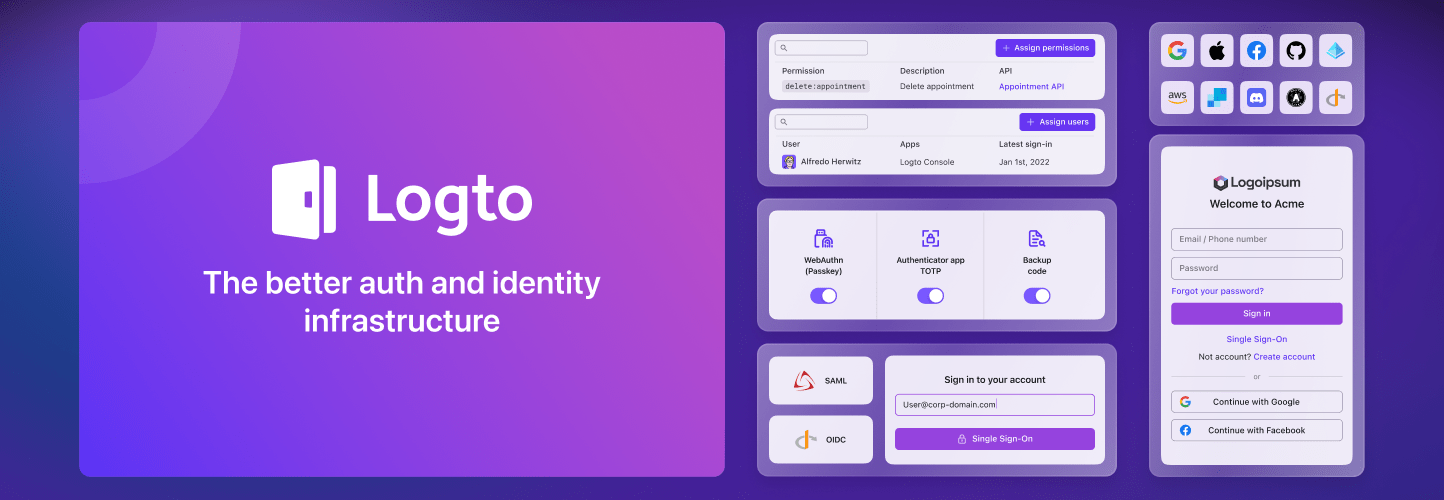
Thank you for choosing Logto! By integrating Logto into your WordPress site, you are not only enhancing the security and user experience of your site, but also enabling a unified login experience across all your applications.
Why Logto?
Logto is an open-source Auth0 alternative and a modern authentication and authorization solution for all your applications, including your WordPress sites. With Logto, you can:
- Enable passwordless login, social login, single sign-on (SSO), and multi-factor authentication (MFA) for your WordPress site.
- Use role-based access control (RBAC) to manage user permissions.
- Support generic OAuth2, OpenID Connect, and SAML protocols.
- Customize the login and registration pages to match your brand.
In addition, Logto offers dozens of out-of-the-box integrations with popular social login providers, including Google, GitHub, Entra ID (Azure AD), Facebook, and more. Check out the full list of built-in integrations and social login providers.
Get started
If you are new to Logto, we recommend checking out our introduction page to have a quick overview of Logto concepts and features.
If you are looking for a step-by-step guide to set up Logto, please refer to our WordPress plugin quick start guide.
If you have any questions or feedback, please feel free to:
- Join our Discord server to get help from the community.
- Open an issue on GitHub to report bugs or request features.
- Subscribe to a paid plan to get access to official support and more features.
From WordPress admin panel
- Go to Plugins > Add New.
- Search for “Logto”.
- Click Install Now.
- Click Activate.
- Go to Settings > Logto to configure the plugin.
- Follow the quick start guide to set up Logto.
From WordPress.org
- Search for “Logto” in the WordPress.org plugin directory.
- Download the plugin ZIP file.
- Go to Plugins > Add New in your WordPress admin panel.
- Click Upload Plugin.
- Select the downloaded ZIP file and click Install Now.
- Click Activate.
- Go to Settings > Logto to configure the plugin.
- Follow the quick start guide to set up Logto.