No Code Structure Builder
·
Build and organize WordPress content structures visually. Create custom post types and taxonomies without writing code.
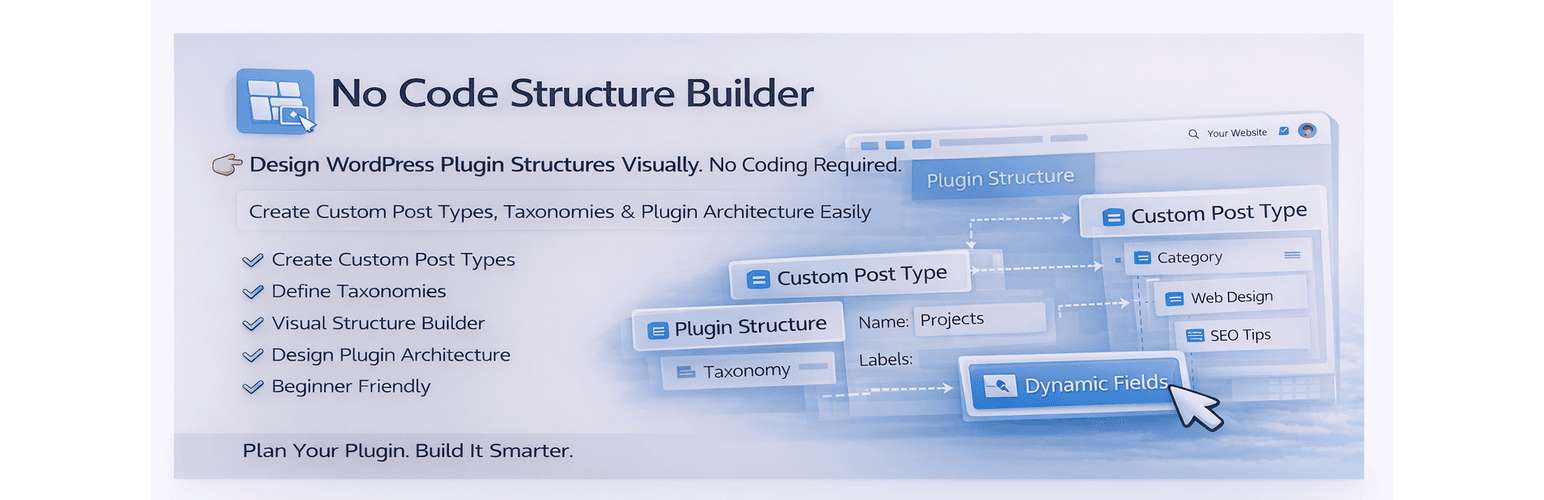
No Code Structure Builder is a visual tool that helps you create and manage WordPress content structures without coding.
Instead of writing code or configuring complex settings, you can simply use a clean drag-and-drop interface to define how your content is structured.
Create custom post types, attach taxonomies, and organize everything visually — all inside your WordPress dashboard.
This plugin is built for speed, clarity, and simplicity.
What you can do
- Create custom post types visually
- Attach taxonomies to post types
- Organize your content structure in one place
- Plan plugin/content architecture before development
- Build structured systems without touching code
Key Features
- Visual structure builder inside WordPress admin
- Create custom post types without coding
- Easy taxonomy creation and linking
- Clean drag and drop workflow
- Instant integration into WordPress dashboard
- Lightweight and fast performance
- Beginner-friendly interface
- No configuration complexity
Why this plugin?
Most plugins require manual setup or coding.
No Code Structure Builder simplifies the process by giving you a visual system to plan and build your structure efficiently.
It helps you:
- Save development time
- Avoid repetitive setup work
- Reduce errors in structure planning
- Clearly visualize your content architecture
Who is this for?
- Freelancers building client websites
- WordPress developers speeding up workflow
- Agencies managing multiple projects
- Beginners learning WordPress structures
- Anyone who wants to work faster without coding
Example Use Cases
- Create a “Projects” custom post type with categories
- Build structured content for portfolios or services
- Plan plugin data structure before development
- Organize dynamic content systems visually