
Overedge Connector bridges your WordPress site with AI development tools — enabling post-ship development, content management, and site control through Claude Code, Claude.ai, and any MCP-compatible AI assistant.
Two ways to use Overedge
1. MCP Server — AI-Powered Site Management Connect Claude Code or Claude.ai directly to your WordPress site. Ask your AI assistant to:
- Read and update page content and ACF fields
- Create new pages, posts, and WooCommerce products (saved as draft for your review)
- List active plugins and site information
- Read your Overedge theme manifest
- Manage content without touching wp-admin
All content created via MCP is saved as draft — you review and publish manually.
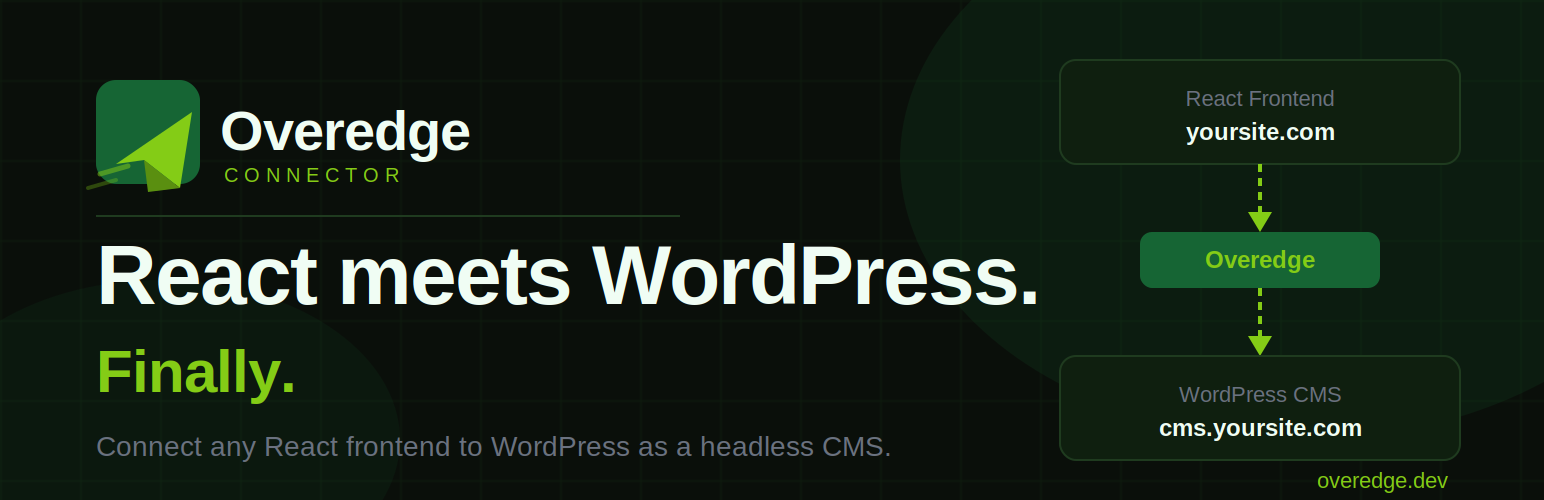
2. Headless CMS — React Frontend + WordPress Content Use WordPress as a content backend for your vibe-coded React app built on Lovable, Bolt.new, Replit, or plain React.
- Add one CDN script to your React project
- Manage all content from WordPress admin
- No rebuild required when content changes
Connect to Claude.ai Web
- Go to Claude.ai → Settings → Connectors
- Click “Add custom connector”
- Paste your MCP URL from the Overedge admin panel
- Start managing your WordPress site with AI
Connect to Claude Code
Copy the MCP config JSON from the Overedge admin panel and add it to your Claude Code config file.
Works with Overedge Engine
Convert any vibe-coded React project to a native WordPress theme at overedge.dev. Install the converted theme and this plugin together for the complete Overedge experience — from vibe coding to WordPress to AI-powered post-ship development.
Requirements
- WordPress 6.0 or higher
- PHP 7.4 or higher
- Advanced Custom Fields (free or Pro) for field management tools
- WooCommerce (optional) for product creation tools