
REEID Translate
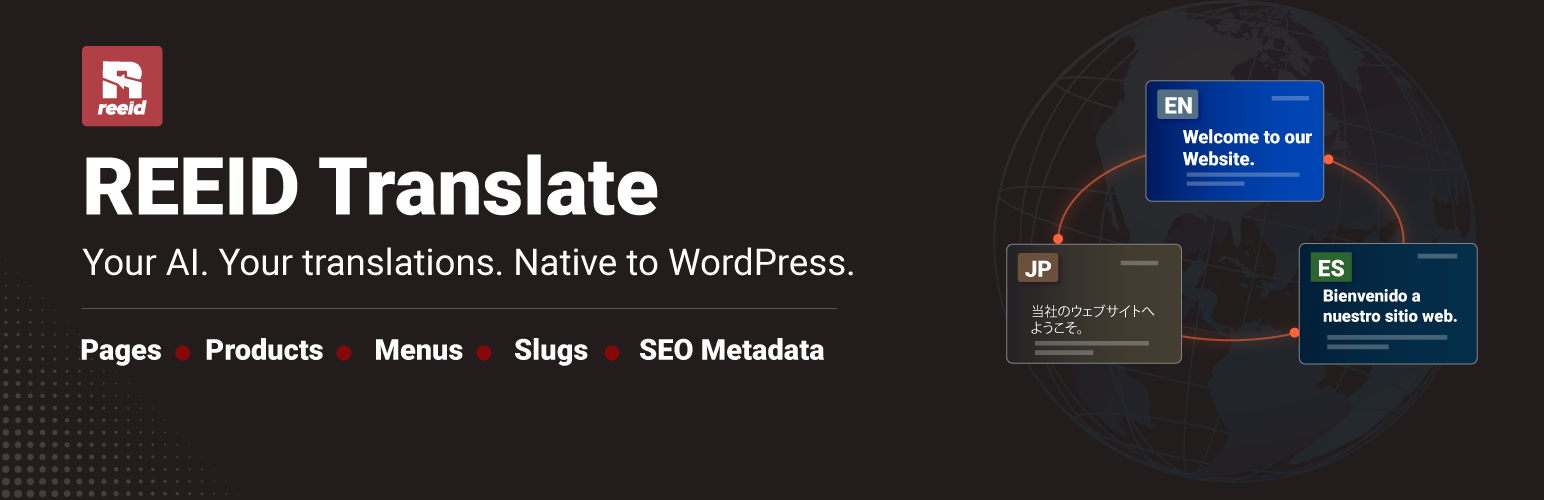
REEID Translate helps site administrators translate WordPress posts, pages, WooCommerce product content, menus, slugs, and SEO signals using AI.
Translations are stored as separate WordPress content items or translation data and linked through an internal translation relationship map. Your original content is not modified.
REEID Translate focuses on practical multilingual publishing:
- Translate posts and pages with AI
- Translate WooCommerce product content
- Generate language-aware URLs
- Support native and multilingual slugs
- Output hreflang tags for translated content
- Manage auto-translated menu labels
- Display a frontend language switcher
- Repair translation relationships when needed
REEID Translate is fully functional as a free plugin. The workflows included in this WordPress.org package are available as part of the plugin.
Built for WordPress content
REEID Translate works with native WordPress structures. It stores translated content as separate posts, pages, or product data and connects translations through a relationship map. This keeps the original content safe and gives you editable translated versions.
SEO support
After translating a page, post, or product, REEID Translate can output hreflang tags to help search engines discover and understand the correct language versions of your content.
Language switcher
Use the shortcode below to place the language switcher in pages, widgets, headers, footers, or builder areas that support shortcodes:
[reeid_language_switcher]
WooCommerce support
REEID Translate can help translate WooCommerce product content while preserving product structure, pricing, stock, and product configuration.
How It Works
- Install and activate REEID Translate.
- Go to Settings → REEID Translate.
- Enter your OpenAI API key.
- Open a post, page, or product.
- Choose the target language and click Translate.
- Place the language switcher with
[reeid_language_switcher].
Core Features
AI Translation
- One-click translation for posts and pages
- OpenAI API key support
- Gutenberg content support
- Classic Editor support
- WooCommerce product translation
- HTML-aware translation handling
- Native and multilingual slug support
- Translation map linking between source and translated content
Multilingual SEO
- Language-aware URLs
- Hreflang tag output
- Self-referencing hreflang support
- x-default support
- Native-script slug support
- Compatibility-focused SEO handling
WooCommerce
- Product title translation
- Product short description translation
- Product full description translation
- Product URL and slug translation
- Product configuration preservation
- Product configuration preservation
Menu Labels
- Translate page-linked menu labels using translated page titles and URLs
- Prepare saved translations for custom menu labels after an authorized translation action
- Apply custom menu label overrides
- Improve frontend navigation wording per language
Language Switcher
- Shortcode-based language switcher
- Multiple frontend display styles
- Automatic translation detection
- Default-language root behavior support
Admin Tools
- OpenAI API key validation
- Translation relationship map
- Translation map repair tool
- Optional cleanup tools
Supported Editors
REEID Translate supports:
- Gutenberg
- Classic Editor
For best results, use content stored in standard WordPress editor structures.
Supported Languages
REEID Translate supports 20+ languages including English, Chinese, German, French, Arabic, Polish, Japanese, Thai, Indonesian, Spanish, Italian, Portuguese, Korean, Vietnamese, and more.
External Services
REEID Translate connects to OpenAI to provide AI translation and OpenAI API key validation.
OpenAI
This plugin connects to OpenAI’s API when an authorized site administrator requests AI-powered functionality, such as translating content or validating the saved OpenAI API key.
Service provider: OpenAI Service URL: https://platform.openai.com/
Data sent to OpenAI may include the source content being translated, selected source and target languages, tone settings, slug text, and navigation menu labels.
The plugin also sends the saved OpenAI API key to OpenAI when validating the key or making an authorized API request.
Data is sent only when an authorized site administrator starts or saves a feature that requires OpenAI processing.
OpenAI Terms of Use: https://openai.com/policies/terms-of-use
OpenAI Privacy Policy: https://openai.com/policies/privacy-policy
License
REEID Translate is licensed under GPL-3.0-or-later.