
TablePress – 讓 WordPress 網站製作表格變簡單
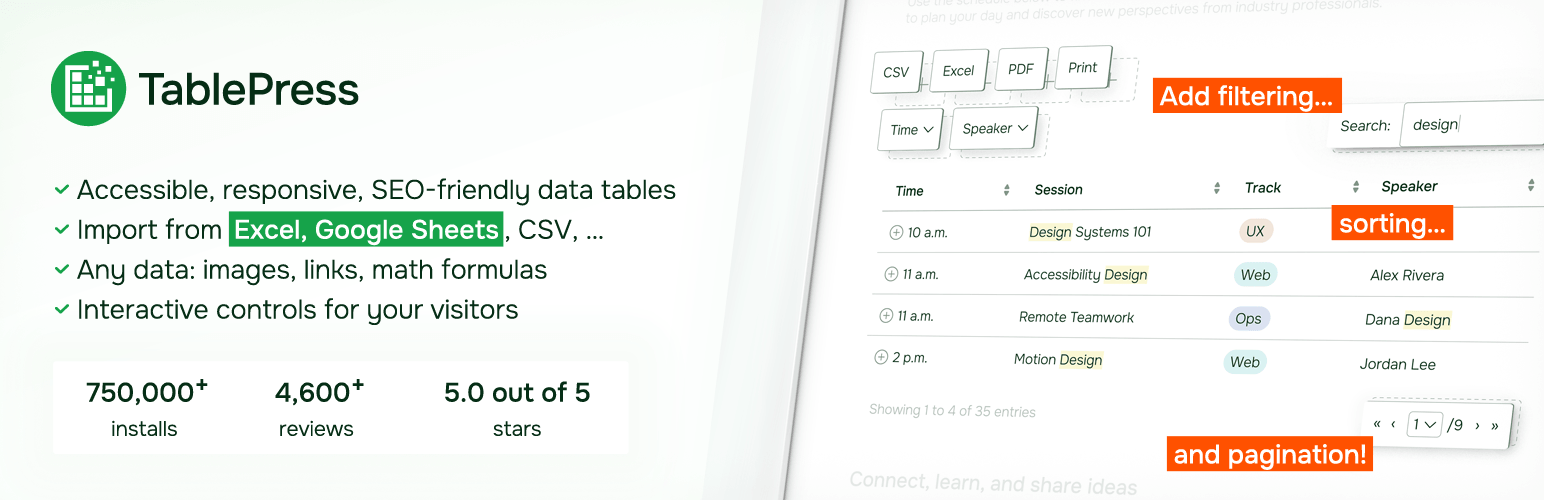
為網站加入功能豐富、讓訪客愛不釋手的表格!
TablePress 是最受歡迎、最高評價的 WordPress 表格外掛。
- Easily create, edit, and manage beautiful and modern data tables, from simple price lists to searchable directories, product and model tables, inventories, schedules, and research datasets.
- Add live sorting, pagination, searching, and other interactive features that help visitors find what they’re looking for on any device.
- Use any type of data and enrich your tables with images, links, and even math formulas.
- Import and export tables from/to Excel, CSV, HTML, and JSON files or URLs, including spreadsheet data from Google Sheets, Excel Online, and files stored on Dropbox or OneDrive.
- 使用者可以使用區塊編輯器的區塊、Elementor 的小工具或短代碼,將表格內嵌至文章、頁面或網站的其他位置。
- 完全不需具備撰寫程式碼的能力。
Even more great features for you and your site’s visitors and priority email support are available with a Premium license plan of TablePress. Go check them out!
Common use cases
TablePress will handle a wide range of tables, from simple price lists to searchable directories and large datasets. Popular examples include:
- Product and model tables
- Service and price lists
- Directories and listings
- Schedules and timetables
- Participant and member lists
- Inventories and collections
- Comparison tables
- Research and statistical data
Accessible and SEO-friendly tables
TablePress creates accessible HTML tables whose content can be searched by visitors, WordPress search, and search engines alike. Interactive features like sorting, filtering, and pagination include accessibility enhancements for screen readers and other assistive technologies. This makes it easy for visitors to find relevant information, whether they are browsing a large directory, searching a product table, or using your site’s search function.
進一步了解相關資訊
Visit tablepress.org for more information, take a look at example tables, or try TablePress on a free test site. For latest news, follow @TablePress on Twitter/X or subscribe to the TablePress Newsletter.
TablePress 的使用方式
After installing the plugin, you can create and manage tables on the “TablePress” screen in the WordPress Dashboard.
To insert a table into a post or page, add a “TablePress table” block in the block editor or a widget in the Elementor page builder and select the desired table or use Shortcodes with other page builders.
Beginner-friendly step-by-step tutorials, guides, and how-tos show how to achieve common and popular tasks with TablePress. You can find examples for common styling changes via “Custom CSS” code on the TablePress FAQ page. You may also add features like sorting, pagination, searching, filtering, alternating row colors, row highlighting, and more by enabling the corresponding options on a table’s “Edit” screen.
Premium features
Need additional functionality for larger tables or advanced use cases? Premium license plans for TablePress add features such as:
- Options for responsive tables
- Advanced filtering and search
- Fixed table headers and columns
- Automatic periodic imports
- Custom styling options
- And much more
Priority email support is also included. Check out the details on the TablePress website.