
WebRitual Block Bridge for Elementor
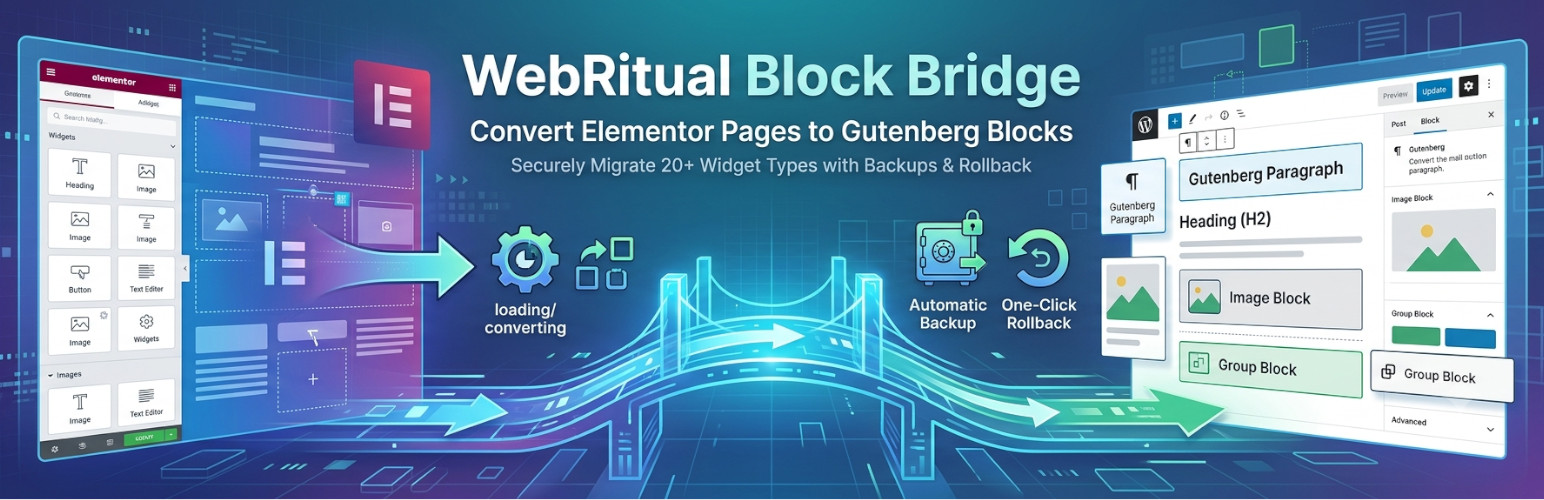
WebRitual Block Bridge is a conversion tool that transforms Elementor-built pages and posts into WordPress Block Editor (Gutenberg) content.
The plugin reads Elementor page data and converts it into equivalent Gutenberg blocks. It supports 20 common Elementor widgets and automatically creates backups before each conversion, allowing you to restore the original content if needed.
Use Cases: * Converting Elementor pages to Gutenberg blocks * Migrating from Elementor to native WordPress Block Editor * Testing Block Editor compatibility with existing Elementor content * Transitioning to WordPress Full Site Editing (FSE)
Key Features
- Individual Post Selection: Choose exactly which pages/posts to convert via intuitive UI
- Live Preview: See conversion status in real-time
- Automatic Backup: Every conversion creates a backup for safe rollback
- One-Click Rollback: Restore original Elementor content anytime
- Database Cleanup: Remove Elementor metadata after successful conversion
- Translation Ready: Fully translatable with i18n support
What Gets Converted?
The plugin intelligently converts your Elementor content structure: * Layouts: Sections → Group Blocks, Columns → Column Blocks * Content: Text, headings, images, buttons, videos * Interactive Elements: Tabs, accordions, toggles * Media: Image galleries and carousels (with lightbox support via Kadence) * Styling: Basic styles are preserved where possible
Supported Widgets (20 Total)
Basic Content: * Heading → Heading Block * Text Editor → Paragraph Block * Image → Image Block * Button → Button Block * Icon → HTML Block (Kadence icon) * Spacer → Spacer Block * Divider → Separator Block
Media: * Video → Embed Block * Image Carousel → Kadence Advanced Gallery (carousel with lightbox) * Image Gallery → Kadence Advanced Gallery (grid with lightbox)
Layout: * Section → Group Block * Column → Column Block * Inner Section → Group Block
Interactive: * Tabs → Kadence Tabs Block * Accordion → Details Block * Toggle → Details Block
Advanced: * Shortcode → Shortcode Block * HTML → HTML Block * Menu Anchor → HTML Block (anchor) * Sidebar → Legacy Widget Block
Requirements
- WordPress 6.5 or higher
- PHP 7.4 or higher
- Kadence Blocks plugin (automatically prompted on activation)
WordPress will automatically prompt you to install Kadence Blocks when you activate this plugin. This is required for advanced features like tabs, galleries, and carousels to work properly.
How It Works
- Scan: The plugin scans your site for Elementor-built content
- Select: Choose which posts/pages to convert
- Convert: Click convert to start the conversion process
- Verify: Review your converted content in the Block Editor
- Rollback: If needed, restore original Elementor content with one click
- Cleanup: Optionally remove Elementor metadata to free up database space
The plugin processes each page individually, creating a backup before conversion. You can convert pages one at a time or in batches, and rollback any conversion if the result is not satisfactory.
Safety First
- Automatic backups before every conversion
- One-click rollback to restore original content
- No data loss – backups stored in WordPress database
- Test on staging environment recommended
💝 Support This Work
This plugin is completely free and open-source. If it saved you time and money by helping you migrate away from Elementor, voluntary donations are appreciated to support ongoing development and maintenance:
Buy me a Coffee (Revolut) Buy me a Coffee (GitHub)
All donations are voluntary and do not affect plugin functionality. Your support helps maintain this free tool for the WordPress community. Thank you! 🙏
Support & Bug Reports
For support, feature requests, or bug reports, please visit https://webritual.eu/
Credits
Developed by Web Ritual