
WPScan – WordPress 安全性掃描程式
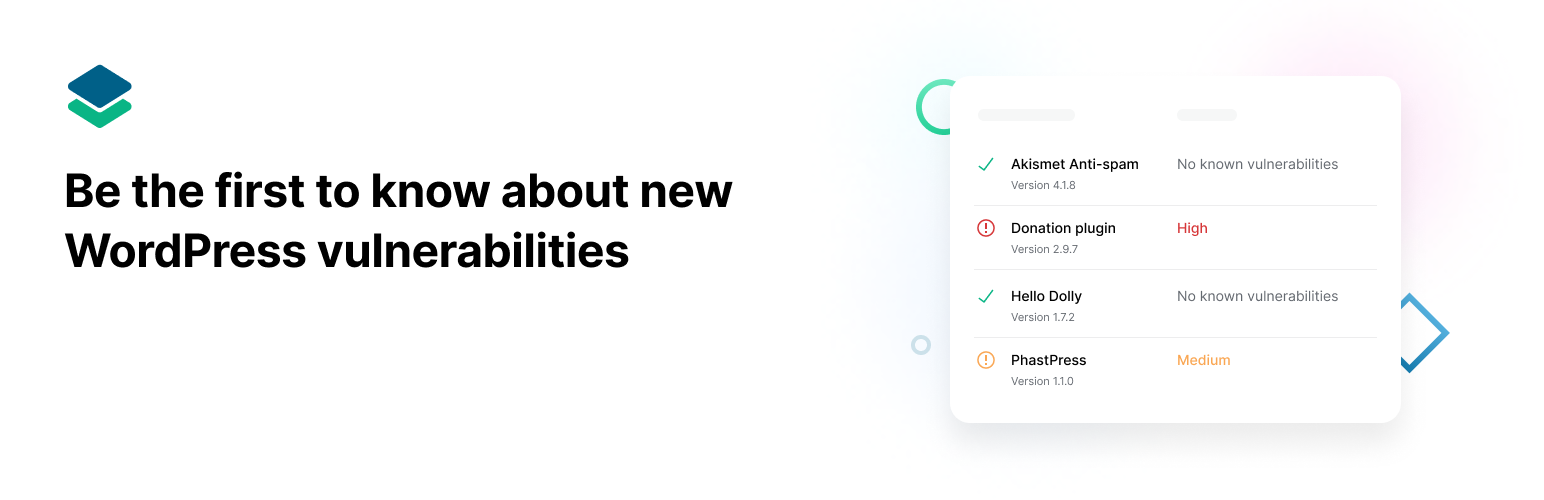
注意事項:這個外掛已不再主動支援非企業使用者。我們建議使用 Jetpack Protect,這是一款使用 WPScan 巨量資料的免費 WordPress 安全性外掛。Jetpack Protect 能掃描網站並對漏洞提出警示,讓網站能夠遠離安全性威脅及惡意程式碼。
The WPScan WordPress security plugin is unique in that it uses its own manually curated WPScan WordPress Vulnerability Database. The vulnerability database has been around since 2014 and is updated on a daily basis by dedicated WordPress security specialists and the community at large. The database includes more than 21,000 known security vulnerabilities. The plugin uses this database to scan for WordPress vulnerabilities, plugin vulnerabilities and theme vulnerabilities, and has the options to schedule automated daily scans and to send email notifications.
WPScan has a Free API plan that should be suitable for most WordPress websites, however, also has paid plans for users who may need more API calls. To use the WPScan WordPress Security Plugin you will need to use a free API token by registering here.
The Free plan allows 25 API requests per day. View the different available API plans.
How many API requests do you need?
- Our WordPress scanner makes one API request for the WordPress version, one request per installed plugin and one request per installed theme.
- On average, a WordPress website has 22 installed plugins.
- The Free plan should cover around 50% of all WordPress websites.
Security Checks
The WPScan WordPress Security Plugin will also check for other security issues, which do not require an API token, such as:
- Check for debug.log files
- Check for wp-config.php backup files
- Check if XML-RPC is enabled
- Check for code repository files
- Check if default secret keys are used
- Check for exported database files
- Weak passwords
- HTTPS enabled
What does the plugin do?
- Scans for known WordPress vulnerabilities, plugin vulnerabilities and theme vulnerabilities;
- Does additional security checks;
- Shows an icon on the Admin Toolbar with the total number of security vulnerabilities found;
- Notifies you by mail when new security vulnerabilities are found.