

Header Failed Changing Image
-
Weird but in the page of Contact I can´t change the header. I did what I had to do and nothing. I had WordPress before and it never happened to me. Is there anything I can do to fix this bug? Truly appreciated!
The blog I need help with is: (visible only to logged in users)
-
Hi there,
Did you change the featured image on the contact page? It appears the stock image is still set as the feature image.
-
-
Hi @lauracarvalhoficial2019,
I checked the post and I see an image of a person holding a cell phone is set as the featured image. If you want to replace that, can you pick a different image and set it as the featured image for that page? You’ll want to be sure the image is big enough or it won’t display properly.
Noting too, the page is set to draft. You’ll likely need to publish it before it goes live.
-
Thank you very much! I will see when I publish it, but I changed in the home page very well. Just in the contact page doesn´t work properly for some reason. I will publish it and I will try again. Thank you for the answers!
-
I go on with the same problem. It just broke seriously. I just can´t change the header of that page. I don´t know what to do…
-
Hi there,
What image is supposed to show for your contact page? If I load the page I see this image:
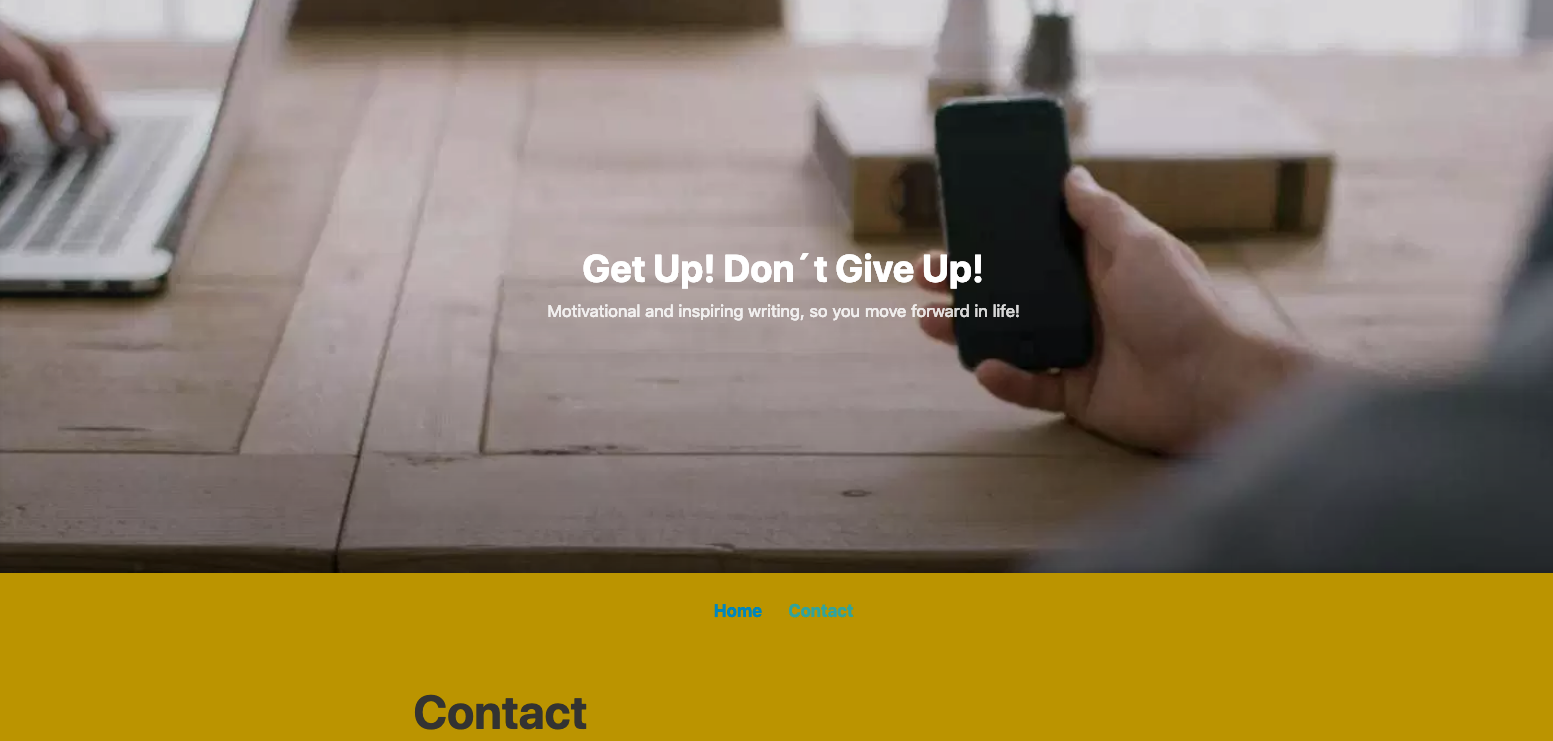
And when I view that page in the editor I see the same featured image set there:
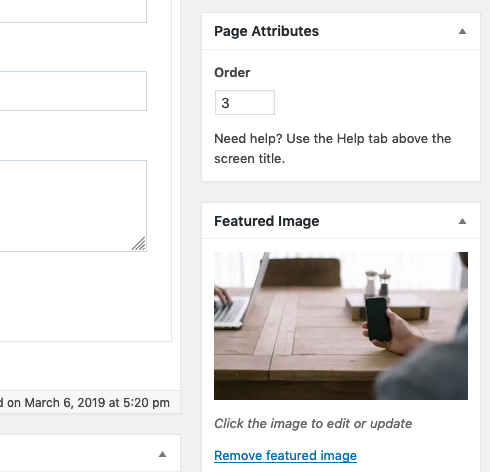
So the image that’s displaying is the image you currently have set. Nothing is broken.
If you want a different image to display, go to My Site ->Pages and edit the contact page. In the sidebar, edit the Featured Image, and select the image you actually want to use. Then update the page.
If you don’t see a featured image option in the sidebar of the editor, make sure you have the Document tab selected, and not the Block tab.
-
-


- The topic ‘Header Failed Changing Image’ is closed to new replies.
 WordPress.com Forums