Refreshing Photobucket image links to clear watermarks
-
After a management and policy restructuring, my Photobucket third-party image links continue to display watermarks on my blog. After unsuccessfully clearing the cache from Edge, Chrome, and IE; the watermarks continue to display. Just to check, does WordPress use any type of image cache that I should clear also?
-
Howdy – What is the site URL? Please provide that information so we can take a closer look.
-
Hi there,
That is how the images are being sent to us from Photobucket, so there’s nothing we can do on our end to change it.
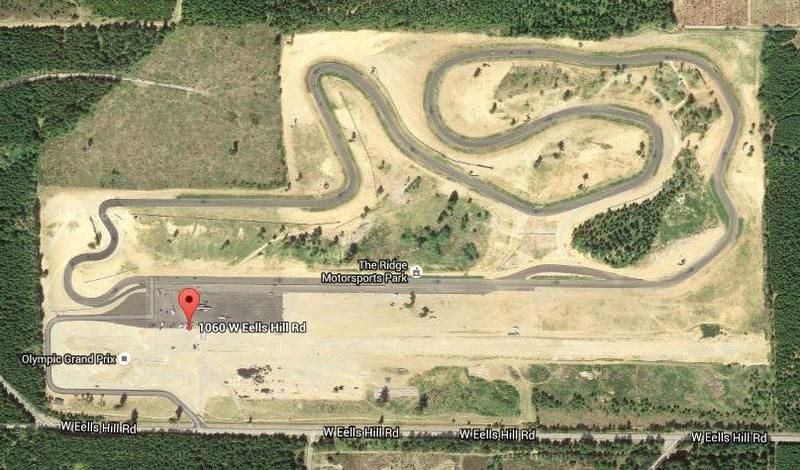
If you look at your post at https://ericracesbikes.wordpress.com/2016/03/17/a-quiet-start-to-the-2016-season/, for example. The first image in that post is embedded via the Photobucket URL, http://i88.photobucket.com/albums/k192/skipper0802/TheRidgeCourse_zpsoybkiu0l.jpg, and if you visit that URL in your browser directly you’ll see it still shows the watermark.
I’m going to guess the non-watermarked image on Photobucket’s end has a different URL, and you’d need to update the image in the post with the correct URL for the correct image to show on your site.
-
Thanks Kokkieh,
I appreciate your information in helping me solve this issue.
Cheers and Happy Holidays,
Eric -
I learned that Photon (now called “site accelerator” within Jetpack) has cached my (old) link URLs that have the watermarked versions. That is to say, links that have “i[0,1,2].wp.com” in them.
The Photobucket source graphics have since been cleaned-up. Problem now is…I can’t seem to dump the Jetpack/site accelerator cache with all these old links. I can’t find the option within my blog menu at wordpress.com.
Not very pleased about this.
-
Ahhh, did you update the images through FTP or through the Media Library? Jetpack won’t know to fetch new images if you uploaded over the old urls. We’ll send an email to get more information.
-
Hi Supermovia,
Thank you for responding! I used FTP/3rd-party link for my images originally. All my Photobucket repository images have the original, restored URL without the (offending) watermark. Only the URLs in Photon/Site Accelerator with the “i[0,1,2].wp.com” prefix have the watermark image version.There are a small number of images within the various posts of my blog that are not affected. These particular images were directly uploaded to my media library at WordPress.com.
I found a separate email response. I hope I eventually learn to disable the Photon/Site Accelerator feature for the near term. I’ve also included a list of affected images in the separate email response in as much as I could find them.
I would really like to see a “per image” or “whole cache” flush/reset/dump” feature, and would gladly pay a fee. I hope to see this option in the future.
Sincerely,
Eric Abbott -
Thanks for the reply and the feature suggestion, Eric. I see that Jetpack staff are now assisting you in the email. They should be able to take it from here. Let us know if you have any other questions.
Thanks,


- The topic ‘Refreshing Photobucket image links to clear watermarks’ is closed to new replies.
 WordPress.com Forums